Which Customers Are on Instagram, LinkedIn or Threads?
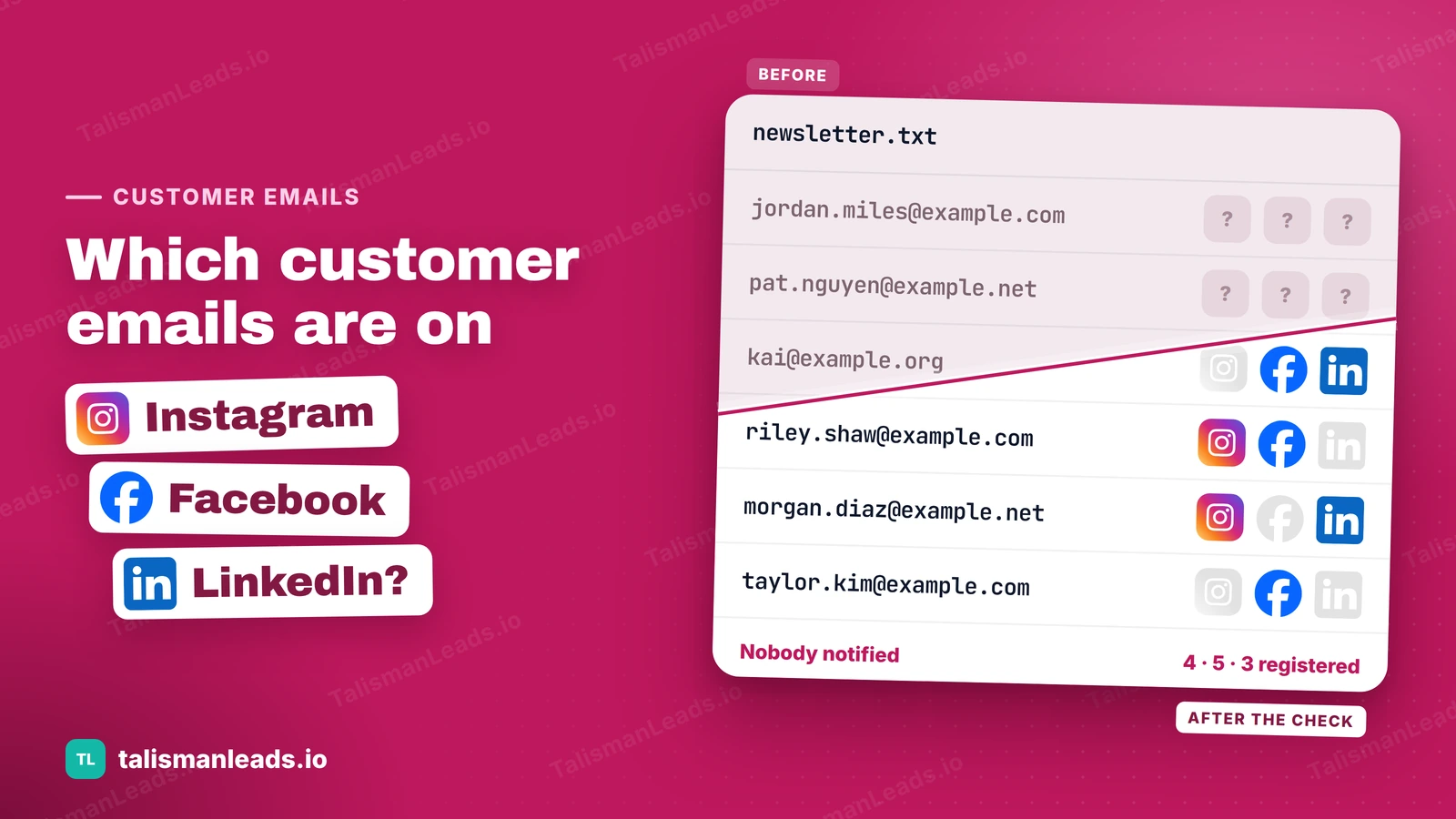
To find out which of your customers use Instagram, LinkedIn or Threads, check the phone numbers and email addresses you already hold against each platform. A bulk check marks every entry registered or not registered, without messaging, following or alerting anyone. You then know how much of your list each platform can reach, before you spend on content, ads or a new channel.
This guide covers what each check returns, how to read the results honestly, and what each platform actually lets a business do with the customers it finds there.
Why check your own list against social platforms#
A business usually decides where to show up based on guesses: "our customers are on Instagram", "our buyers are on LinkedIn". Checking your own list replaces the guess with a share:
- Planning content. If a large part of your list is on Instagram but few are on Threads, that tells you where a content budget should go first.
- B2B outreach planning. For a business that sells to companies, a high share of customers with a LinkedIn account suggests LinkedIn is worth a company page and regular posts.
- Ads. Knowing that most of your customers are on Instagram helps you judge whether Meta's ad placements deserve part of your budget.
The point is the overall picture of people who already chose to do business with you, not finding out about any one person.
What each check returns#
TalismanLeads checks five things, each as a separate file:
- Instagram Number Checker: whether a phone number has an Instagram account attached, at $1.50 per 10,000 numbers.
- Instagram Email Checker: whether an email address is registered with Instagram, at $0.60 per 10,000 emails.
- Threads Number Checker: whether a phone number has a Threads account, at $1.50 per 10,000 numbers.
- LinkedIn Number Checker: whether a phone number is linked to a LinkedIn account, at $6.00 per 10,000 numbers.
- LinkedIn Email Checker: whether an email address is registered with LinkedIn, at $0.60 per 10,000 emails.
Each entry comes back registered or not registered, in a result file you can download. That is all: no username, no profile, no posts or follower counts. Nobody on your list receives a message, a follow, a connection request or a login alert.
Reading the results honestly#
A registration check answers a narrow question, so read it as a minimum, not a census:
- A "no" is about that number or address, not the person. Someone may have signed up with a different email, or never added a phone number to their account.
- Number and email can disagree. Instagram accepts either at sign-up, so a customer may match on one and not the other. If you hold both, check both.
- LinkedIn favors personal emails. People often join LinkedIn with a personal address and add a work one later, so a file of only company addresses can undercount members.
- Instagram and Threads are separate answers. Being on one does not mean being on the other, so the shares for the same numbers can differ, which is exactly what tells you whether Threads deserves its own plan.
- Accounts change. People join, leave and change details, so check again before reusing old results.
What each platform lets a business do next#
Knowing a customer is on a platform does not give you a way to message them there. Each platform sets its own rules, and they are stricter than many marketers assume.
Instagram: you reply after the customer writes first#
A business can send Instagram messages through Meta's messaging API only after the customer has messaged its professional account. Meta's documentation is explicit: "Only after an Instagram user has sent your app user's Instagram professional account a message can your app send a message to the Instagram user" (Meta). The reply window lasts 24 hours for most actions, up to 7 days when the conversation starts from a Click-to-Direct ad, and a separate 7-day Human Agent window covers replies from a person on your team (Meta's messaging policy).
So use your Instagram share to plan posts, Stories and ads that invite customers to write to you, not to send them first messages.
Threads: a place to publish#
Meta's Threads API is built for publishing posts and managing replies on your own profile (Meta). A business uses Threads by posting where its customers already are, so the Threads share of your list tells you whether a regular posting plan is worth the effort.
LinkedIn: no automated messages#
LinkedIn does not allow automated messaging. Its rules prohibit using "bots or other unauthorized automated methods to access the Services, add or download contacts, send or redirect messages" (LinkedIn), and accounts that do so risk being restricted or shut down. A high LinkedIn share is a reason to invest in your company page, posts and personal, human outreach, not in a sending tool.
Ads: let the platform match your list#
If you want to show ads to existing customers, Meta's Ads Manager has its own Customer List audiences, where you upload your list and Meta does the matching under its own terms (Meta Business Help). A registration check tells you in advance roughly how much of your list such a campaign could reach.
How to run the checks on TalismanLeads#
- Export your list and split it into phone numbers and email addresses: each checker takes one kind per file.
- Format the numbers with the country code, one per line, for example +14155550142. Emails go one per line too. A free account gives you the Number Cleaner and Email Cleaner in Free Tools to remove invalid entries and repeats first.
- Upload each file to the checker you need. The exact price shows before anything is charged, and every file is billed as at least 2,000 entries.
- Download the results a few minutes later and count the registered share for each platform.
A check that cannot be completed is refunded to your balance. Businesses can try the checkers on their own list with a $5, 14-day free trial.
Use it on your own customers only#
These checks are meant for people who already gave you their number or email, to plan how you serve them. Do not use them to look up strangers or to build lists of people to contact, and keep only the result you need, for as long as you need it. A registration on a platform is not consent to be contacted there.
Frequently asked questions#
Can I find out if an email address has an Instagram account?#
Yes, in bulk. The Instagram Email Checker marks each address on your list registered or not registered, without notifying the owner. It does not return the username.
Does a LinkedIn check give me the profile?#
No. The LinkedIn number and email checks return registered or not registered only, as a quick count of how much of your list is on LinkedIn.
If a customer is on Instagram, are they on Threads too?#
Not necessarily. They are separate answers for the same number, which is why it is worth checking both before planning content for each.
Can I message customers on Instagram after the check?#
Only once they message your professional account first. Meta allows business messages within a reply window that a customer's message opens, so plan posts and ads that invite them to write.
Can I automate messages to customers on LinkedIn?#
No. LinkedIn prohibits bots and automated methods that send messages, and accounts that use them risk restriction.
Why would a real customer read as not registered?#
The account may use a different email or no phone number at all. Read each result as a minimum share of your list rather than an exact count.
Start with your newsletter list on the Instagram Email Checker and see how much of your audience is already there.
Was this helpful?