Which Customers' Emails Are on Instagram, Facebook or LinkedIn?
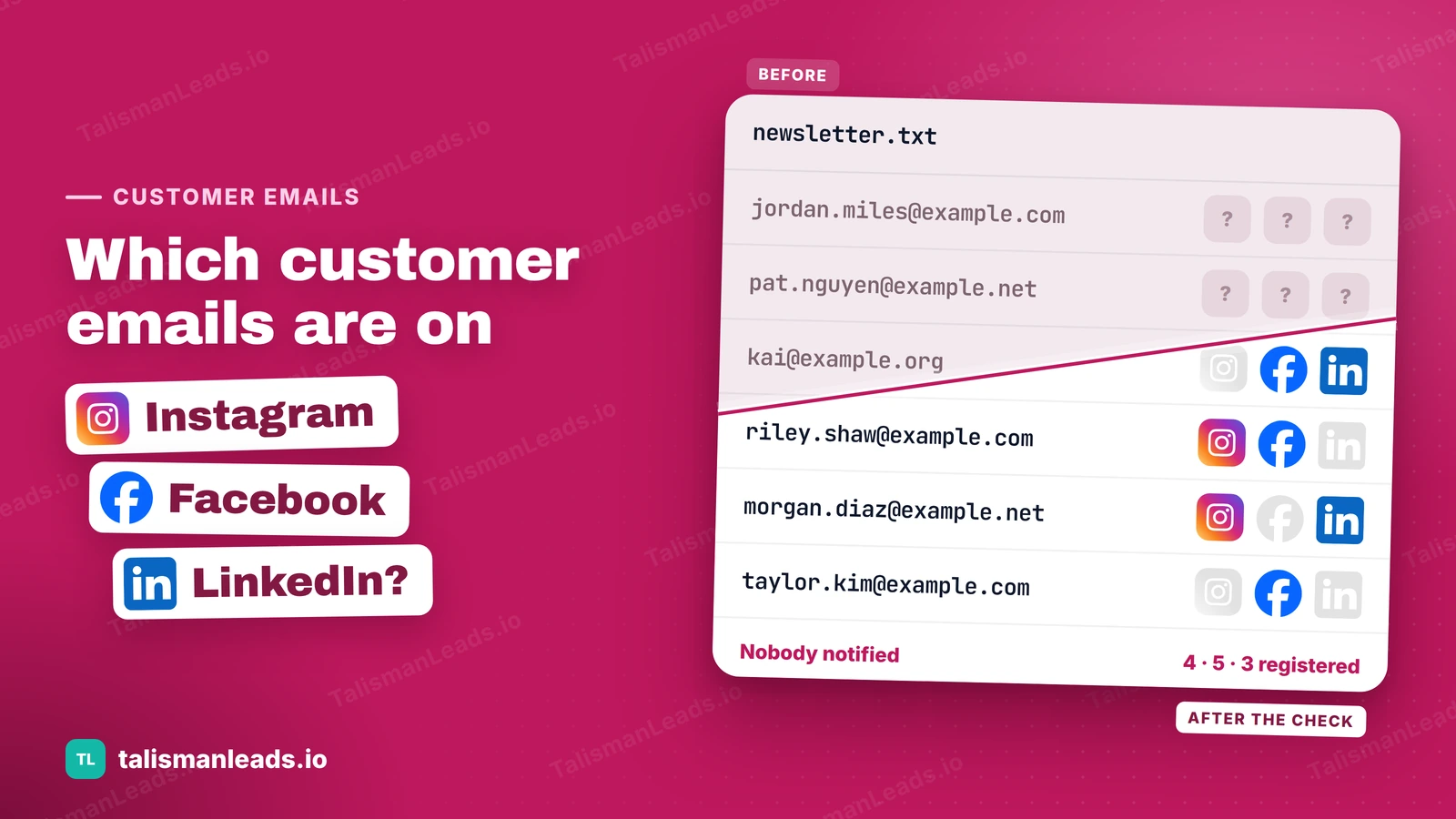
To check whether an email address is registered on Instagram, Facebook or LinkedIn, upload your customer email list to the matching email checker. Each address comes back registered or not registered, and nobody on the list receives an email, a login alert or a connection request. You learn how much of your list each platform covers before you spend on content or a customer-list ad.
This guide is for a business checking its own customers and subscribers: what each check returns, how to read the share, and what Meta and LinkedIn allow next.
Why check by email rather than by phone#
Many businesses hold email addresses and few phone numbers. A newsletter sign-up asks for an email, a SaaS account is opened with one, and a B2B lead list or CRM export is mostly addresses with no phone number at all. For a list like that, only an email check covers everyone. Two more reasons:
- Ads match on email. When you upload a customer list to Meta or LinkedIn as an audience, email is the identifier you are most likely to have for everyone. A registration check tells you roughly how much of that list is on the platform before you build the audience.
- Compare the price per entry. The Instagram Email Checker is $0.60 per 10,000 emails, against $1.50 per 10,000 numbers for the Instagram Number Checker. For LinkedIn it is $0.60 for emails against $6.00 for numbers.
If you hold phone numbers too, the phone checks are covered in Which Customers Are on Instagram, LinkedIn or Threads?. Checking both gives the fuller picture.
The email checkers and what each returns#
TalismanLeads sells five platform email checkers that a business can use on its own customer list:
- Facebook Email Checker: whether an address is registered with Facebook, at $0.60 per 10,000 emails.
- Instagram Email Checker: whether an address has an Instagram account, at $0.60 per 10,000 emails.
- LinkedIn Email Checker: whether an address is registered with LinkedIn, at $0.60 per 10,000 emails.
- Amazon Email Checker: whether an address has an Amazon account, at $3.00 per 10,000 emails.
- Spotify Email Checker: whether an address has a Spotify account, at $3.00 per 10,000 emails.
The result file has two columns: the address exactly as you sent it, and activated, which says registered or not registered. For Facebook and Instagram you also get the registered and unregistered addresses as separate files. That is the whole answer: no name, username, profile link or follower count. Personal, creator and business Instagram accounts read the same, Amazon does not show Prime, and Spotify does not show the plan.
Nothing reaches the people on your list. No email, password-reset message, sign-in code or connection request is sent. The check runs on our side, and the person is unaware of it.
Read the share as a minimum#
An email check answers a narrow question: does an account use this exact address? A "not registered" result says nothing about the person. Read the registered share as the least that is true:
- People have more than one address. A customer may have joined Instagram with a personal Gmail and bought from you with a work address, which then reads not registered.
- LinkedIn leans on personal addresses. People usually open LinkedIn with a personal email and may add a work one later. A B2B list of company addresses can therefore undercount LinkedIn members.
- Aliases and role addresses. An address made just for your shop, such as a plus alias, may not be the one the person uses elsewhere. A role address such as sales@ or info@ belongs to a team inbox, not to one person, so leave role addresses out when you count.
- Accounts change. People close accounts and change emails, so an old result drifts. Check again before you reuse it.
For example, a shop checks 4,000 newsletter addresses and 2,520 come back registered on Instagram. At least 63% of its subscribers are on Instagram, which is enough to decide whether Instagram deserves a bigger part of the plan.
Being registered also does not prove that the mailbox still accepts mail. That is a separate check, explained in How Email Verification Works: What Valid, Invalid and Unknown Mean.
What each platform lets a business do next#
Knowing that a customer's email is on a platform does not give you a way to message them there. It helps you plan content and customer-list ads, under each platform's own rules.
Facebook and Instagram: a customer list audience in Meta Ads Manager#
Meta lets an advertiser upload a customer list and show ads to the people Meta can match. Meta's Custom Audience Terms set three conditions:
- Hashing. Contact details are hashed before they reach Meta. Meta's developer guide asks for SHA-256, with each email trimmed and lowercased first (Meta for Developers).
- Permission. You confirm you have "all necessary rights and permissions and a lawful basis" to use the list. For your own customers, that rests on what your sign-up form told them.
- Deletion. Meta deletes the uploaded list data once matching is done, unless you choose optional features that keep it.
Your Facebook and Instagram shares give an early sense of how much of the list could match, but Meta matches by its own rules, so the audience size in Ads Manager will not equal your registered count. Meta's own guide is About customer list custom audiences.
Messaging is different: on Instagram a business can reply only after the customer writes first, as the Instagram, LinkedIn and Threads post linked above explains.
LinkedIn: Matched Audiences from a contact list#
In LinkedIn's Campaign Manager, a contact list becomes a Matched Audience. LinkedIn hashes the list in your browser before it reaches LinkedIn, or you can upload emails already hashed with SHA-256. Contact list data is deleted automatically within 30 days (LinkedIn Help).
Three rules shape what a B2B list can do there:
- Consent and notice. Under section 13.1 of the LinkedIn Ads Agreement, you agree that you gave the people on the list clear notice and "obtained valid consent (to the extent required by Applicable Law)".
- A minimum of 300. An ad set's audience needs at least 300 matched member accounts (LinkedIn Help). A small list with a low LinkedIn share may not reach it, and your check tells you that before you build the campaign.
- Members can opt out. Members can switch off advertisers' use of their data through the "Data from others for ads" setting, and LinkedIn never tells you which members saw the ad (LinkedIn Help). The matched audience can therefore be smaller than your registered share.
LinkedIn does not allow automated messages, so a high LinkedIn share is a case for ads, a company page and personal outreach, not for a sending tool.
Amazon and Spotify: choose the link you show#
Their share is most useful for deciding what you put in front of your own subscribers. A brand that sells on Amazon can see how much of its own newsletter already shops there and point those readers to its storefront. A label, venue or podcast can see how many subscribers use Spotify and put a Spotify link first, without sending a survey that most readers would ignore.
How to run the checks on TalismanLeads#
- Export only your own list: customers and subscribers who gave you their address and agreed to hear from you.
- Clean it first. Our upload refuses a whole file if a single line is not a valid email address, before anything is charged. The free Email Cleaner (with a free account) lowercases the list, removes repeats and invalid lines, can drop role addresses, and sends the cleaned list straight to an email checker.
- Upload one file per checker, one address per line. You see the exact price and confirm before anything is charged. A 25,000-address list costs $1.50 on the Instagram Email Checker, and every file is billed as at least 2,000 entries.
- Download the results and count the registered share per platform.
A check that cannot be completed is refunded to your balance, and credits never expire. Running the very same file again soon afterwards can return your earlier result, so re-check when time has passed. How often to re-check is covered in Email List Decay: How Often to Re-Check and When to Let Go. Businesses can apply for a $5, 14-day free trial to test the checkers on their own data.
Use it on your own customers only#
These checks are for people who already gave you their email. Do not use them to look up strangers, to work out who a person is, or to build a list of people to contact. A registration on Facebook or LinkedIn is not consent to be advertised to or messaged. Your consent comes from your own sign-up form, and the rules for it are in Email Opt-In and Unsubscribe Rules: CAN-SPAM, GDPR and Soft Opt-In. Keep only the result you need, such as the share or a segment flag, for as long as you need it.
Frequently asked questions#
How do I check if an email is registered on Instagram?#
Put the addresses in a .txt file, one per line, and upload it to the Instagram Email Checker. Each address comes back registered or not registered, without the username, and the owner receives nothing.
Does the person find out their email was checked?#
No. Nothing is sent to the address: no email, login alert, password reset or connection request.
Can I see the Facebook name or profile behind an email?#
No. The Facebook Email Checker returns registered or not registered only, for counting your list, not identifying anyone.
Should I check work emails or personal emails for LinkedIn?#
Use whichever you hold, and read the result as a floor. People usually join LinkedIn with a personal address, so a list of only company addresses can undercount members.
Will my Meta or LinkedIn audience match my registered count?#
Not exactly. Each platform matches an uploaded list by its own rules, and members can opt out of advertisers' data. The registered share is a guide to the size before you build the audience.
Can I upload my customer emails to Meta or LinkedIn as an audience?#
Both allow it on their terms: the data is hashed, and you confirm a lawful basis (Meta) or notice and consent where the law requires it (LinkedIn). This is not legal advice.
Start with your newsletter list on the Instagram, Facebook or LinkedIn email checkers and see how much of your audience is already there.
Was this helpful?