Email List Decay: How Often to Re-Check and When to Let Go
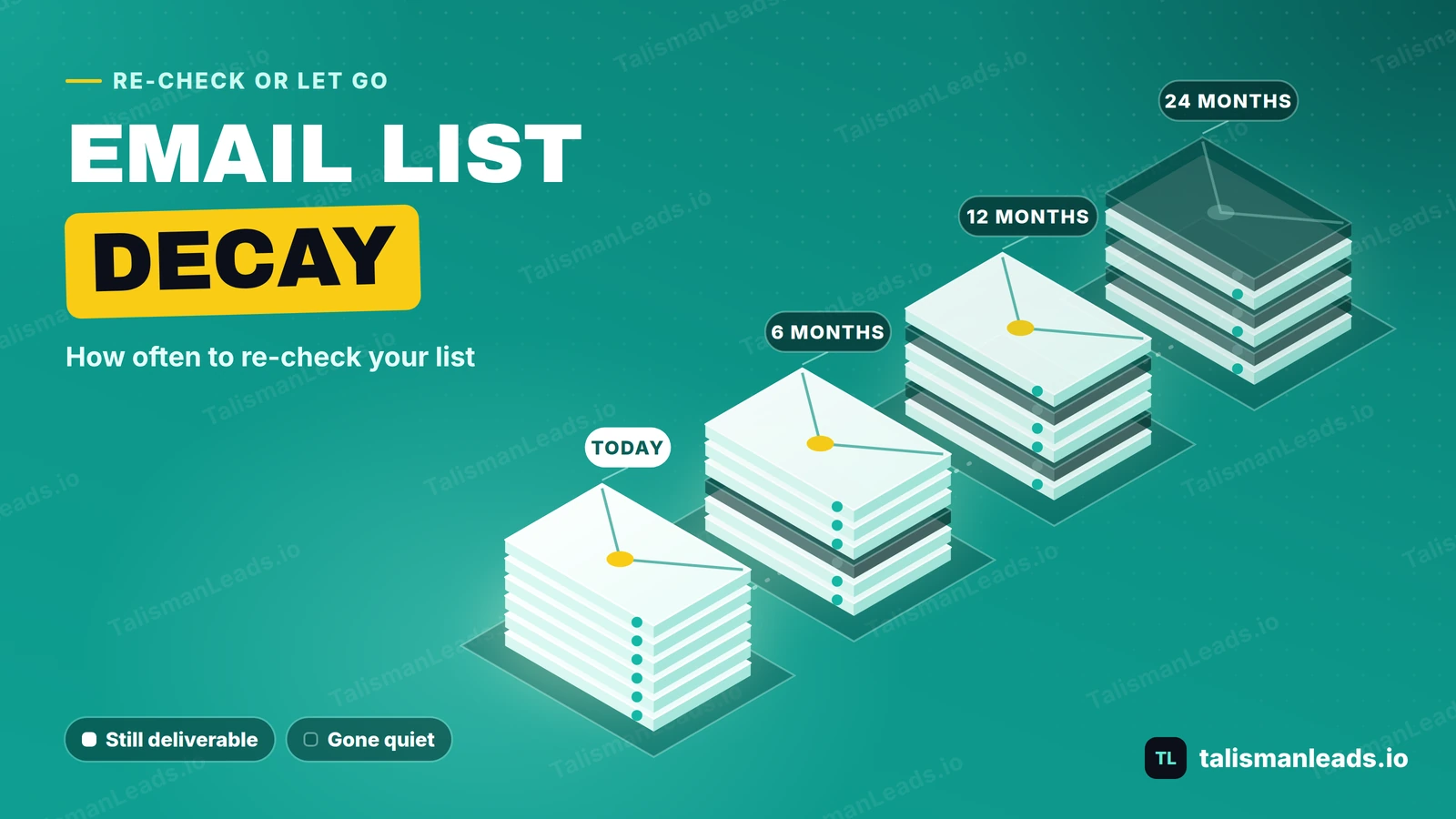
Every email list loses addresses over time: people change jobs, abandon free mailboxes that their provider later closes, and let company domains lapse. Re-check addresses that have not been mailed recently before each large send, re-verify the whole list on a schedule set by its age and type (a business list more often than a consumer list), and let go of subscribers who stopped responding once a re-engagement attempt has failed, by moving them to a suppression list rather than deleting them.
This guide is for businesses that email their own customers and sign-ups: why lists decay, what the widely quoted decay figures rest on, and a routine to run with your own numbers.
Why email lists decay#
People change jobs#
On a business list, most decay is people moving on. The US Bureau of Labor Statistics found that the median worker had been with their current employer for 4.1 years in January 2026, and that about one in five (20.6%) had been there 12 months or less. When someone leaves, their employer usually closes the mailbox, and jordan.reed@example.com starts to bounce. On a company domain that accepts mail for any address (a catch-all), it may not even bounce: mail is accepted and nobody reads it.
Free mailboxes are abandoned, then closed#
Consumers switch to a new address and stop opening the old one. The big providers close mailboxes that nobody uses, but only after a long wait:
- Yahoo: a Yahoo Mail mailbox not accessed for 12 months becomes inactive, stops receiving new email and is deleted. Signing in to the account without opening the mailbox does not count.
- Google: a personal Google Account not used within a 2-year period may be deleted, Gmail included.
- Microsoft: a Microsoft account (Outlook.com, Hotmail) must be signed in to at least once in two years, or Microsoft may close it.
Until that happens, an abandoned mailbox still exists, so a verifier reports it as valid. It accepts your email, and nobody reads it. Only engagement shows that it has gone quiet.
Domains lapse#
Small businesses close or rebrand and stop renewing their domain. Under ICANN's rules for expired names, the registrar disrupts the domain's services before deleting it, so its email stops working; after a 30-day redemption period, every address at it is gone.
Some addresses were never good#
Typos and fake sign-ups enter at the form and look like decay later. Catch them at the door: see How to Detect Fake Sign-Ups With Phone and Email Checks.
How fast do email lists decay?#
The figure you will meet most often is about 22% a year. Here is where it comes from.
- "22.5% a year" appears on HubSpot's database decay page. Its footnote attributes it to MarketingSherpa research that "B2B data decays at a rate of 2.1% per month", annualised to 22.5%. We could not find the original study in public, and it was about business data, not email lists in general.
- "At least 23%" comes from ZeroBounce's Email List Decay Report, a verification vendor's count of the addresses it checked in 2025 (more than 11 billion), with yearly figures between 22% and 28% since 2021. That is the share of invalid and risky addresses in lists people chose to send for verification, often because they suspected a problem. It is not the rate at which a given list loses addresses.
So no independent, current figure exists. A quarter a year is a fair warning of scale, not a number to plan by. Your own bounces and verification results are a better guide: if a check six months after the last one finds 4% of the list invalid, that is your list's decay rate for half a year.
How often to re-check your list#
After every send#
- Suppress hard bounces at once. The address does not exist; never send to it again.
- Suppress repeated soft bounces. M3AAWG's Sender Best Common Practices suggest removing an address that bounces at least two times in a row over two weeks or more, and Google's sender guidelines ask senders to automatically unsubscribe recipients with multiple bounces.
- Honour unsubscribes and spam complaints before the next campaign goes out.
Before each large send#
Verify every address that has not been mailed or verified in the last three months. A list that sat unused for six months or more should be verified in full, then sent to in smaller batches first, so a burst of bounces from one old segment does not land all at once. The reasons are in Email Deliverability Basics.
Re-verify the whole list on a schedule#
How often depends on the list's type and how often you mail it. No mailbox provider sets these intervals; treat them as a starting point and tune them by what each check finds.
- New sign-ups: check at the form, with a confirmation email.
- Business list (company domains): every three months, because job changes run all year.
- Consumer list mailed weekly or monthly: every six months; your bounce handling catches most of the rest.
- List not mailed for six months or more: verify in full before the next send.
- Data more than a year old, or from an old system: verify it, and check you still have permission for every address. A valid mailbox is not consent.
If a check finds few invalid addresses, stretch the interval; if many, shorten it.
Re-engage, then let go#
An address that verifies as valid but has not engaged for months may be an abandoned mailbox. Before you drop it, ask. Google's guidelines suggest messages "to confirm that recipients want to stay subscribed", and Yahoo's best practices suggest a reconfirmation email to inactive subscribers. Two or three short emails over two or three weeks are enough: a plain subject such as "Do you still want our emails?" and one button to stay.
Be careful how you decide who is inactive. Apple's Mail Privacy Protection downloads remote content, tracking pixels included, "in the background by default", regardless of whether the person reads the email. Apple Mail users who protect their activity can therefore show as opened when they never looked, so judge activity on clicks, replies, purchases or logins instead. Six months without any of them is a common starting point; a seasonal business, or one that emails rarely, should wait longer.
Those who respond stay. Those who do not are not deleted: they move to your suppression list.
Keep a suppression list, not a deleted list#
A suppression list holds every address you must not send to: hard bounces, repeated soft bounces, unsubscribes, complaints and the subscribers you retired. Check every import against it. If you delete those addresses instead, the next import of an old spreadsheet or CRM export brings them straight back, unsubscribes included, and mailing someone who opted out breaks the rules every sender must follow (see Email Opt-In and Unsubscribe Rules).
What to measure#
These numbers tell you whether the routine works:
- Hard bounce rate per send. Rising bounces mean the list is ageing faster than your schedule.
- Invalid share at each re-verification. Compare one check with the last; this is your own decay rate.
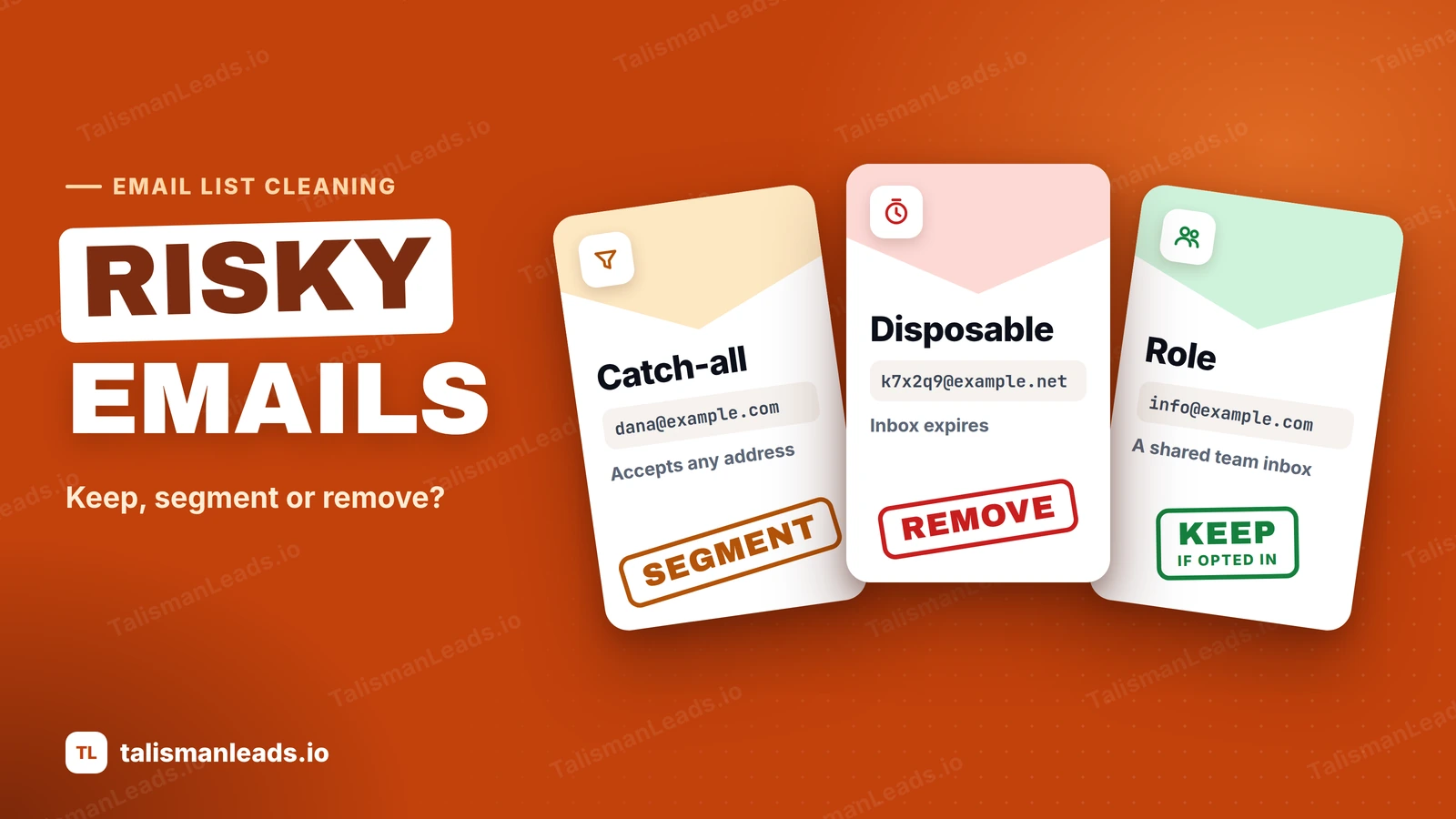
- Unknown and catch-all share. These cannot be confirmed either way; see Catch-All, Disposable and Role Emails.
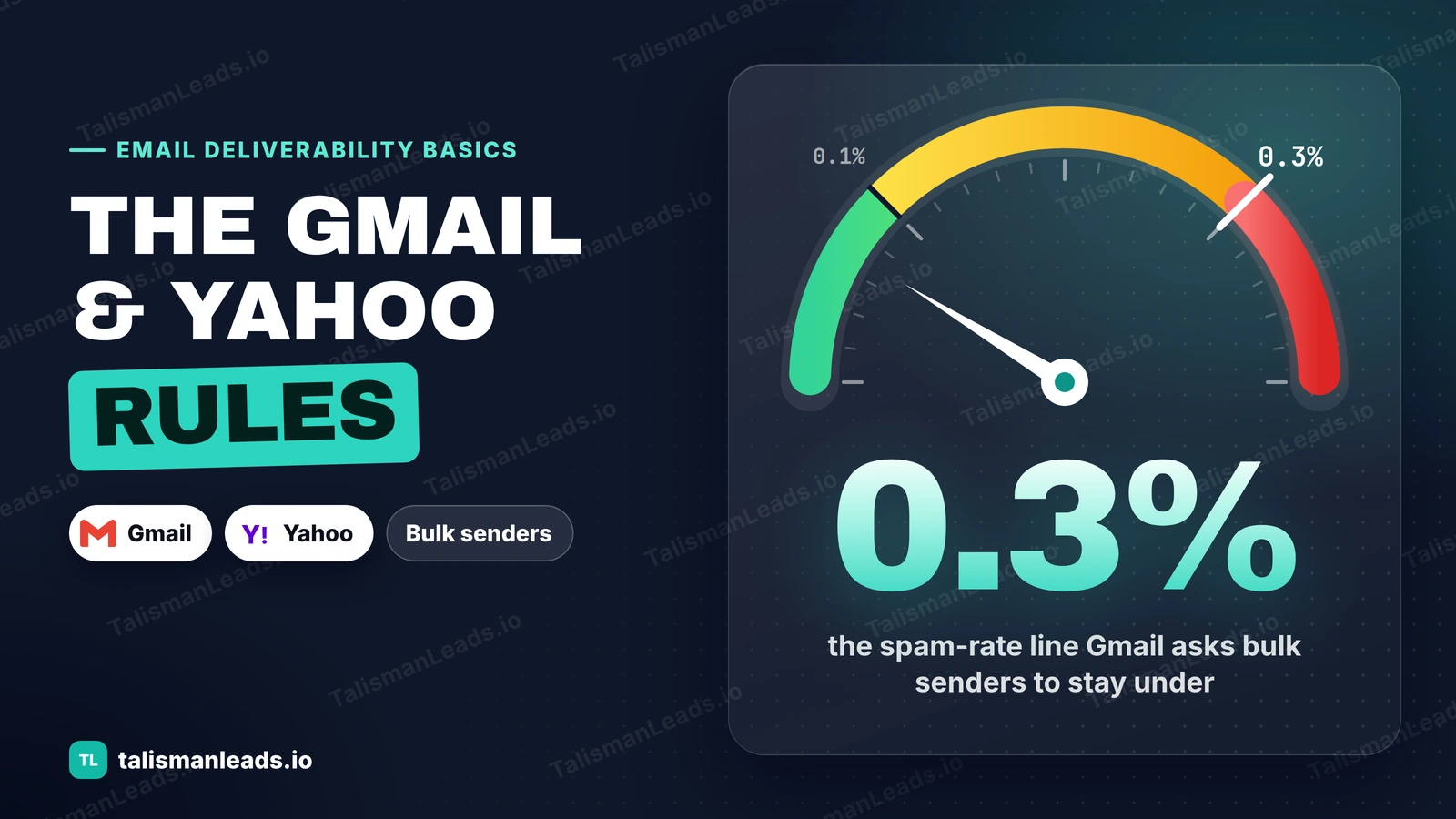
- Spam complaint rate in Google Postmaster Tools: Google asks bulk senders to stay below 0.10% and never reach 0.30%.
- Inactive share: subscribers with no click, reply or purchase in six months. If it keeps growing, re-engage sooner or send less often.
- Unsubscribe rate after each campaign.
How TalismanLeads' email checks fit the routine#
Start each re-check with the free Email Cleaner (with a free account): it lowercases up to 200,000 addresses at a time, removes duplicates and impossible addresses, and can drop role addresses such as info@. Then send what is left to the Email Deliverability Checker, which finds whether each mailbox exists and can receive mail, across Gmail, Yahoo, Outlook, iCloud, Yandex and Mail.ru. It costs $9.00 per 10,000 addresses, so re-verifying a 25,000-address consumer list twice a year costs $22.50 each time.
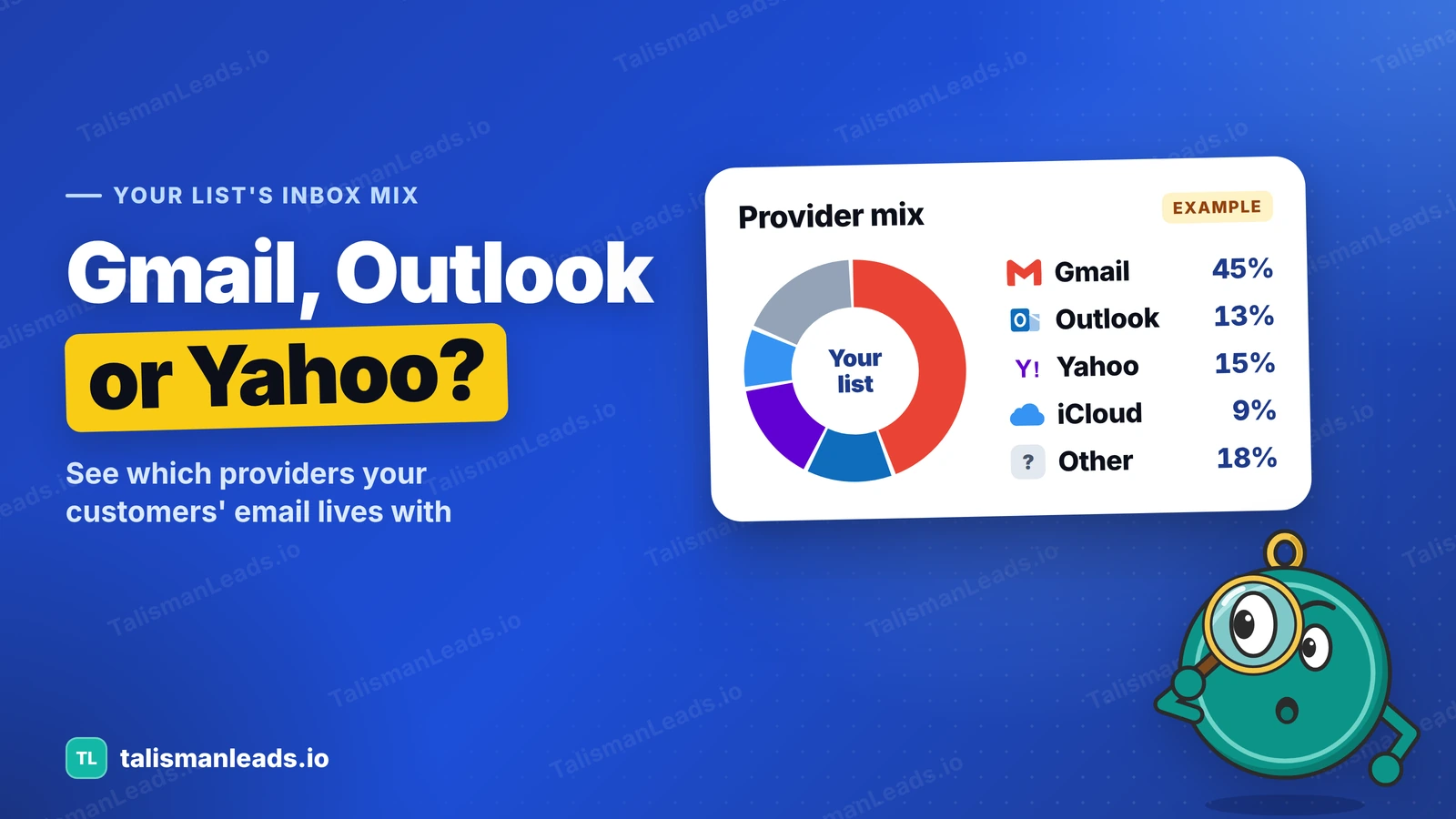
Be clear about one limit. The Email Deliverability Checker covers those six personal mailbox providers; addresses at company domains are left out of the check and not charged. That makes it a good fit for consumer lists, which are mostly Gmail, Yahoo, Outlook and iCloud, but company-domain addresses on a business list need another route: your sending platform's bounce data, re-engagement, or a verifier that checks company domains. See how your list splits in Which of Your Customers Use Gmail, Outlook or Yahoo?, what each result means in How Email Verification Works, and the one-off clean-up in How to Clean an Email List Before Your Next Campaign.
Nothing is sent to the addresses you check. Every file is billed as at least 2,000 entries, the exact price is shown before anything is charged, and a check that cannot be completed is refunded to your balance. Credit never expires, so a balance topped up once covers the next quarter's re-check too. Businesses can try it on their own list with a $5, 14-day free trial.
Frequently asked questions#
What is a normal email list decay rate?#
There is no independent figure. The often-quoted 22.5% a year is a monthly figure for B2B data, annualised, and one verification vendor finds 22% to 28% of the addresses it checks invalid or risky. Measure your own: the invalid share each time you re-verify.
How often should you clean your email list?#
Verify addresses not mailed in three months before each large send, re-verify a business list every three months and a regularly mailed consumer list every six, and verify any list left unused for six months in full before mailing it. Suppress bounces after every send.
Should I remove subscribers who don't open my emails?#
Not on opens alone. Apple Mail Privacy Protection can record opens nobody made, so judge on clicks, replies and purchases. Send inactive subscribers two or three re-engagement emails first, then move those who do not respond to your suppression list.
Does email verification find abandoned mailboxes?#
Not until the provider closes them. An abandoned Gmail, Yahoo or Outlook mailbox still exists and verifies as valid until Yahoo's 12 months or Google's and Microsoft's two years have passed. Engagement is the signal in the meantime.
Is it safe to email a list I have not used in a year?#
Only after you verify it in full, confirm you still have permission for each address, and send in small batches first while watching bounces and complaints.
Re-check your consumer list with the Email Deliverability Checker before your next large send.
Was this helpful?