Email Deliverability Basics: Bounces, Reputation and the Gmail and Yahoo Rules
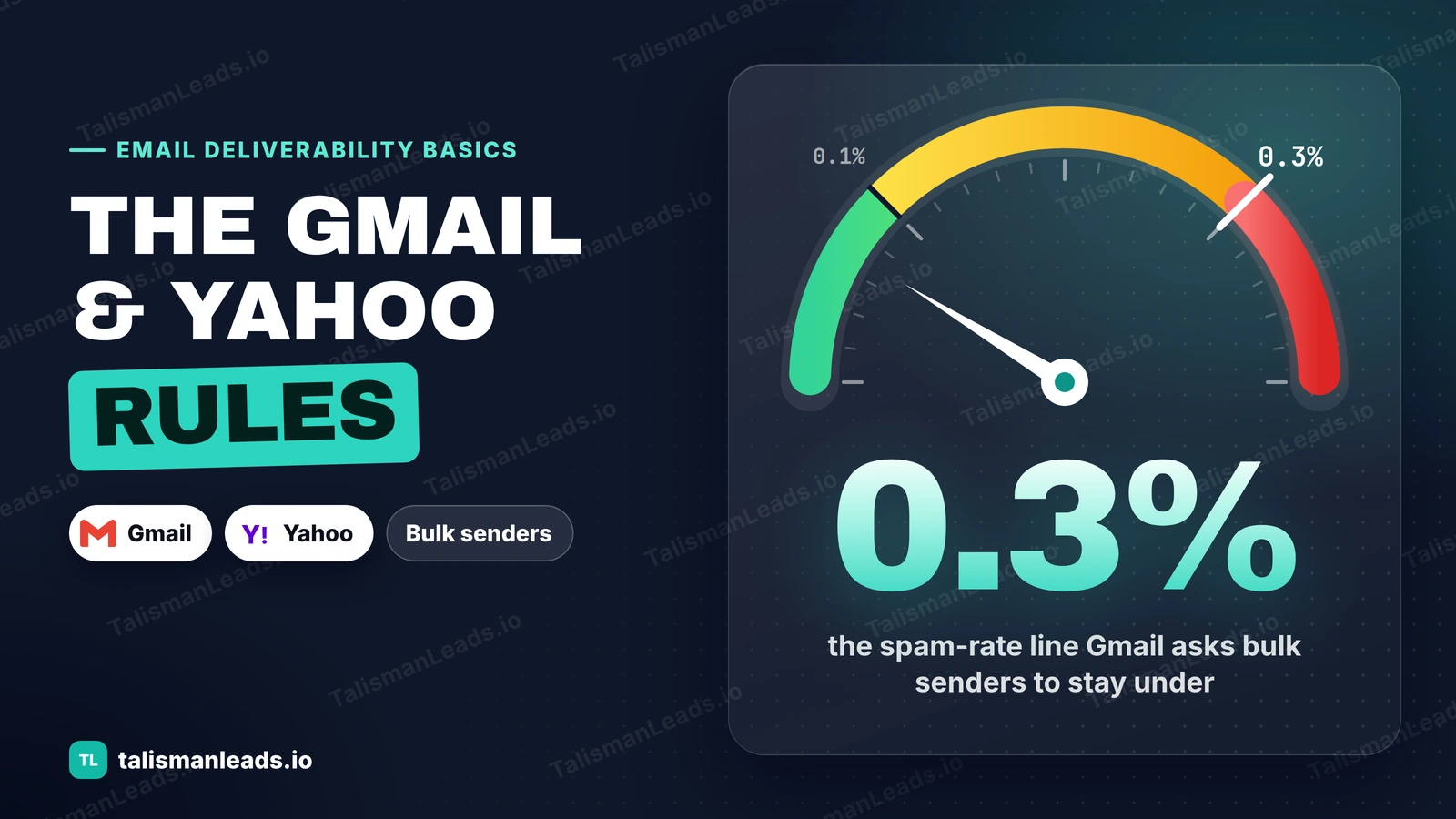
Email deliverability is whether your messages reach the inbox, not just whether a server accepts them. It rests on three things: proof that the mail really comes from your domain (SPF, DKIM and DMARC), the reputation your domain and sending IP have earned from complaints and bounces, and a list of people who exist and asked to hear from you. Since February 2024, Gmail and Yahoo have written much of this down as rules: a short list for every sender, a longer one for bulk senders, and a spam complaint rate below 0.3% for all of them.
This guide is for a business emailing its own customers and sign-ups: what each of those words means, what the rules say, where to read your figures and where checking your list fits.
Delivered is not the same as the inbox#
Every message you send ends in one of three places:
- Rejected (bounced). The receiving server refuses it and sends back an error.
- Accepted, then filtered to spam. Your platform reports it as delivered, but nobody sees it.
- Accepted into the inbox. The only outcome that counts.
Your email service provider (ESP) counts the first outcome exactly but cannot tell the second from the third, so a campaign can look fully "delivered" and still sit unread in spam folders. The mailbox providers decide that split, largely on reputation.
Hard bounces and soft bounces#
A hard bounce is a permanent failure, usually because the address does not exist: the server answers with a 5xx code such as 550 5.1.1. A soft bounce is temporary, a 4xx code for a full mailbox, a busy server or a rate limit, and the sender tries again. How to Clean an Email List Before Your Next Campaign covers both codes and when to drop an address that keeps soft-bouncing.
What matters is what you do next:
- Stop sending to hard bounces at once. Google's guidelines tell senders to automatically unsubscribe recipients who have multiple bounced messages; Yahoo's say to remove invalid recipients promptly.
- Keep your suppression list when you move. Most ESPs block known bounces automatically, but that list belongs to the platform. Export it with your contacts if you change ESP, or the dead addresses come back.
- Know your platform's limits. Mailbox providers publish no bounce-rate limit, but sending platforms do. Amazon SES, for example, asks for a bounce rate below 2%, reviews an account at 5% and may pause it at 10%.
Sender reputation: your domain and your IP#
Yahoo puts it plainly: "Each IP and DKIM domain has a reputation." Neither Yahoo nor Google publishes the scoring, but both say what moves it:
- Authentication. Only mail that passes SPF, DKIM and DMARC can be tied to your domain.
- Complaints and engagement. Every "Report spam" click counts against you (next section), and Yahoo warns that mailing people who do not read your messages harms your reputation too.
- Invalid addresses and bounces. Amazon SES notes that email providers use high bounce rates to spot senders with bad practices.
- Sending pattern. Google asks senders to start with low volume to engaged users, increase slowly, send at a consistent rate and avoid sudden spikes.
The IP is the sending server's address. On a shared IP, which small senders often get from their ESP, Google notes that each sender's activity affects everyone on it. The domain is yours, signed into every message by DKIM, and it follows you from one ESP to the next, so switching platform does not reset a damaged domain.
Spam complaints: the 0.3% line#
Your complaint rate, which Google calls the spam rate, is the share of your messages that recipients mark as spam. It is the figure both providers put a number on. Google's sender guidelines say to keep the rate reported in Postmaster Tools below 0.10% and to avoid ever reaching 0.30% or higher. Yahoo sets the line for every sender at 0.3%.
The lines are small. Postmaster Tools counts spam reports against DKIM-authenticated messages delivered to engaged recipients' inboxes (Google). On 10,000 messages that reach Gmail inboxes, 10 spam reports is 0.10% and 30 is 0.30%. Since June 2024, Google's FAQ says, bulk senders above 0.3% are not eligible for help with delivery problems.
Complaints come from people who never signed up, forgot that they did, or cannot find the way out. Verification cannot remove them; clear consent and an easy unsubscribe can. See Email Opt-In and Unsubscribe Rules: CAN-SPAM, GDPR and Soft Opt-In.
The Gmail and Yahoo rules for bulk senders#
From Google's email sender guidelines and their FAQ, and Yahoo's sender best practices, as read on November 23, 2026.
Who counts as a bulk sender#
Google counts any sender that sends close to 5,000 messages or more to personal Gmail accounts within 24 hours. Reaching it once is enough: such senders "are permanently considered bulk senders." Yahoo applies its bulk-sender rules without publishing a number.
What every sender needs#
- SPF or DKIM authentication on the sending domain.
- Valid forward and reverse DNS (PTR) for the sending IPs. Google adds that the sending IP must match the IP of the hostname in the PTR record.
- TLS for the connection (Google).
- A spam rate below 0.3%.
- Messages formatted to the mail standard, RFC 5322.
What bulk senders also need#
- Both SPF and DKIM.
- DMARC, published for the sending domain. A policy of
p=noneis enough for both providers, but Yahoo adds that DMARC must pass. - Alignment: the domain in the visible From: address must match the SPF domain or the DKIM domain. Yahoo accepts relaxed alignment, so a subdomain such as
news.example.comaligns withexample.com. - One-click unsubscribe for marketing and subscribed messages, using the
List-UnsubscribeandList-Unsubscribe-Postheaders of RFC 8058. The RFC requires both headers to be covered by a valid DKIM signature. Google excludes transactional mail, such as receipts. - Unsubscribes honored fast: within 2 days (Yahoo); Google recommends within 48 hours. Yahoo also wants a clearly visible unsubscribe link in the body.
The dates#
Enforcement started in February 2024. Senders already offering an unsubscribe link had until June 1, 2024 to add one-click unsubscribe. Google's FAQ says that starting November 2025, Gmail is ramping up enforcement on non-compliant traffic, with temporary and permanent rejections. A rejected message carries a code that names the problem, for example 5.7.27 for a failed SPF check or 5.7.30 for failed DKIM.
Outlook#
Microsoft set similar rules for Outlook.com, Hotmail.com and Live.com in April 2025: domains sending over 5,000 emails a day must pass SPF and DKIM and publish DMARC at p=none or stricter, aligned with one of them. Since May 5, 2025, non-compliant mail goes to Junk; rejection, with error 550 5.7.515, is to follow at a date Microsoft will announce.
How to see your own numbers#
Google Postmaster Tools (free, at postmaster.google.com) shows how Gmail sees your domain once you prove you own it with a DNS record. Watch Compliance status (whether you meet the sender requirements), Spam rate, Authentication, Encryption and Delivery errors (what Gmail rejected or deferred, and why). Google has said the Domain and IP Reputation dashboards will be retired, so rely on compliance and spam rate, not a reputation grade. Low-volume days may show no data.
Yahoo's Complaint Feedback Loop (CFL) sends you a copy of each spam complaint about mail signed with your DKIM domain. Yahoo says an active CFL "is needed for all DKIM domains" and is how a bulk sender checks it stays below 0.3%.
Your ESP's reports give hard and soft bounces per campaign, the suppression list and a complaint rate, which is not Gmail's. Amazon SES, for example, counts only complaints from providers that send feedback to it, so its figure can differ from the one Postmaster Tools shows. Watch both: your ESP's for every campaign, Postmaster Tools for Gmail.
Where list verification fits#
Verification deals with one input: addresses that would hard bounce. Checking before a send removes them before they cost you reputation, which matters most for an old list, an import from another system or unconfirmed sign-ups. It does nothing for authentication, complaints or consent, so it sits beside the rules above, not in place of them.
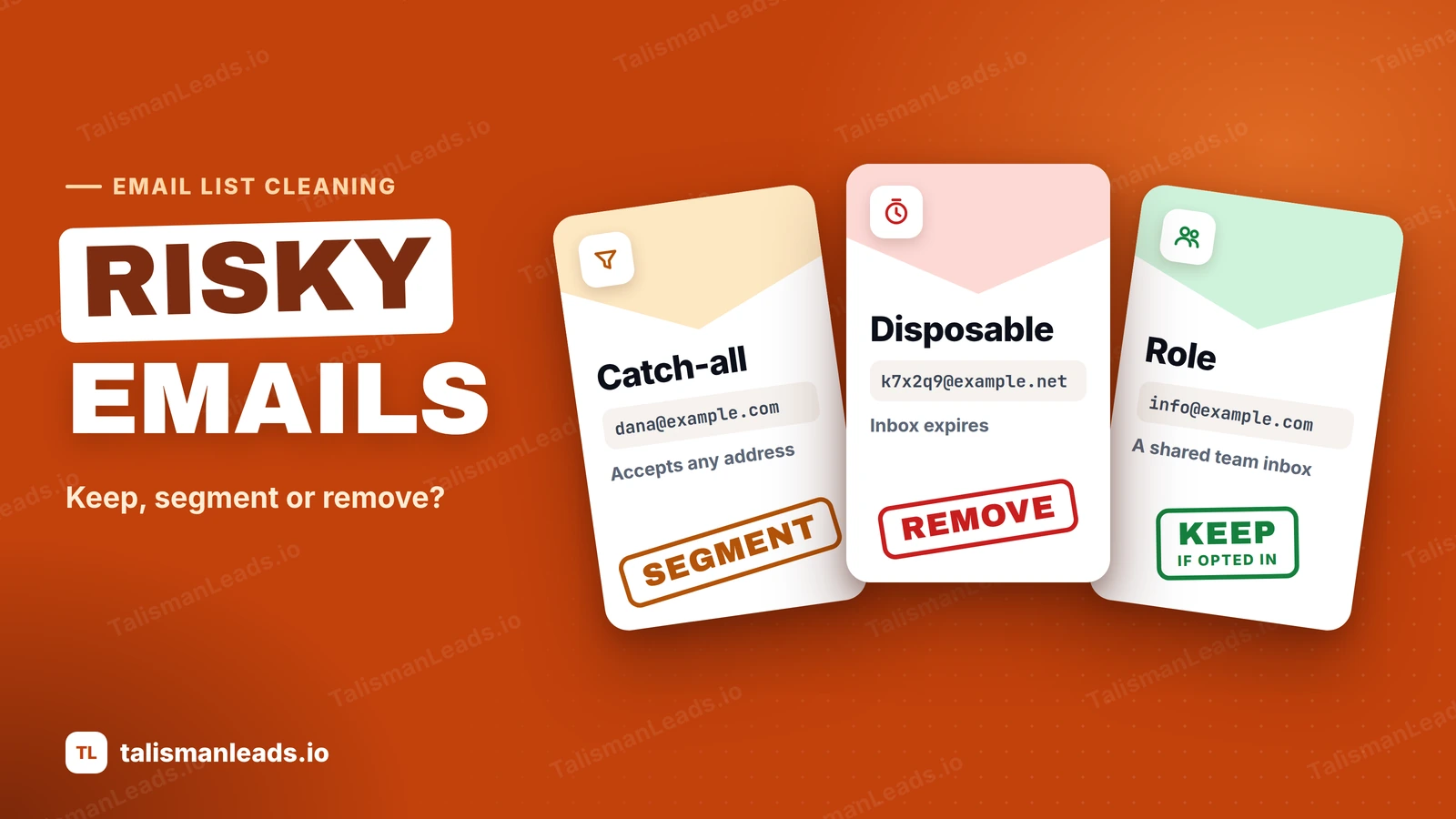
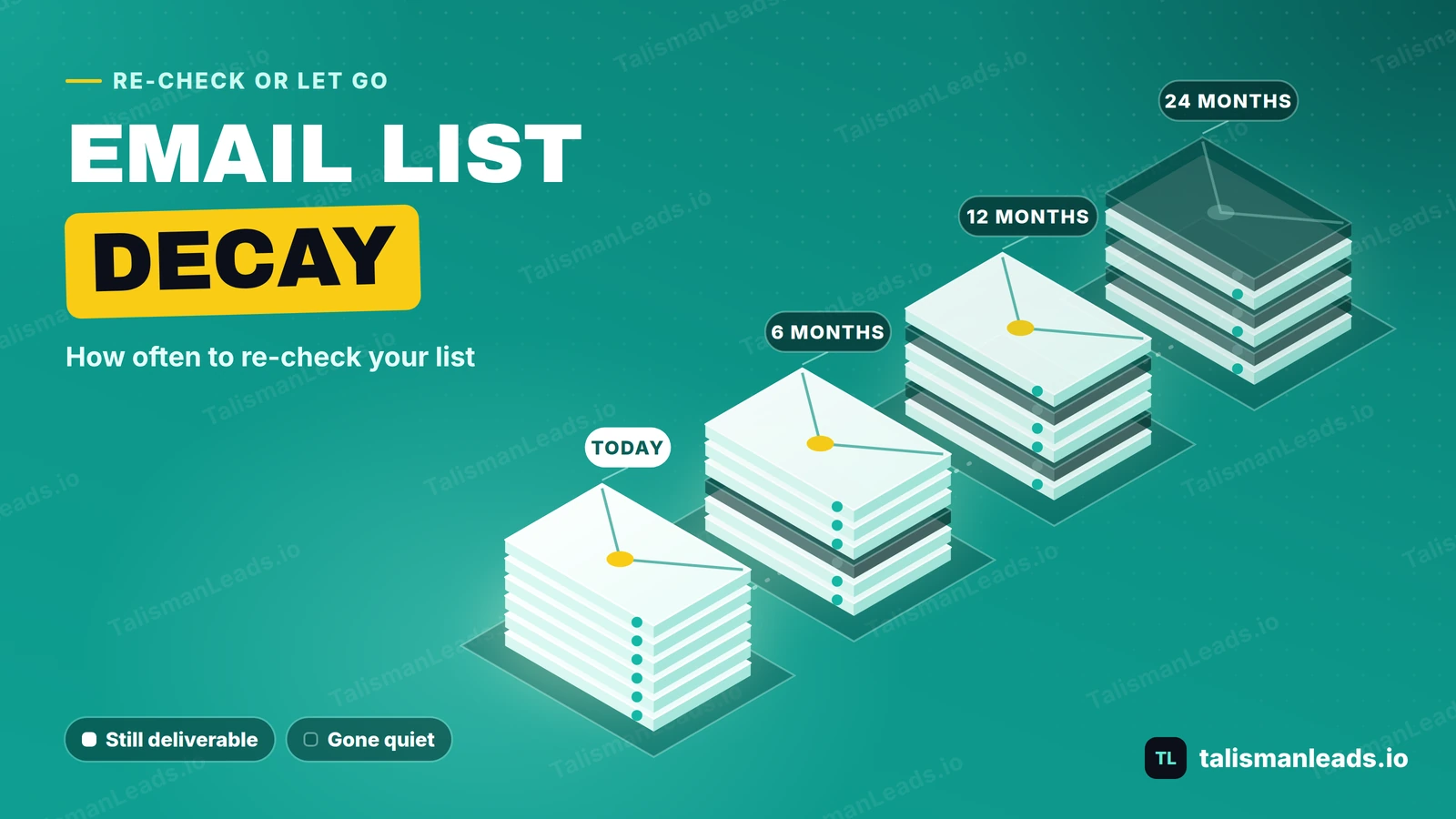
How Email Verification Works: What Valid, Invalid and Unknown Mean explains the results, Catch-All, Disposable and Role Emails the addresses that need a decision, and Email List Decay how often to check again.
On TalismanLeads the work splits in two:
- The free Email Cleaner (with a free account) takes up to 200,000 addresses, lowercases them, removes duplicates and badly formed addresses, and can drop role addresses such as info@ and noreply@. It checks the format only, not the domain or the mailbox.
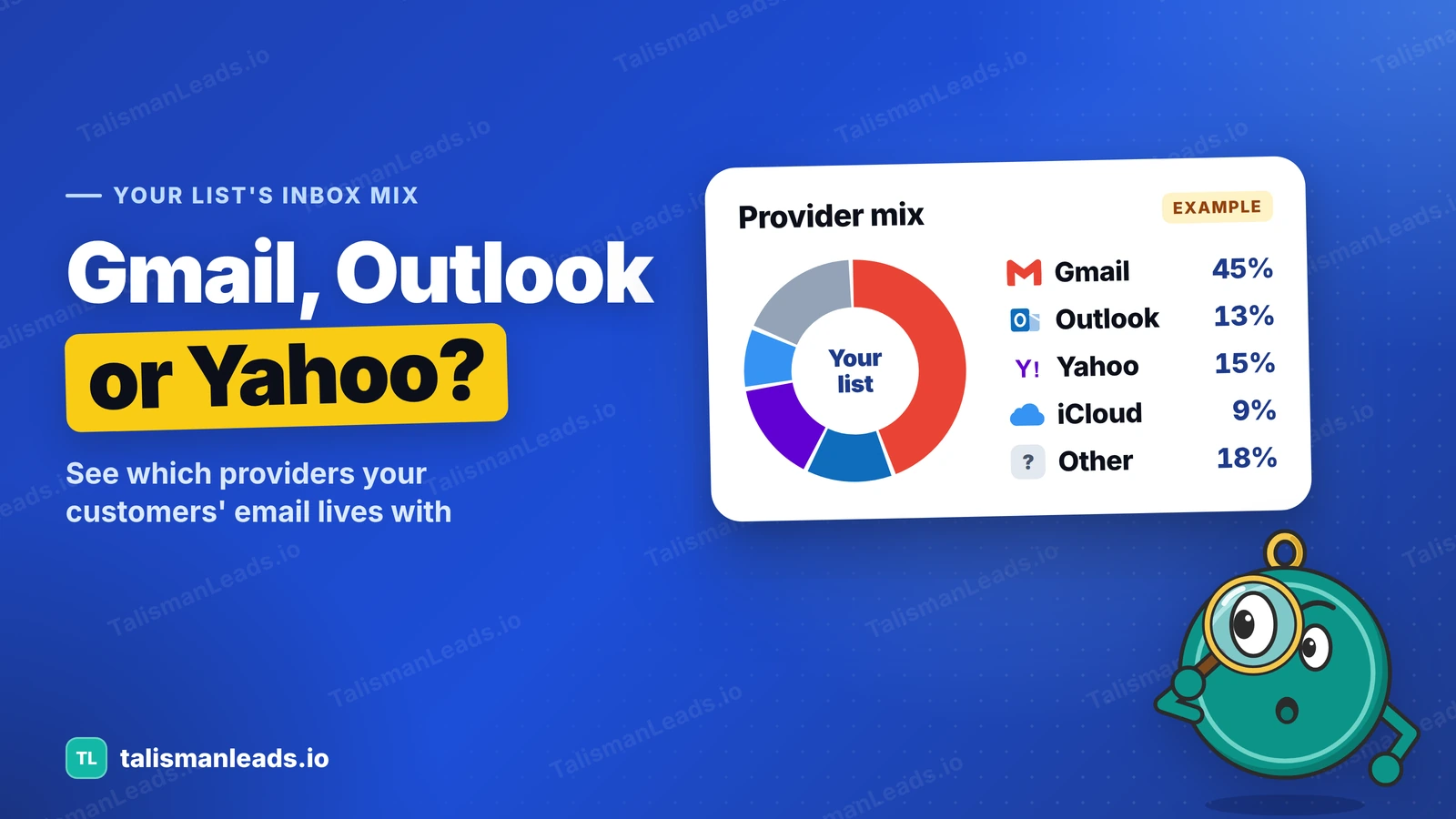
- The Email Deliverability Checker finds out whether each mailbox exists and can receive mail, and marks it Registered or Not registered. It covers Gmail, Yahoo and Outlook, the three providers whose rules this guide describes, plus iCloud, Yandex and Mail.ru. Addresses at other domains, such as a company's own, are left out and not charged. Nothing is sent, so your own domain and IP are never involved.
The checker costs $9.00 per 10,000 addresses; every file is billed as at least 2,000 entries, and the exact price shows before you confirm. A check that cannot be completed is refunded to your balance, credits never expire, and businesses can try it on their own list with a $5, 14-day free trial.
Frequently asked questions#
What is a good spam complaint rate?#
Below 0.10% as Google measures it in Postmaster Tools, and never 0.30% or higher; Yahoo's line is 0.3%.
Do the Gmail and Yahoo rules apply if I send fewer than 5,000 emails a day?#
Partly. The all-sender rules apply to everyone (SPF or DKIM, forward and reverse DNS, a spam rate below 0.3%, TLS for Gmail). The rest apply to bulk senders, and a sender who once reached Gmail's threshold stays one.
Is DMARC with p=none enough?#
Yes, for Gmail, Yahoo and Outlook. DMARC must still pass, meaning SPF or DKIM passes for a domain aligned with your From: address. A stricter policy protects your domain from spoofing but is not required.
Do transactional emails need one-click unsubscribe?#
No. Google requires it only for marketing and promotional messages and excludes transactional ones, such as receipts. Yahoo's rule covers marketing and subscribed messages.
Will verifying my list fix my deliverability?#
It removes the addresses that would hard bounce, but it cannot fix missing authentication, complaints or mail people never asked for.
Check your own list before the next campaign with the Email Deliverability Checker, after a free pass through the Email Cleaner.
Was this helpful?