Catch-All, Disposable and Role Emails: What to Do With Risky Addresses
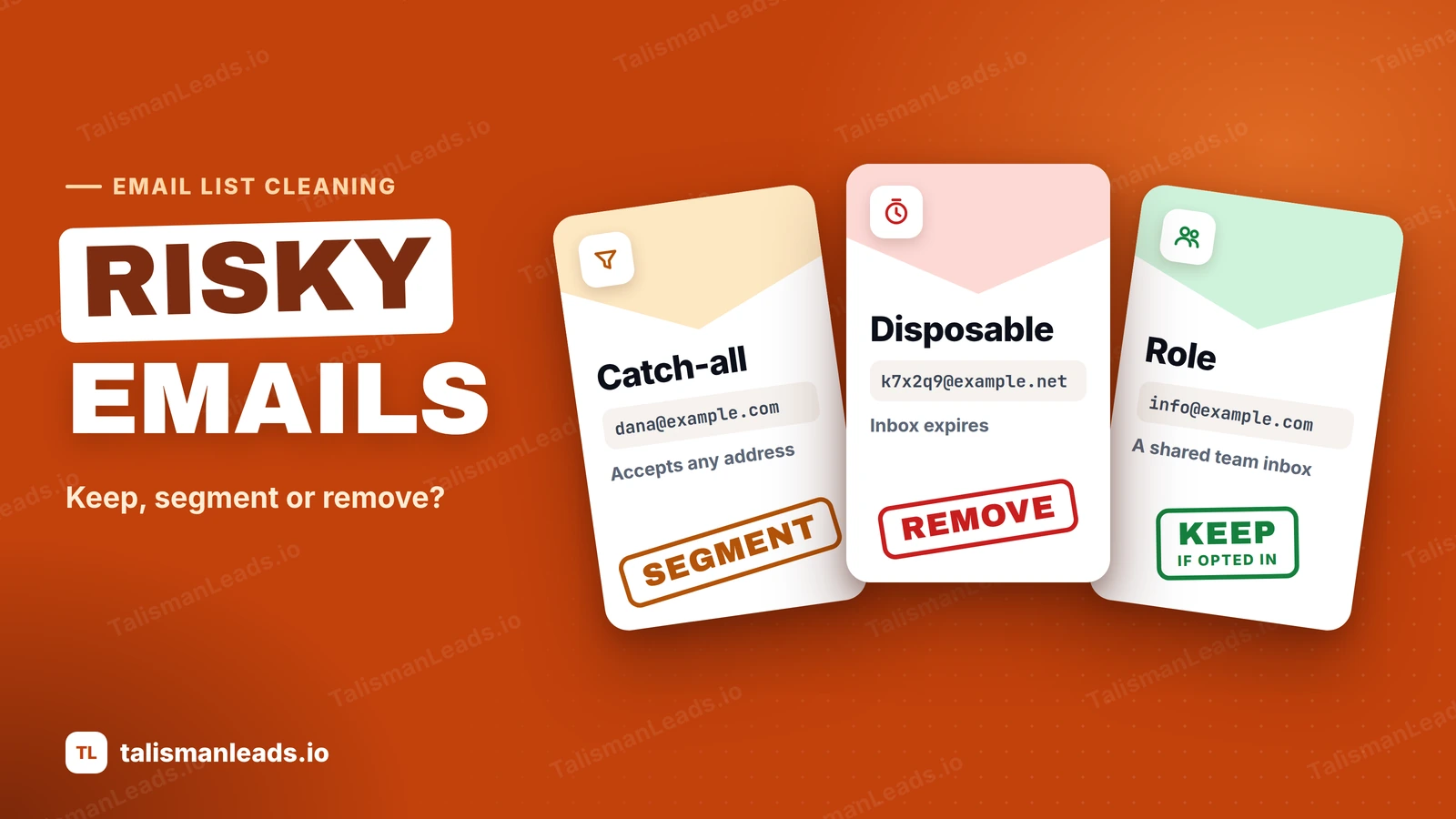
A catch-all email address is one at a domain whose mail server accepts mail for every address, real or invented, so no mailbox check can tell whether the person exists. It is one of five kinds of "risky" address, with disposable (temporary) addresses, role addresses such as info@ and sales@, typo domains such as gmial.com and, for some businesses, free webmail. None is automatically bad: what to do depends on the kind and on whether you meet it at sign-up or on a list you already have.
Below, for each kind: what it is, the risk, and the decision (keep, segment and send carefully, re-confirm, or remove), then exactly which ones TalismanLeads flags.
Catch-all (accept-all) domains#
What a catch-all domain is#
A domain's owner can set its mail server to take mail for any address at the domain, whether that mailbox exists or not: dana@example.com, sales@example.com and a misspelled dnaa@example.com all land in one inbox. Companies switch it on so that mail to a former employee or a typo is not lost.
Why a mailbox check cannot confirm it#
Email verification asks the receiving server, without sending a message, whether it would take mail for an address. A normal server says yes for a real mailbox and no for a made-up one. A catch-all server says yes to both. Verifiers spot the setting by asking about an address that cannot exist; when that is accepted too, every address at the domain comes back accept-all or unknown.
And yes does not mean delivered. The mail standard notes that some servers do not check the recipient until after the message is received (RFC 5321, section 3.3) and report the failure later in a bounce. For what each verification result means, see How Email Verification Works: What Valid, Invalid and Unknown Mean.
What to do with catch-all addresses#
- At sign-up: let them through, and send a confirmation email. A click on the link proves the mailbox is read, which no check can.
- On an existing customer list: keep them in their own segment; many are real buyers at companies. Send to recent buyers and openers first, in smaller batches, and remove any address that bounces. One that has not opened or clicked in a long time is the first to let go.
Disposable (temporary) addresses#
What they are#
Temporary inbox services hand out an address that lasts minutes or hours, long enough to receive one code, and then disappears. People use them to get past a sign-up form without giving their real address. They are spotted with lists of known throwaway domains: the open-source disposable-email-domains list names more than 10,000, and new ones keep appearing, so any list is a step behind.
The risk#
The inbox is gone by the time your newsletter goes out, so the mail bounces or is read by nobody. Throwaway addresses are also a favourite for fake accounts and trial or coupon abuse: see How to Detect Fake Sign-Ups With Phone and Email Checks.
Do not confuse them with privacy relays such as Apple's Hide My Email, which forward a random-looking address to the customer's real inbox. Those are real, privacy-minded customers.
What to do with disposable addresses#
- At sign-up: refuse known throwaway domains with a clear message ("Please use an address you check, so we can send your receipt"), and confirm every new address by email.
- On an existing list: remove addresses at known throwaway domains, unless the customer opened or bought recently, which proves the inbox still works.
We do this ourselves. The TalismanLeads business trial refuses free mailboxes and a built-in list of a few hundred throwaway domains, with an allowed list for a real company on an unusual domain, and confirms the work email with a link when the sign-in address is not on the company's domain.
Role addresses (info@, sales@, support@)#
What they are#
A role address belongs to a job or a team rather than a person. The names are old enough to have a standard: RFC 2142, from 1997, defines info@, sales@, marketing@ and support@ for a business, and abuse@, postmaster@ and webmaster@ for running a network and a website.
The risk#
Several people read the inbox, none of them may have asked for your emails, and one of them marks you as spam. Some reach no reader at all: noreply@ is not read, and abuse@ and postmaster@ are where spam reports go. Mailchimp, for example, blocks role-based addresses from list imports because some are linked to high bounce and complaint rates, yet lets them join through a sign-up form, where somebody actually opts in.
What to do with role addresses#
- Remove noreply@, no-reply@, abuse@, postmaster@ and webmaster@ wherever you find them: nobody there wants marketing mail.
- Keep info@, sales@ or office@ on a business-to-business list when that company is your customer or signed up itself. For a small business, info@ can be the owner's main inbox.
- Segment role addresses on a consumer newsletter, and send them transactional mail or your least frequent campaigns.
- At sign-up: allow them. If the account needs one named person, ask for a personal work address as well.
Free webmail vs business domains#
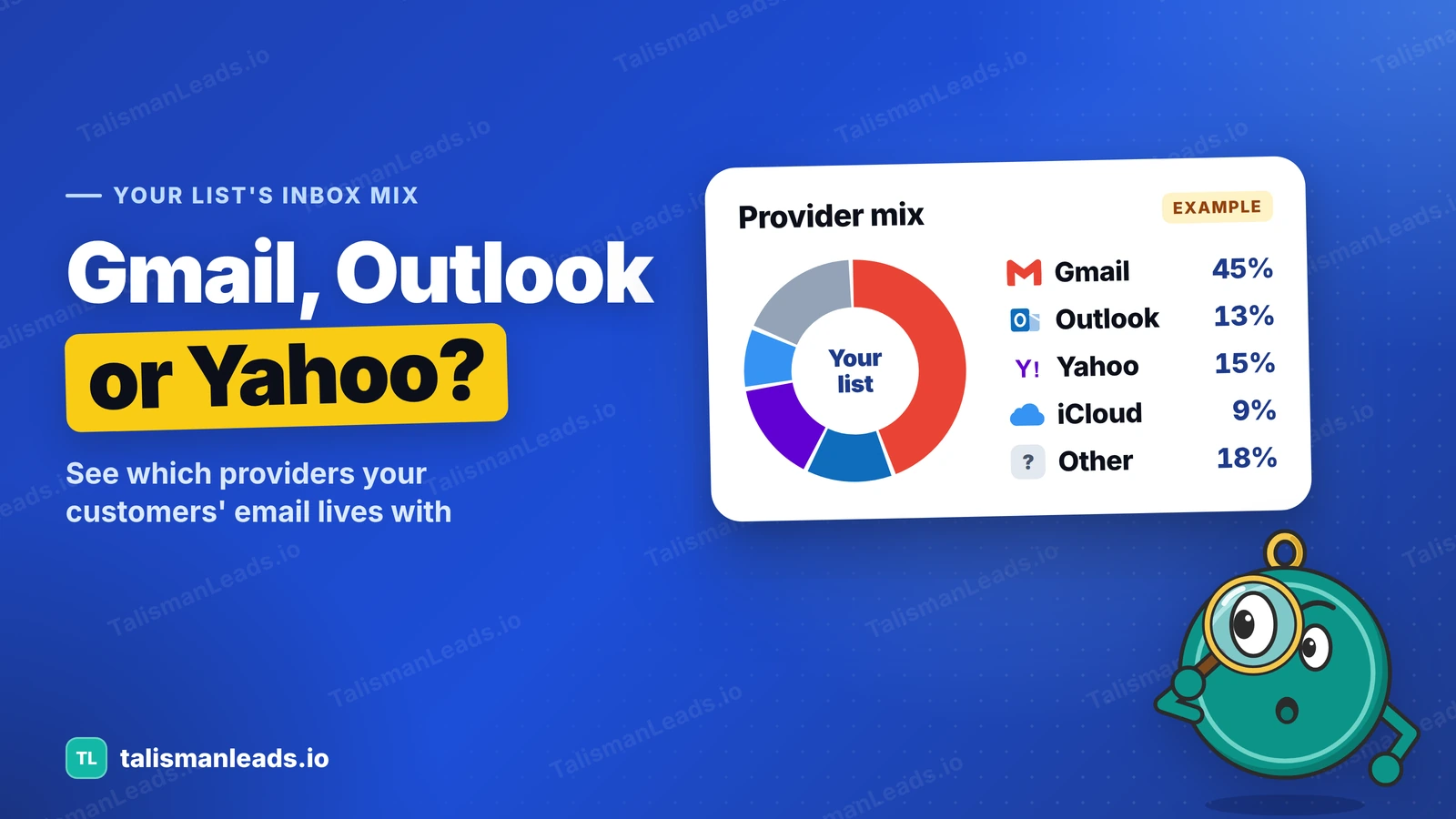
A Gmail, Outlook.com or Yahoo address is not a risk in itself. It is a personal mailbox, usually the majority on a consumer list, and a mailbox check usually gets a clear answer for it.
The domain matters if you sell to businesses: a free address on a business form is a weaker sign that the lead is a company, while a business domain names the company but may be catch-all. Use the domain to segment, never to remove. To see how your list divides, read Which of Your Customers Use Gmail, Outlook or Yahoo?
Typo domains (gmial.com, yahooo.com)#
What they are#
A customer types j.reed@gmial.com, maria@yahooo.com or sam@example.con. Point-of-sale and phone sign-ups produce many of these, because someone else types the address.
The risk#
Where the typo domain takes no mail, the address hard-bounces. Some are worse: Spamhaus runs typo domain traps, "traps at domains that are similar to common domains", and mail that keeps landing in them marks a sender whose addresses are collected carelessly. Others belong to somebody: gmial.com itself appears on the open-source list of disposable mail domains, so a message there may be delivered to a stranger's inbox rather than bouncing.
What to do with typo domains#
- At sign-up: suggest the fix ("Did you mean gmail.com?") and let the customer accept it. Then send a confirmation email.
- On an existing list: do not rewrite the address yourself. j.reed@gmail.com may be a different person from the customer who typed gmial.com. Suppress the address, and ask the customer to confirm the right one the next time they sign in, order or call.
- To find them: count your list by domain. Typos show up as rare look-alikes of your biggest domains: a handful of gmial.com and gmal.com beside thousands of gmail.com.
At sign-up or on an existing list#
At the form, the customer is there to fix the address, so you can ask, suggest a correction or require confirmation. On a list you already have, the address carries history (an order, a click, a ticket), and recent engagement outweighs any label: it proves the inbox works.
- Confirmation beats every check. One confirmation email settles catch-all, disposable, role and typo doubts at once. Google's sender guidelines ask senders to confirm each recipient's address before subscribing them, and Spamhaus recommends confirmed opt-in where addresses are collected.
- Segment before you delete. Removing a real customer costs a sale. Remove only what cannot reach a person: dead throwaway domains, unread system inboxes, unconfirmed typos and hard bounces.
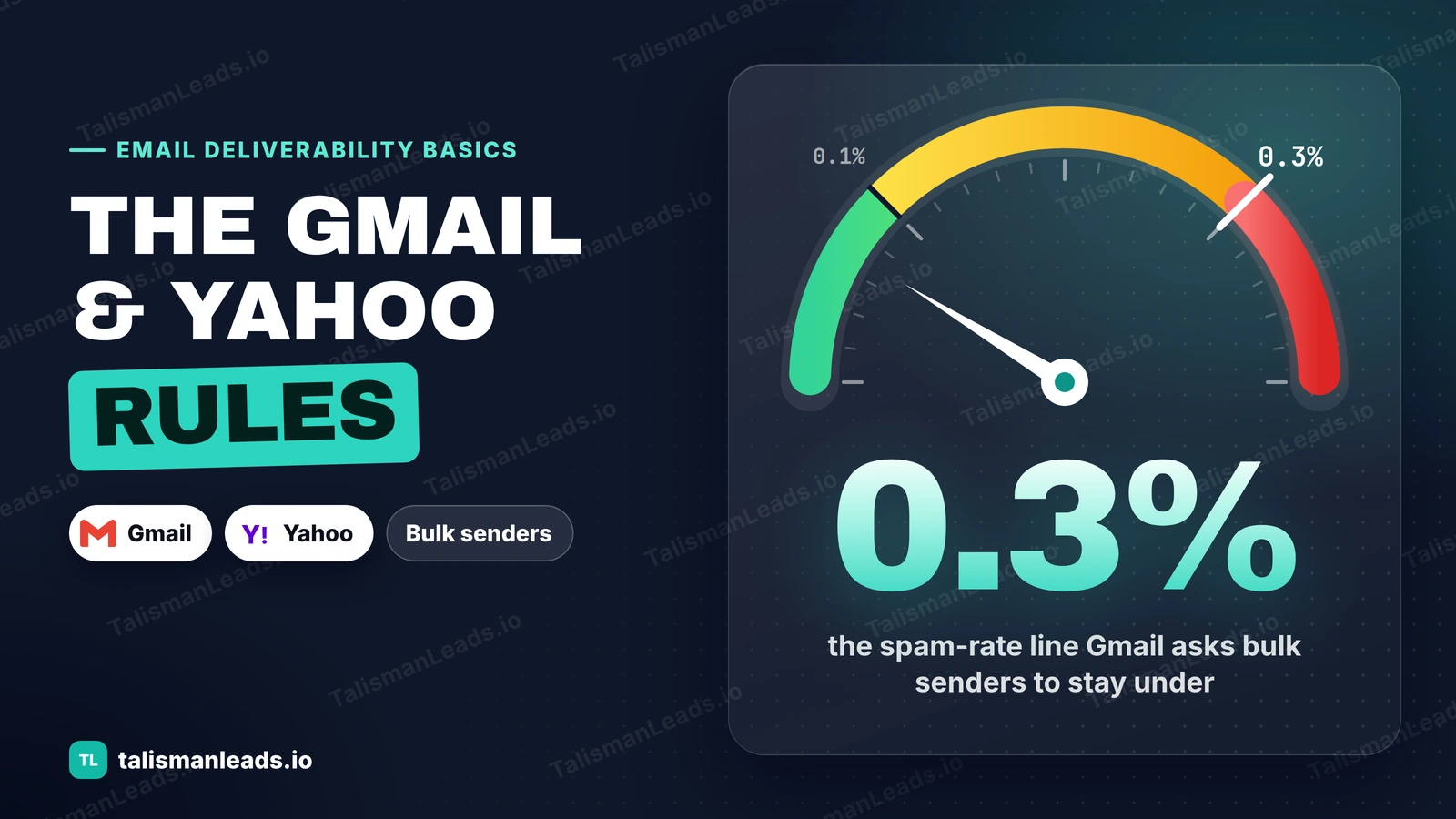
The full routine is in How to Clean an Email List Before Your Next Campaign, and why bounces and complaints matter in Email Deliverability Basics: Bounces, Reputation and the Gmail and Yahoo Rules.
What TalismanLeads flags, and what it does not#
The free Email Cleaner (with a free account, no balance used) takes up to 200,000 addresses and removes three things: addresses that are not valid, duplicates and, if you switch on Drop role addresses, role addresses. It removes 14 role names when the part before the @ matches exactly: info, admin, support, sales, contact, noreply, no-reply, help, office, hello, team, webmaster, postmaster and abuse. It does not flag catch-all, disposable or typo domains: j.reed@gmial.com has a valid format and is kept.
The Email Deliverability Checker finds out whether each mailbox exists and can receive mail, and returns Registered or Not registered, without sending anything. It covers Gmail, Yahoo, Outlook, iCloud, Yandex and Mail.ru; addresses at other domains are left out and not charged. So company domains (where catch-all setups are), throwaway and typo domains are not checked at all, and it never labels an address catch-all, disposable or role.
It costs $9.00 per 10,000 addresses, with every file billed as at least 2,000. The exact price shows before anything is charged, a check that cannot be completed is refunded to your balance, and credit never expires. Businesses can try it on their own list with a $5, 14-day free trial.
Frequently asked questions#
What is a catch-all email address?#
An address at a domain whose mail server accepts mail for any address, whether a mailbox of that name exists or not. It is also called accept-all. Companies use it so that mail to former staff or typos is not lost.
Can you verify a catch-all email address?#
Not with a mailbox check: the server says yes to every address, so the result is unknown. A confirmation email settles it; on an existing list, opens, clicks and orders show the address works.
Should I remove disposable email addresses from my list?#
Remove addresses at known throwaway domains unless the customer engaged recently. At sign-up, block known services and confirm every address by email. Keep privacy relays like Hide My Email: they forward to real inboxes.
Are role-based emails bad for deliverability?#
Some are. noreply@, abuse@ and postmaster@ should never get marketing mail. info@ and sales@ at a company that bought from you or signed up itself are usually fine, especially for business-to-business email.
Should I correct typos like gmial.com myself?#
Not on an existing list: the corrected address may belong to someone else. Suppress it and ask the customer to confirm. At the sign-up form, suggest the correction and let the customer accept it.
Start with the free Email Cleaner to remove invalid, duplicate and role addresses, then decide on the rest with the rules above.
Was this helpful?