Which of Your Customers Use Gmail, Outlook or Yahoo?
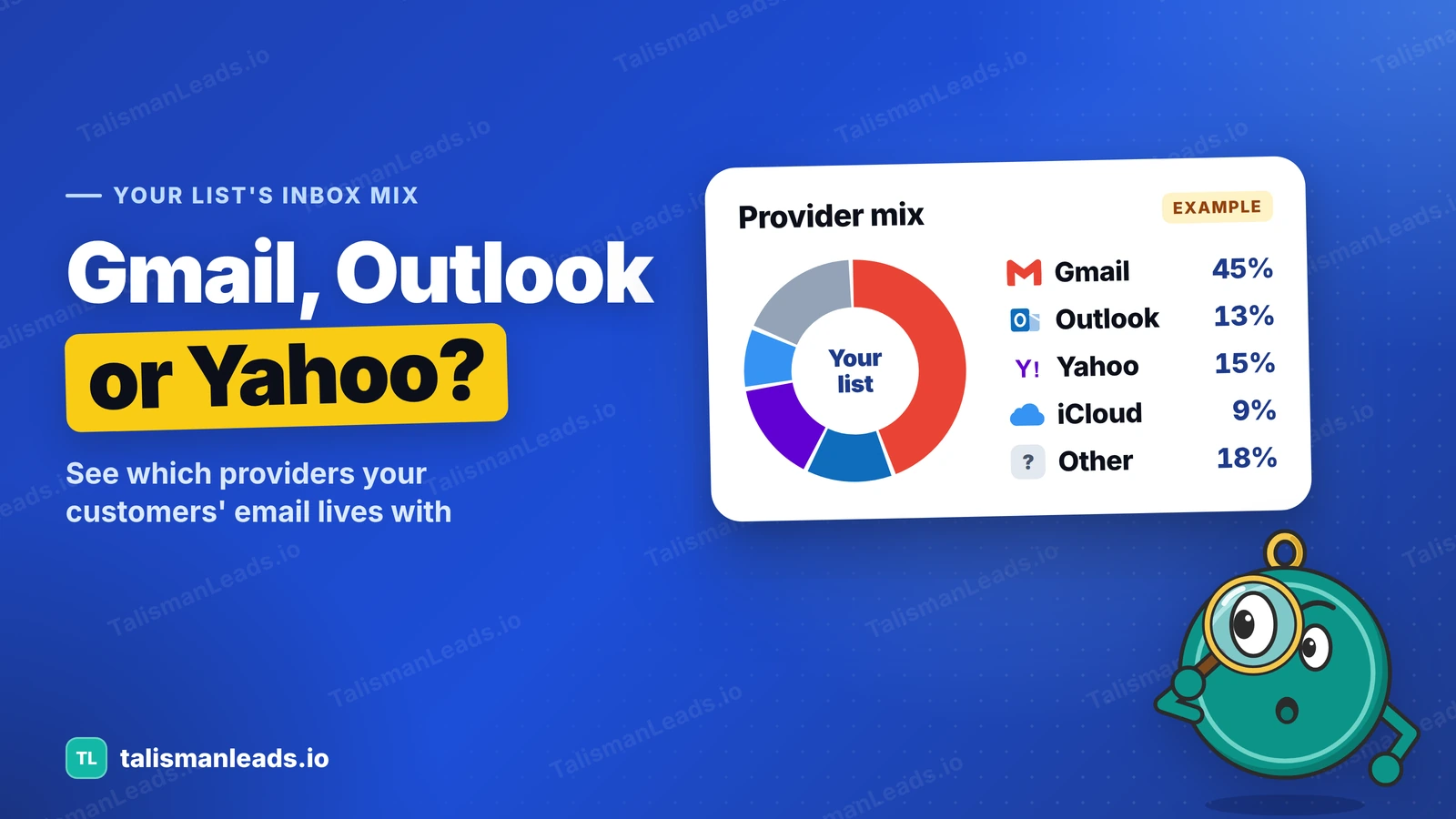
To find out which email providers your customers use, count the domains after the @ on your list (gmail.com, outlook.com and hotmail.com, yahoo.com, icloud.com and their sister domains), then look up the MX records of the business domains that are left, because many of them are Google Workspace or Microsoft 365 behind a company name. The result is a share per provider, and it tells you whose filtering rules, inbox layout and sender tools decide most of your results.
This guide is for a business emailing its own customers and subscribers. It explains why the mix matters, how to measure it in a spreadsheet, how to see who hosts a company's mail, and what the measurement cannot tell you. A worked example on made-up figures shows how much the business-domain step changes the picture.
Why your list's provider mix matters#
Each provider filters by its own rules#
Gmail, Yahoo, Outlook.com and iCloud each run their own spam filtering, publish their own rules for senders and give senders different tools:
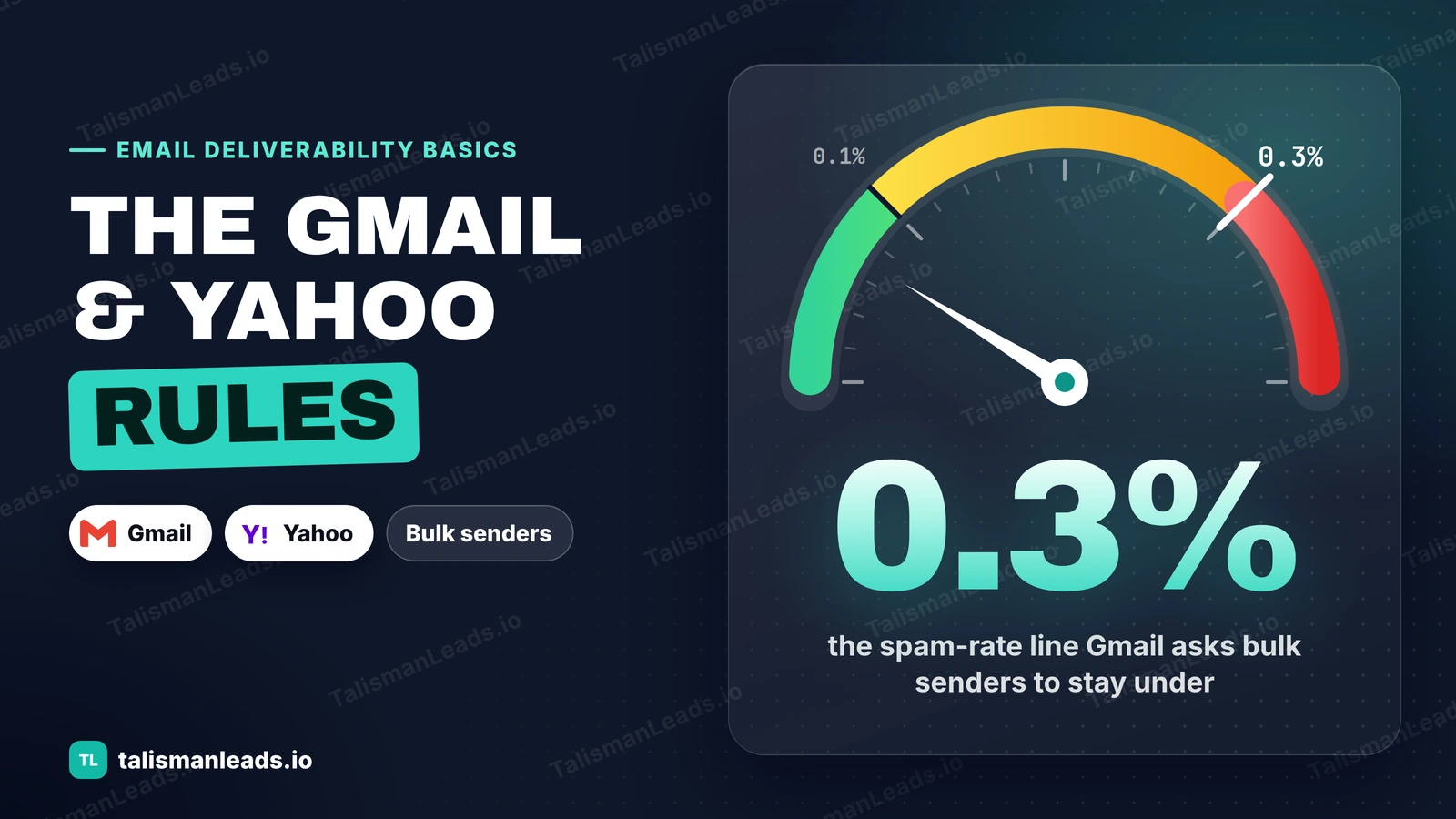
- Gmail. Google's sender guidelines treat anyone who sends close to 5,000 messages a day to personal Gmail accounts as a bulk sender, with extra requirements (Google). The same FAQ says they do not apply to mail sent to Google Workspace accounts. Gmail's Postmaster Tools show how your mail to Gmail users is doing.
- Yahoo. Its requirements apply to "all domains and consumer email brands hosted by Yahoo Mail", AOL included (Yahoo Sender Hub), and its Complaint Feedback Loop reports when recipients mark your email as spam.
- Outlook.com (outlook.com, hotmail.com, live.com and msn.com). Since May 5, 2025, domains sending more than 5,000 emails a day must pass SPF, DKIM and DMARC checks, and mail that does not is routed to Junk first. Microsoft's SNDS and JMRP programs report how its users rate your mail.
- iCloud. Apple publishes postmaster information for iCloud Mail and says plainly that it offers no feedback loop.
The rules themselves are covered in Email Deliverability Basics: Bounces, Reputation and the Gmail and Yahoo Rules. The mix tells you which of them weigh most on your list, which tools to sign up for first, and where to look when a campaign underperforms: if opens fall only among Yahoo addresses, the problem is at Yahoo, not with your offer.
Your email looks different in each inbox#
Gmail sorts mail into tabs such as Primary and Promotions, and clips messages larger than about 102 KB behind a "View entire message" link (Litmus; Google publishes no figure). Classic Outlook for Windows has drawn HTML email with Word's rendering engine since Outlook 2007, while the new Outlook for Windows is built on web technology. Apple Mail's Mail Privacy Protection downloads remote content in the background when a message arrives, which makes opens hard to trust.
One caution: a domain tells you who holds the mailbox, not which app the customer reads it in. A gmail.com customer may read mail in Apple Mail on an iPhone. Use the mix to decide which inboxes to test your template in first, not to predict each person's screen.
Consumer lists and business lists look different#
On a consumer list, most addresses are at free providers, and counting domains gets you close. On a business-to-business list, most addresses are at company domains such as name@example.com, and the domain alone tells you nothing. Behind most company names sits Google Workspace, Microsoft 365 or another host, each with its own filtering, often with the company's own rules on top. For a B2B sender, the MX lookup below is most of the measurement.
How to count your list by domain#
Export your list, lowercase it, and put the part after the @ in its own column. In Excel or Google Sheets, with addresses in column A:
=LOWER(MID(A2, FIND("@", A2) + 1, 255))Then count each domain with a pivot table and group them by provider. The groups worth knowing:
- Gmail: gmail.com and googlemail.com, which Google counts as personal Gmail accounts.
- Outlook.com: outlook.com, hotmail.com, live.com and msn.com, plus country versions such as hotmail.co.uk.
- Yahoo: yahoo.com and its country versions, ymail.com and rocketmail.com, and aol.com, whose mail Yahoo hosts.
- iCloud: icloud.com, me.com and mac.com.
- Everything else: internet-provider mailboxes, smaller free providers, and company domains.
Why counting domains undercounts Google and Microsoft#
Every company domain lands in "other", even when Google or Microsoft runs its mailboxes. In the worked example below, 11% of the list sat at company domains, and most of it turned out to be Google or Microsoft. On a B2B list the "other" group can be nearly the whole file. Lowercase before counting, too, or Gmail.com and gmail.com are counted as different domains.
How to see who hosts a company's email#
A domain's MX record names the server that receives its mail, and it is public. Look up each distinct company domain once, in a terminal:
dig +short MX example.com
nslookup -type=mx example.com
The first works on macOS and Linux, the second on Windows. Then read the answer:
- Google Workspace: smtp.google.com, or older records starting with aspmx.l.google.com.
- Microsoft 365: a record ending in mail.protection.outlook.com. Domains on Microsoft's newer DNSSEC setup may end in mx.microsoft.
- iCloud+ custom domain: mx01.mail.icloud.com and mx02.mail.icloud.com.
- Anything else: the company's own server, another host, or a security filter in front of the mailboxes. An MX record names the server that receives the mail, which is not always where the mailboxes live: a company can point its MX at a filtering service and keep its mailboxes in Microsoft 365.
Weight each domain by how many of your addresses use it, and add the Google Workspace and Microsoft 365 counts to the Gmail and Outlook.com groups.
A worked example (made-up figures)#
The figures in this example are invented to show the method; they are not data from any real list.
A home-goods store sends a weekly newsletter to 20,000 subscribers who signed up at checkout. Counted by domain, the list reads: Gmail 9,000 (45%), Yahoo 3,000 (15%), Outlook.com 2,600 (13%), iCloud 1,800 (9%), other personal addresses 1,400 (7%), and company domains 2,200 (11%).
The store looks up the MX records of the domains behind those 2,200 company addresses. 900 addresses turn out to be on Google Workspace, 800 on Microsoft 365, and 500 elsewhere. The corrected mix: Google 9,900 (49.5%), Microsoft 3,400 (17%), Yahoo 3,000 (15%), iCloud 1,800 (9%), other 1,900 (9.5%).
What the store does with it:
- Google first. Half the list is Google, so it sets up Postmaster Tools, keeps the newsletter under Gmail's clipping size, and checks how it looks in the Promotions tab.
- Outlook moves up. Microsoft is 17%, not 13%, and 800 of those readers have a work mailbox, so the template is also tested in Outlook for Windows, both classic and new.
- Yahoo and iCloud are watched separately. If Yahoo's 15% starts complaining, the Complaint Feedback Loop shows it. iCloud gives no feedback loop, so bounces and unsubscribes are the signal there.
On a business-to-business list of 3,000 contacts the same method might find only 8% at free providers; the MX lookups would then carry almost the whole answer.
What TalismanLeads can check on top#
The mix tells you who hosts the mailboxes. A few checks on TalismanLeads answer the next questions, for your own customers and sign-ups. Nobody on the list is emailed or notified.
- Do the mailboxes exist? The Email Deliverability Checker confirms whether each mailbox exists and can receive mail at Gmail, Yahoo, Outlook, iCloud, Yandex and Mail.ru, for $9.00 per 10,000 addresses. Addresses at other domains, including company domains, are left out and not charged, so your provider mix tells you in advance how much of the file it covers. How a mailbox check works is in How Email Verification Works: What Valid, Invalid and Unknown Mean.
- Gmail only. The Gmail Email Checker marks each Gmail address registered or not registered, for $10.00 per 10,000 addresses. It covers Gmail addresses only, not company domains on Google Workspace, and every line in a file is priced, so upload only your gmail.com addresses. For the example's 9,000 Gmail subscribers that is $9.00.
- Microsoft accounts. The free Microsoft Account Validator checks one address or number at a time (5 a day) for a personal Microsoft account. Any address can be one, a Gmail address included, so it answers "does this customer have a Microsoft account", not "who hosts this mailbox". The bulk Microsoft checker takes phone numbers only. More in How to Check If an Email Has a Microsoft Account.
- Apple ID. The Apple ID Email Checker marks which addresses are registered as an Apple ID, at any provider, for $2.50 per 10,000 addresses; the example's whole list would cost $5.00. It hints at an Apple device, not at an iCloud mailbox or the Mail app. More in the Apple ID check guide.
Every file is billed as at least 2,000 entries, the exact price shows before you confirm, and a check that cannot be completed goes back to your balance. Businesses can try the checkers on their own list with a $5, 14-day free trial.
Frequently asked questions#
How do I find out which email providers my customers use?#
Count the domains on your list and group them (Gmail, Outlook.com, Yahoo, iCloud, other). Then look up the MX records of the company domains in "other" to see which are on Google Workspace or Microsoft 365.
Why is so much of my list "other"?#
Company and internet-provider domains all land there. Many company domains are hosted by Google or Microsoft, which an MX lookup shows.
How can I tell whether a company uses Google Workspace or Microsoft 365?#
Look up its MX record. smtp.google.com or aspmx.l.google.com means Google Workspace; a record ending in mail.protection.outlook.com means Microsoft 365. A filtering service in the MX can hide the real host.
Does a Gmail address mean the customer reads email in the Gmail app?#
No. It means Google holds the mailbox. The customer may read it in Apple Mail, Outlook or any other app.
Does the Gmail Email Checker work on Google Workspace addresses?#
No. It checks Gmail addresses only; company domains hosted on Google Workspace are outside its scope.
Is an Apple ID the same as an iCloud email address?#
No. An Apple ID can use any email address, so a gmail.com or yahoo.com address can be one. iCloud Mail addresses end in icloud.com, me.com or mac.com.
Start by counting your own list's domains, then check the mailboxes at the big providers with the Email Deliverability Checker.
Was this helpful?