How to Check If an Email Has a Microsoft Account
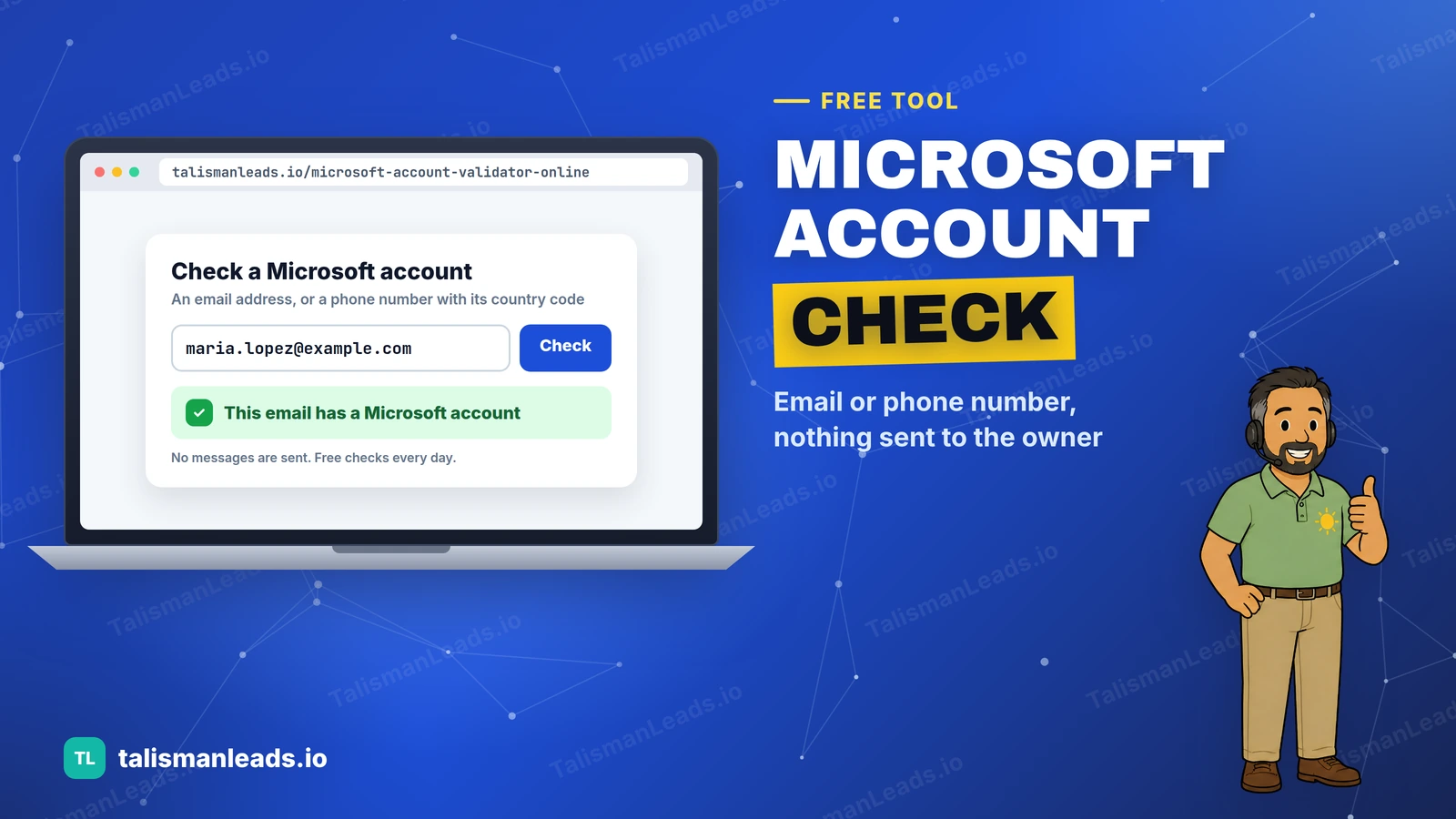
To check whether an email address or a phone number has a Microsoft account, ask Microsoft's own sign-in service, without signing in or sending anything. The free Microsoft Account Validator on TalismanLeads does exactly that: type one address or number, and in a few seconds it tells you whether a Microsoft account uses it. Nobody is emailed, texted or alerted.
This guide explains what the answer does and does not mean, when a business finds it useful, and how to check a whole list of phone numbers instead of one at a time.
What a Microsoft account is#
A Microsoft account is the personal sign-in behind Outlook.com and Hotmail, OneDrive, Xbox, the free version of Teams, Microsoft 365 for home and the Microsoft Store. It is one username for all of them.
The username does not have to be a Microsoft address. Microsoft lets people create an account with an email they already have, so a Gmail or Yahoo address can be a Microsoft account too, and so can a phone number.
Personal accounts and work accounts are different#
There is a second kind, the work or school account, which a company's or a school's administrator creates for Microsoft 365 for business or education. Microsoft keeps the two apart: there is no syncing between personal and work or school accounts, and each only signs in to its own services.
The validator checks personal Microsoft accounts. So an address at a company that runs Microsoft 365 can come back "no Microsoft account" even though its owner signs in to Microsoft at work every day.
How to check one address or number#
- Open the free Microsoft Account Validator. No account is needed.
- Type one email address, such as maria.lopez@example.com, or one phone number with its country code, such as +1 415 555 0123.
- Press Check. A quick bot check runs first (Cloudflare), then the answer appears.
Each visitor gets 5 free checks a day. What you type is used for that one check and is not stored.
What the answer means#
"This email has a Microsoft account." The address or number is the username of a personal Microsoft account. That tells you it was real enough for someone to sign up with, and that Microsoft sign-in instructions apply to it.
"No Microsoft account found." No personal Microsoft account signs in with it. That does not make the address fake. It can still be:
- a working mailbox that was simply never used for a Microsoft account;
- a work or school account, which is a separate system;
- a closed account. Microsoft never hands an old address to a new account: addresses used for Microsoft accounts cannot be reused, even long after closing;
- a typo. Check the spelling and the domain (.com against .co.uk) first.
When a business finds it useful#
The check is for addresses and numbers you already have from your own customers and sign-ups, not for finding out about strangers.
- Customer support. Before walking a customer through an Outlook, Xbox or Microsoft 365 sign-in or recovery, confirm that the address they gave is a Microsoft account at all. If it is not, the problem is the address, not the password.
- IT services and Microsoft resellers. Confirm that a client's personal address is a Microsoft account before you set up a family plan, a license or a device for them.
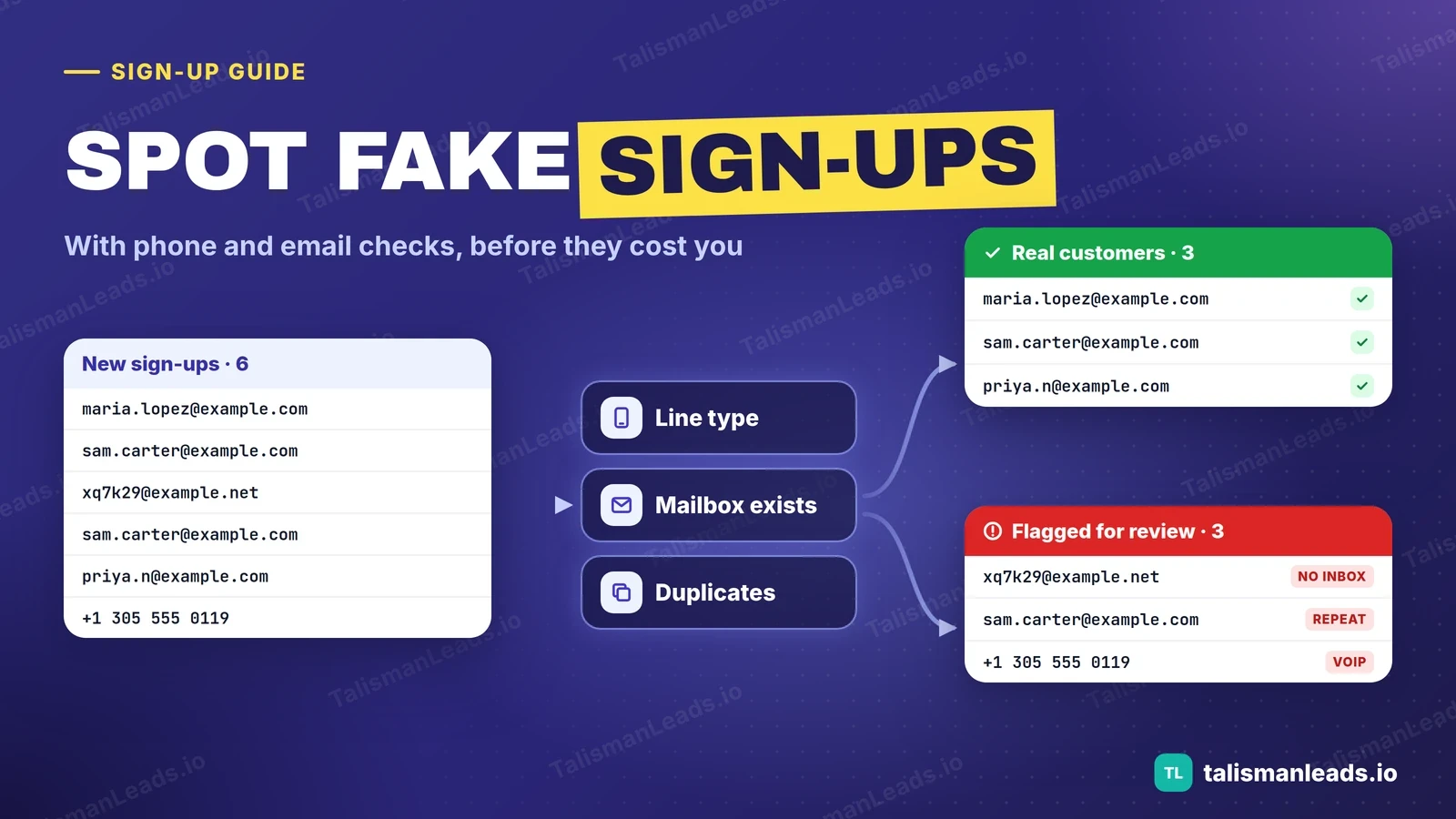
- Sign-up screening. A brand-new address with no history anywhere is one more signal when you review sign-ups. Treat it as one signal among several, never a reason to block on its own: see how to detect fake sign-ups.
Checking a whole list#
The free validator takes one entry at a time. For a file of phone numbers, the Microsoft Number Checker checks every number and returns registered or not registered for each, at $4.00 per 10,000 numbers.
- Save the numbers as a plain .txt file, one per line, with the country code (+14155550123).
- Upload it as a Microsoft check. The exact price shows before anything is charged, and every file is billed as at least 2,000 numbers.
- Download the result file a few minutes later.
The bulk checker takes phone numbers only; for email addresses, use the free validator one at a time. Top-ups start at $5, credit never expires, and businesses can try the checkers on their own data with a $5, 14-day free trial.
Frequently asked questions#
Is the Microsoft account validator free?#
Yes. Every visitor gets 5 free checks a day, with no account and no card. A whole list of phone numbers goes through the paid Microsoft Number Checker.
Does the owner of the email or number find out?#
No. The check only asks Microsoft's sign-in whether the address or number is an account username. No email, text or sign-in attempt reaches its owner.
Can I check a Gmail or Yahoo address?#
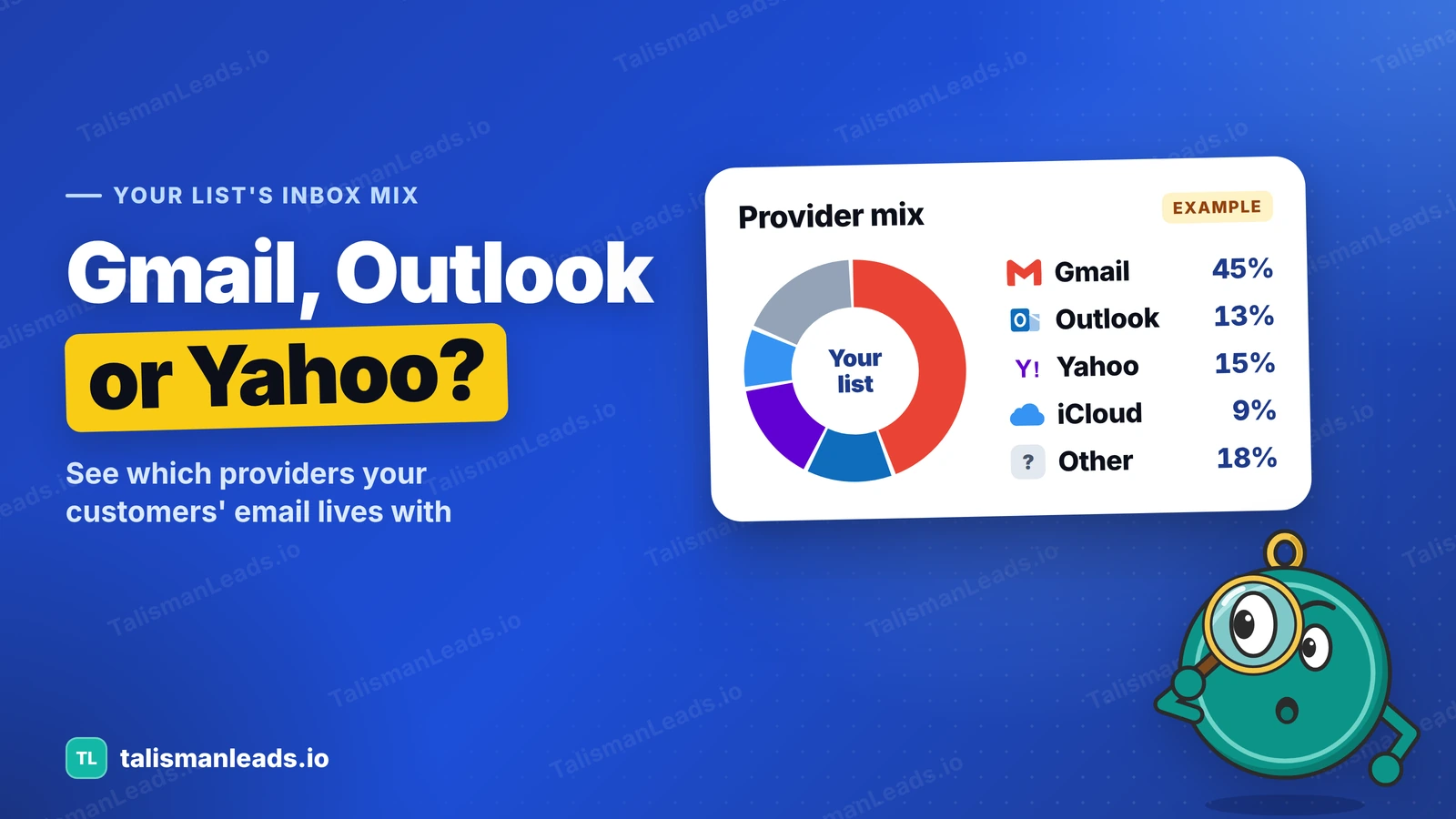
Yes. Any address can be a Microsoft account username, so the validator checks addresses from any provider, not only Outlook.com and Hotmail.
Why does a company address show no Microsoft account?#
Probably because it is a work or school account. Those are created by the organization for Microsoft 365 for business and are a separate system from the personal Microsoft accounts the validator checks.
Does "no Microsoft account" mean the address is fake?#
No. Plenty of real mailboxes were never used for a Microsoft account. It only tells you that no personal Microsoft account signs in with it.
Is what I type stored?#
No. It is sent to Microsoft's sign-in service for that one check and not saved. Only a count of checks per visitor is kept, for the daily limit.
Try the free Microsoft Account Validator on the next address a customer gives you.
Was this helpful?