Phone and Email Verification APIs: When to Use One Instead of a File Upload
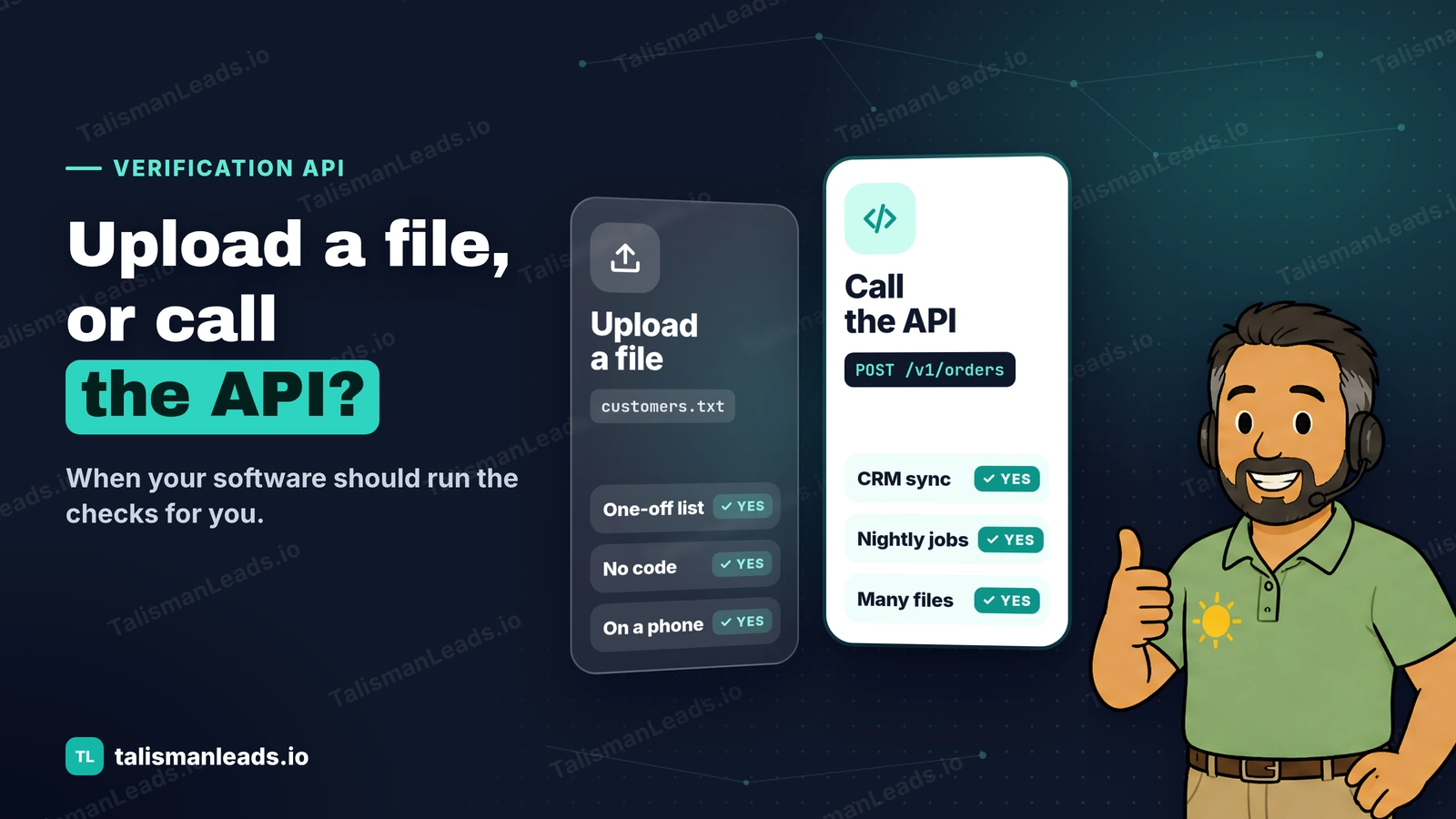
A phone or email verification API lets your own software check numbers and addresses without anyone uploading a file: your server sends the entries, gets back an order, and fetches the results once the order has finished. If you check a list now and then, the website upload or the Telegram bot is enough. The API pays off when checks have to run on their own: a nightly CRM sync, new sign-ups checked in batches, a scheduled re-check, or more files than a person wants to upload.
What a verification API is#
An API is a way for one program to ask another for something over the web. A verification API takes phone numbers or email addresses from your program and answers with what a checker found: a number's carrier, whether a mailbox exists, whether a number is on a messaging app.
Some verification APIs answer one entry per request, so a list of 50,000 means 50,000 requests and your own pacing. Others take the whole list as one order, work through it, and let you collect the results later. That is an asynchronous job, and it is how the TalismanLeads API works:
- Your server sends the list and gets an order id straight away.
- TalismanLeads runs the checker while your server does other work.
- Your server asks for the order's status every 30 seconds or more.
- When the status says finished, your server fetches the results file.
Nothing calls your server when an order finishes: your program follows it by asking. Quote, Order, Follow: How an Asynchronous Verification Job Works covers that loop in detail.
What the TalismanLeads API offers#
Requests and answers are JSON at https://api.talismanleads.io/v1, and every request carries your API key in an Authorization: Bearer header. There are eight endpoints:
GET /account: your balance and the limits that apply to you.GET /checkers: the checkers open to your account, with their ids and your prices.POST /estimates: what an order would cost, and any problem with the list. Nothing is charged.POST /orders: place the order, charged from your balance.GET /ordersandGET /orders/{id}: your orders and their status.GET /orders/{id}/results: download links for the results.POST /uploads: a link to upload a large list to.
Which checkers you can run#
Every checker on the website can be run through the API, and GET /checkers lists the ones open to your account right now, each with an id, a name, the input it takes (phone, email or username) and your price. So a phone verification API and an email verification API are the same API with a different checker id. For example:
- Number Carrier Lookup (
global_carrier_checker): line type, carrier and location of each number, $1.20 per 10,000 numbers. - Email Deliverability Checker (
email_deliverability_checker): whether each mailbox exists, $9.00 per 10,000 addresses. - WhatsApp Number Checker (
whatsapp_status_detection): which numbers are registered on WhatsApp, $0.69 per 10,000 numbers.
Inline entries or an uploaded file#
A list of up to 100,000 entries and 4 MB goes straight into the request as entries. A larger one, up to 10,000,000 entries or 200 MB, goes through POST /uploads: it returns a link, your server sends the file there with PUT, and the order names the upload_id instead. The link lasts two hours, and an uploaded file waits 24 hours for its order.
The same prices, balance and rules as the website#
An API order costs what the same file costs on the website and is paid from the same prepaid balance. Every file is billed as at least 2,000 entries (GET /checkers shows each checker's minimum_billed_entries). Phone numbers carry their country code, like +14155550142, one country per file. A part of an order that fails is refunded automatically, and API orders appear in My Tasks on the website with an API badge, so your team can see them.
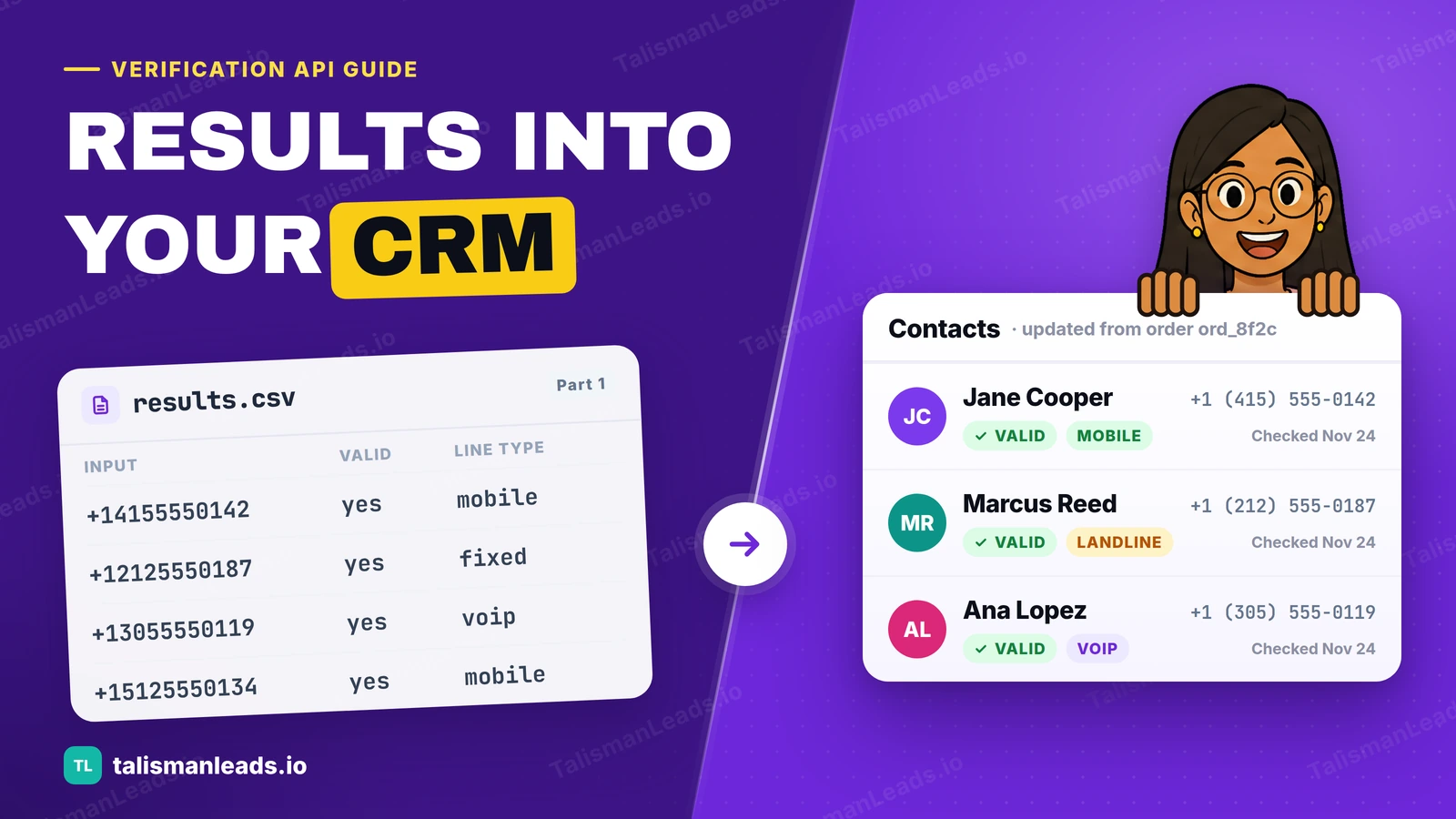
What comes back is a file, as on the website: usually a zip holding all.csv, a spreadsheet and text lists, or a single CSV, while the order itself carries the counts. From Results File to CRM: Using Verification Results in Your Own Systems shows how to read those files into your records.
File upload, Telegram bot or API: how to choose#
All three run the same checkers from the same account. The difference is who does the work: a person or your software.
When the website or the bot is enough#
- A one-off list. You exported 8,000 customer numbers before a campaign and want to know which are mobiles. Upload, see the price, confirm, download.
- A few files a month. Code for two checks a month costs more time than it saves.
- No developer. The website needs a browser and a
.txtfile with one entry per line. Nothing to deploy, no key to guard. - On the move. The Telegram bot takes the same
.txtfiles from your phone and, if your account is linked to Telegram, sends you each finished result. It suits files of a few megabytes, as Telegram limits the files a bot can download.
When the API pays off#
- A CRM sync. Each night your CRM exports the contacts added or changed that day, a job checks them, and the results are written back as fields on each contact. Nobody exports, uploads or re-imports anything.
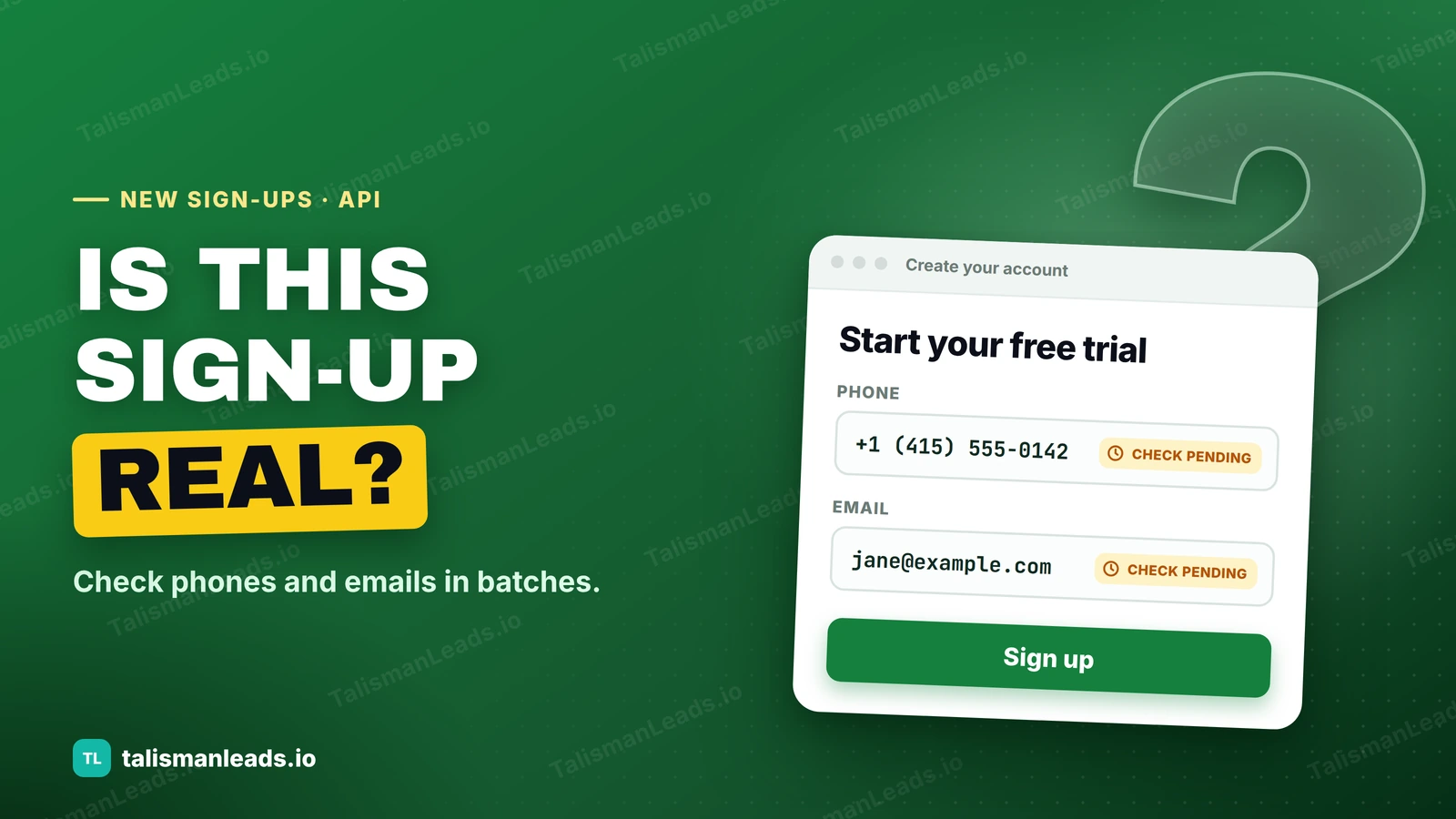
- Sign-up checks in batches. Collect the day's sign-ups, check them as one order, and flag emails that would bounce or numbers that are landlines. How to Check New Sign-Ups' Phones and Emails by API builds this.
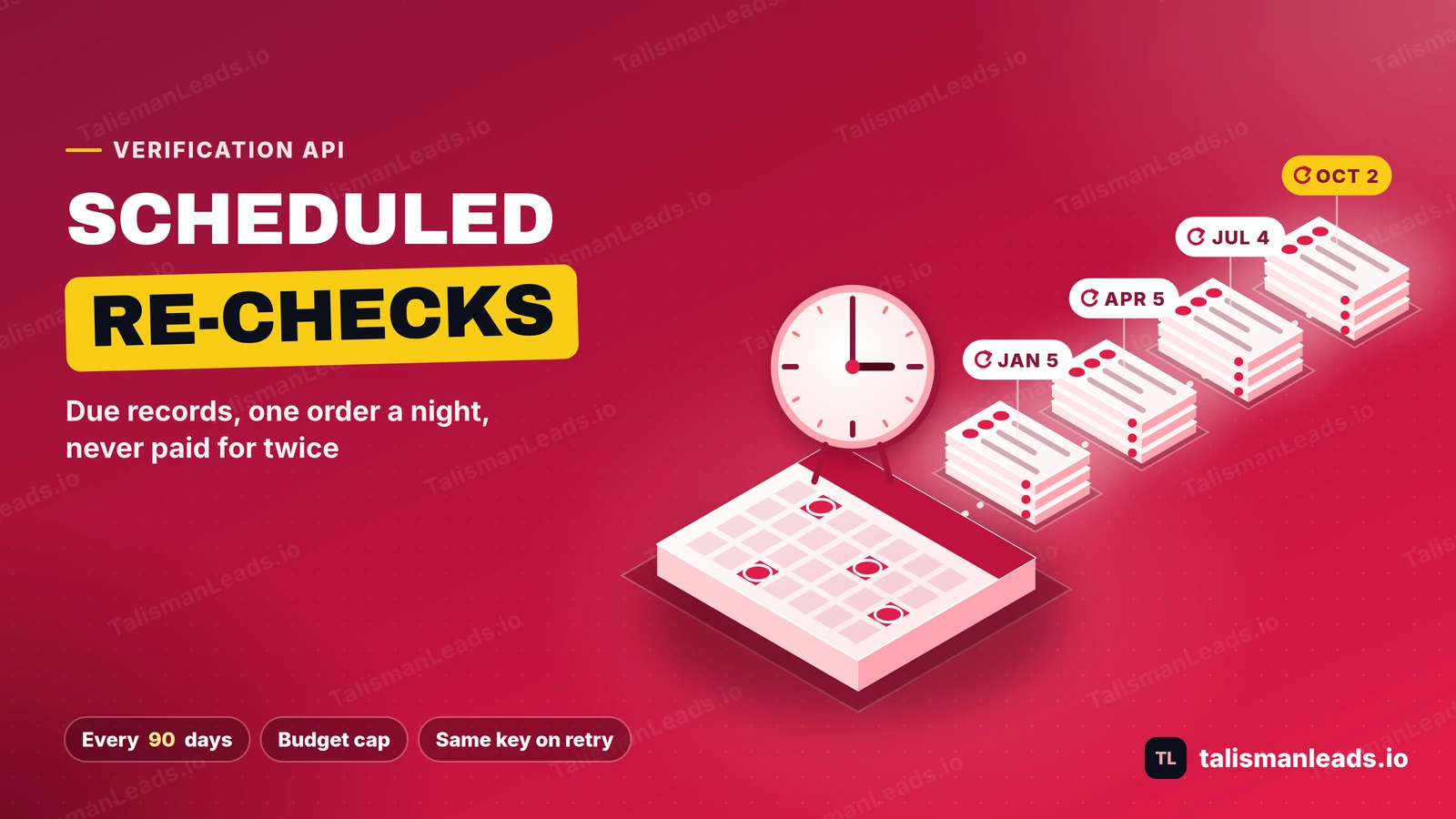
- A scheduled re-check. Lists decay as people change numbers and mailboxes. A quarterly job keeps yours clean without anyone remembering; see Re-Checking a Customer List on a Schedule With the API.
- Many files. Ten regional teams each send a list, or a mixed list must be split by country. A script splits, estimates and orders each file.
Batch your checks: the 2,000-entry minimum#
The most costly mistake when moving checks to an API is sending one order per sign-up. Every order is billed as at least 2,000 entries, so an order holding one email address costs the same as one holding 2,000. On the Email Deliverability Checker that minimum is $1.80.
An example: a shop gets 40 sign-ups a day. Checked one by one as they arrive, that is 40 orders billed as 2,000 entries each, 80,000 billed entries, forty times the minimum. Collected and sent once a day, it is one order billed as 2,000 entries. The checks are the same; only the batching differs.
Pick a rhythm that suits your volume: hourly for thousands of sign-ups a day, daily or weekly for dozens. And re-check on a schedule measured in weeks, not hours: the same list on the same checker within about a day, sent as a new order, is charged again and can return your earlier result rather than a new check.
When the API is the wrong tool#
An order is not an instant answer, so the API cannot decide on a sign-up while the person is still on your form. On the form, check what can be checked on the spot, such as the number's format (E.164 Format Explained) and the email's spelling, then run the batch check before you send anything that costs money. How to Detect Fake Sign-Ups With Phone and Email Checks explains what to look for.
How to get started#
- Make a key. Sign in with your email or Google (a session started from Telegram alone cannot make one), open API Keys and create a key. An account holds up to five, and each starts with
tl_live_. - Keep it on your server, in an environment variable such as
TALISMANLEADS_API_KEY: never in your code, your repository or a web page, which the API does not take calls from. API Key Security: Creating, Storing and Rotating Your Keys covers the rest. - Have a balance. Top-ups start at $5 and credit never expires. A business can apply for a free trial with $5 of credit for 14 days; until its first top-up, a trial account has lower API rate limits.
- Make your first call: an estimate. It reads and prices your list and charges nothing, so it is the safe way to try your key.
curl -X POST "https://api.talismanleads.io/v1/estimates" \
  -H "Authorization: Bearer $TALISMANLEADS_API_KEY" \
  -H "Content-Type: application/json" \
  -d '{"checker":"global_carrier_checker","entries":["+14155550142","+12125550187"]}'
The same call in Python, with the requests package:
import os

import requests

response = requests.post(
    "https://api.talismanleads.io/v1/estimates",
    headers={"Authorization": f"Bearer {os.environ['TALISMANLEADS_API_KEY']}"},
    json={"checker": "global_carrier_checker", "entries": ["+14155550142", "+12125550187"]},
    timeout=300,  # a large list takes time to read
)
print(response.status_code, response.json())
An example answer (your charge follows your own price):
{
  "checker": "global_carrier_checker",
  "entries": 2,
  "billed_entries": 2000,
  "charge": "0.24",
  "trial_amount": "0.00",
  "currency": "USD",
  "parts": 1,
  "country": { "code": "US", "share": 1 }
}
Two numbers, billed as the 2,000-entry minimum, with money as a string in US dollars. A refusal is an error object with a code that never changes, a message and a request_id; Verification API Errors: What Each Code Means and What to Do lists them.
Bulk Phone Number Lookup API: Python, Node.js and cURL Guide then walks through a whole order with complete scripts. Before placing orders from code, read Idempotency Keys: How to Retry an API Request Without Paying Twice and API Rate Limits and 429 Errors: Backing Off With Retry-After. The full reference is at docs.talismanleads.io.
The API is for lists you have a lawful reason to check: your own customers, sign-ups and contacts who agreed to hear from you. A check tells you how to reach the people already on your list, not whom else to contact.
Frequently asked questions#
What is the difference between a phone verification API and an email verification API?#
On TalismanLeads, only the checker. The same endpoints, key and order flow run phone checkers such as the Number Carrier Lookup and email checkers such as the Email Deliverability Checker; the checker id decides what the entries are.
Does the API cost more than uploading a file?#
No. API orders cost the same as on the website, from the same balance, with the same 2,000-entry minimum per file. An estimate shows the exact price first, free.
Can I verify one phone number or email in real time?#
Not as an instant answer. The API runs orders, and even a list of one is an order billed at the 2,000-entry minimum. Check the format on your form and verify new entries in batches.
Can I call the API from my website's JavaScript?#
No. The key would be visible to every visitor, and the API does not take calls from a web page. Call it from your server.
Was this helpful?