How to Check If a Number Has Facebook Messenger
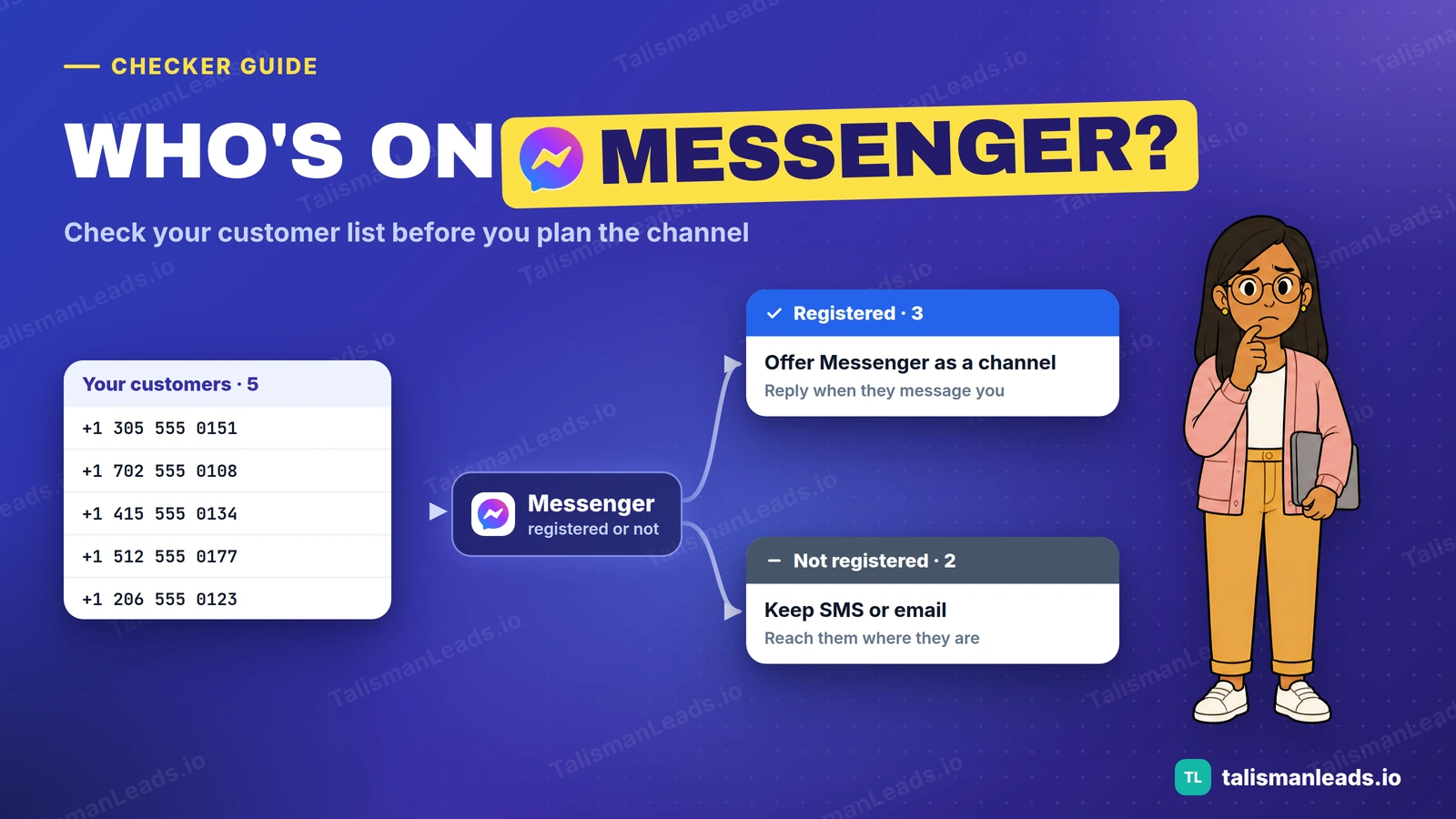
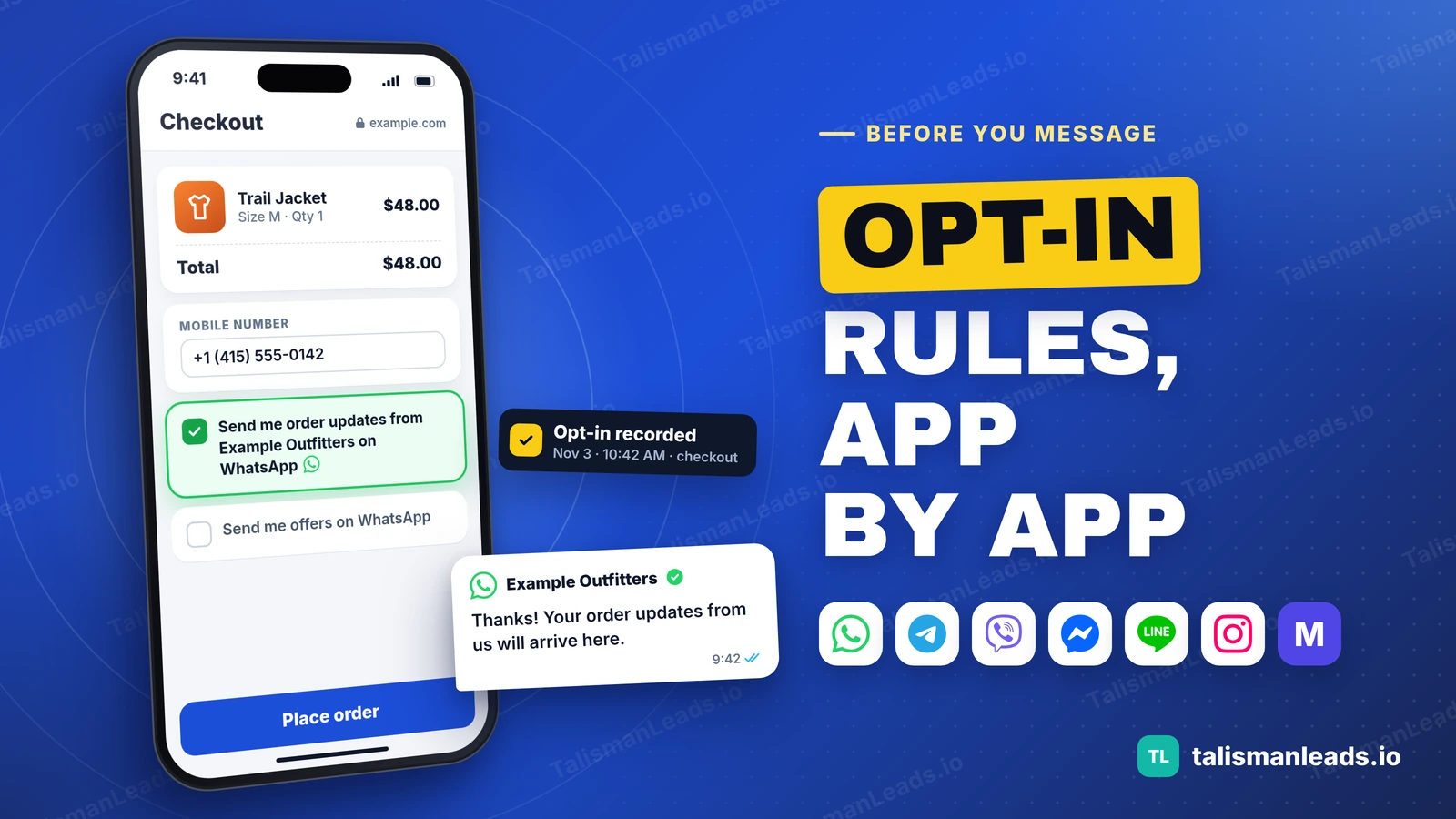
To check whether the numbers on your customer list have Facebook Messenger, run the list through a Messenger number checker: each number comes back registered or not registered, and nobody is messaged or notified. Use the result to decide whether Messenger is worth offering as a channel to your customers. A "registered" result is not permission to message anyone: Meta only lets a business message people who contacted it first, or who opted in.
This guide covers what the check returns, what Meta allows a business to send on Messenger, good and bad reasons to check, and how to run your own list in bulk.
What the Messenger check tells you#
For each number on your list, the Messenger Number Checker returns:
- Registered or not registered on Messenger.
- The number exactly as checked, in international format.
- A count of each result, so you see how much of your list is on Messenger.
What it does not return matters just as much:
- No chat history, online status or profile. The check finds the account, nothing more.
- No sign of activity. A registered number may belong to someone who rarely opens the app, and many people filter messages from businesses into a separate requests folder.
- Nothing on the other side. No chat is opened and no message request appears, so nobody on your list knows the check happened.
What a business can send on Messenger#
Knowing who is on Messenger is only half the picture: the platform decides when a business may write to someone. Meta's Messenger Platform policy works like this:
- The customer starts. A conversation opens when a person messages your Page, taps a button such as Get Started, or replies after clicking a click-to-Messenger ad.
- The standard messaging window. After that, you can reply for 24 hours, or up to 7 days when the person wrote after clicking a click-to-Messenger ad. Replies in the window may include promotions.
- After the window, only special routes. Message tags cover approved, non-promotional updates (a human agent's follow-up, for example). Marketing messages go only to people who opted in to hear from your Page. Sponsored messages reach people who already have an open conversation with your Page.
So there is no route for a business to send a first message to a number from its list. Using a tag for promotions, or trying to message around the window, can get your Page's messaging restricted.
Good reasons to check your list#
Within those rules, a registration check still answers useful questions about your own customers:
- Should you offer Messenger at all? If most of your customers are on it, a Messenger button on your website, order pages and receipts gives them a familiar way to reach you. If few are, your effort is better spent elsewhere.
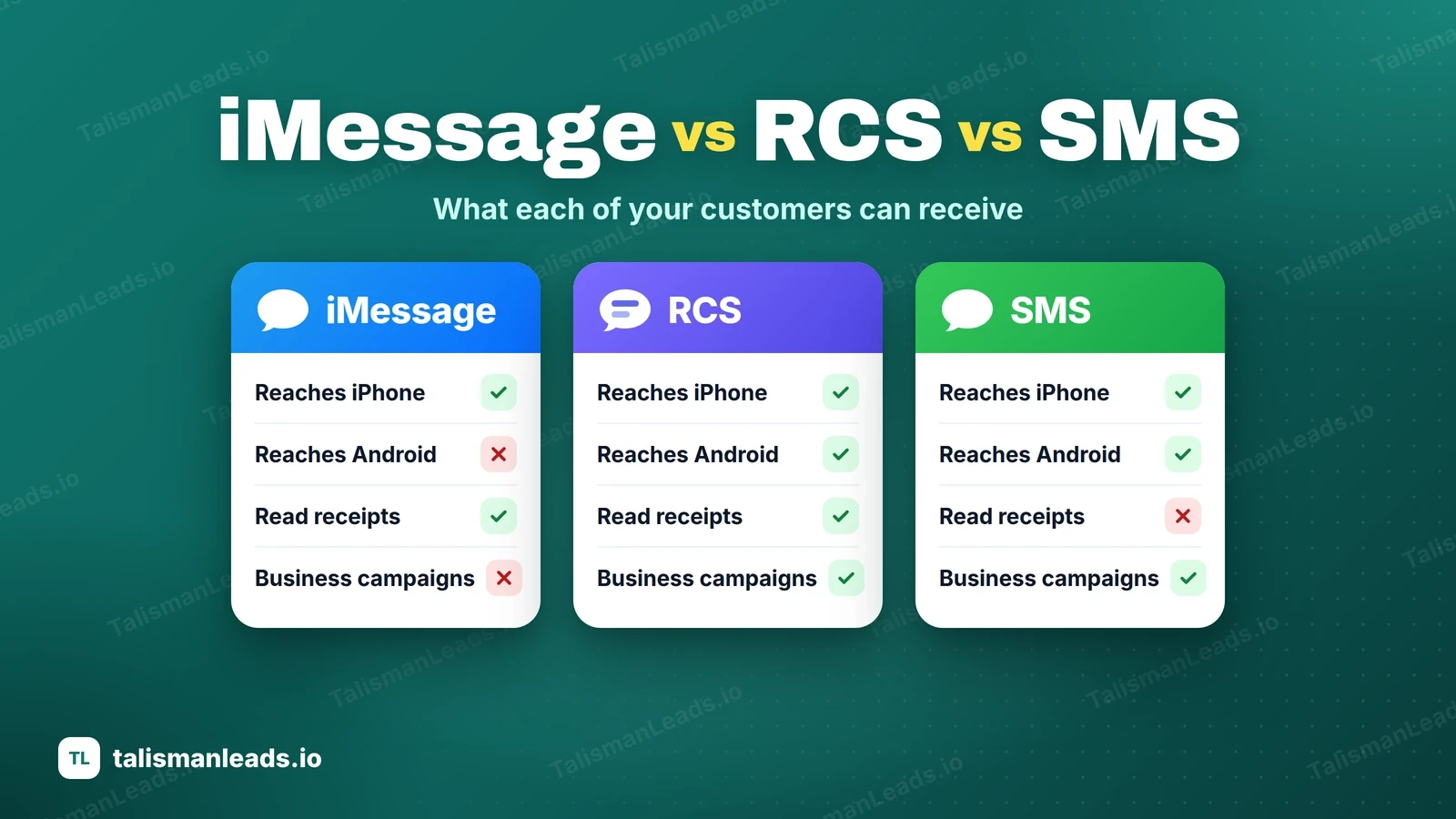
- Which channel should support lead with? Compare the Messenger result with your other channels. Our guide to iMessage, RCS and SMS covers the text-message side, and SMS still reaches every mobile phone.
- How big is the audience for a click-to-Messenger campaign? If you plan ads that invite customers to start a conversation, the share of your list on Messenger tells you how many could take up the invitation.
What a check is not for: building a list of strangers to contact, or finding out about a particular person. Check numbers your customers gave you, for the reason they gave them.
Messenger check or Facebook check?#
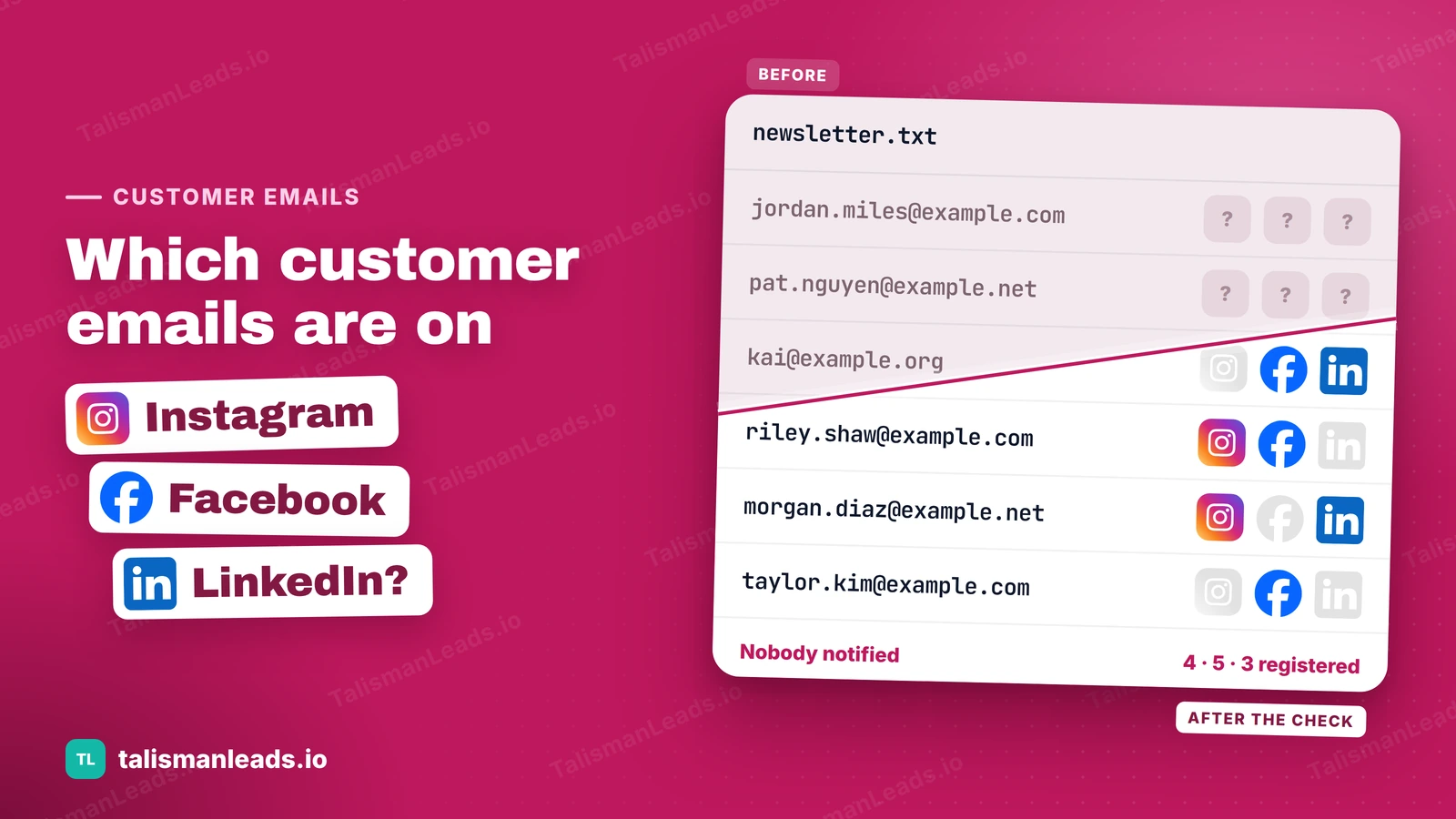
They overlap but answer different questions. A Facebook check confirms an account on the social network; the Messenger check confirms the number can be found on Messenger. Messenger usually sits on a Facebook account, so the answers often agree, but a person can match on one and not the other. If you are choosing a channel, the Messenger result is the one that counts. For the Facebook side, see our Facebook number checker guide.
How to check your list on TalismanLeads#
- Save your customers' numbers as a plain .txt file, one per line, each with its country code: +14155550134, not (415) 555-0134.
- Start a check, choose the Messenger Number Checker and upload the file. The exact price shows before anything is charged.
- Download the results a few minutes later: each number marked registered or not registered, with the counts.
It costs $5.00 per 10,000 numbers, and every file is billed as at least 2,000 numbers. A check that cannot be completed is refunded to your balance, top-ups start at $5, and credit never expires. Businesses can try it on their own list with a $5, 14-day free trial. Developers can run the same check through the API with the id messenger_number_checker; our bulk lookup API guide has complete code.
Frequently asked questions#
Can I message everyone who comes back registered?#
No. Being on Messenger does not give a business permission to write. Meta lets a business reply after the person contacts it, within the standard messaging window, and beyond that only through message tags, marketing messages to people who opted in, or sponsored messages to open conversations.
Does "registered" mean they read their messages?#
No. The check finds the account; it cannot see how often someone opens the app. Messages from businesses may also land in a separate requests folder.
Does the check notify the person?#
No. No chat is opened and no message request is sent. Nobody on the list sees anything.
Why do the Facebook and Messenger results sometimes differ?#
They are separate checks of separate things. Messenger usually sits on a Facebook account, so they often agree, but not always.
How much does a Messenger check cost?#
$5.00 per 10,000 numbers, with every file billed as at least 2,000 numbers. The price shows before you confirm.
Run your customer list through the Messenger Number Checker to see whether Messenger deserves a place among your support channels.
Was this helpful?