How to Check If a Number Is on LINE, in Bulk
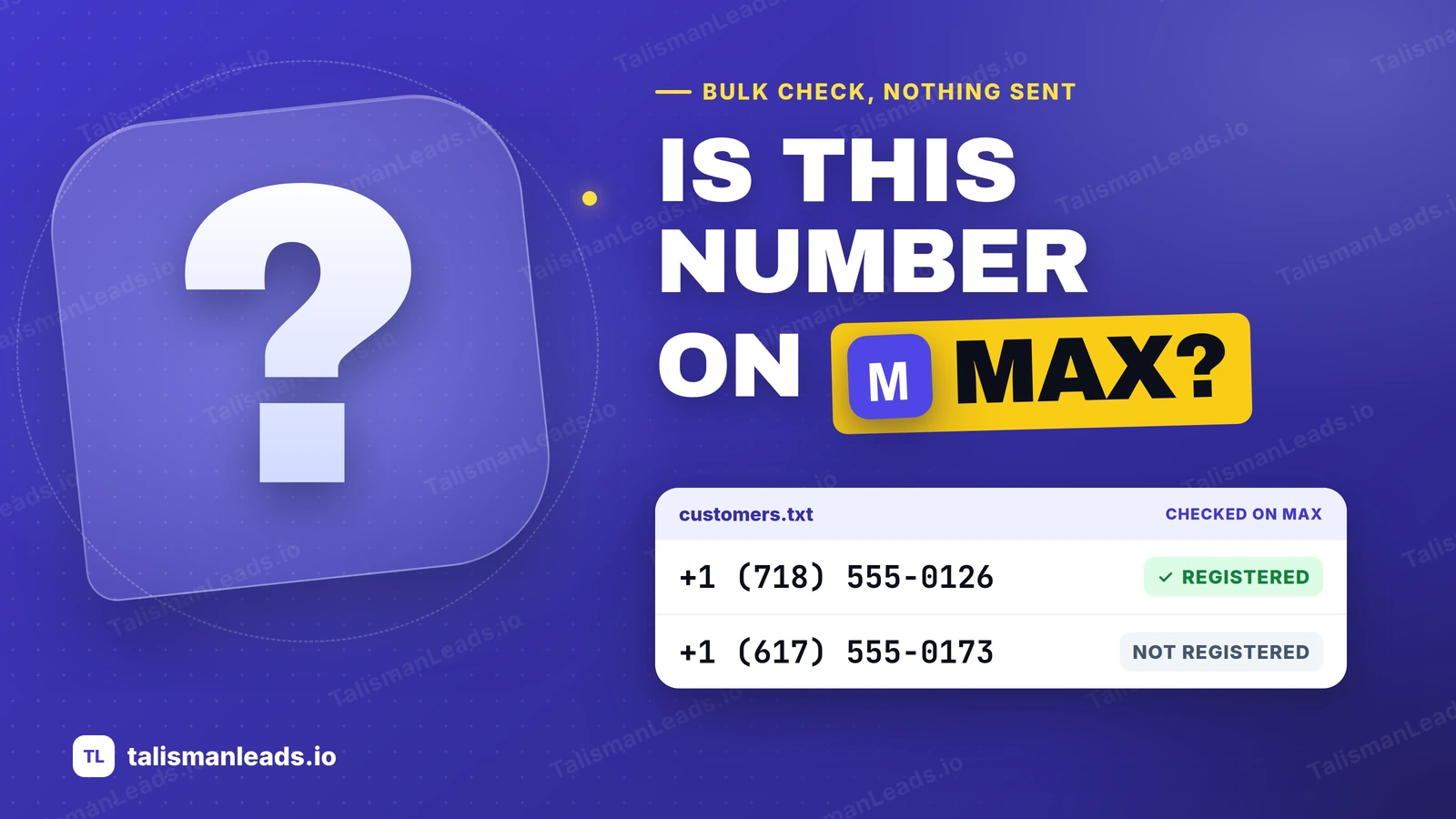
To check whether your customers' numbers are on LINE, run the list through a LINE checker: it marks each number registered or not registered, without sending anything to anyone. If many of your customers are on LINE, that tells you a LINE Official Account is worth opening for them. It does not give you a list to message: on LINE, customers add a business as a friend first, and the business writes to the people who did.
This guide is for businesses with customers in the markets where LINE is the everyday messenger. It covers where LINE matters, what a business can and cannot do there, and how to check a whole customer list at once.
Where LINE is the everyday messenger#
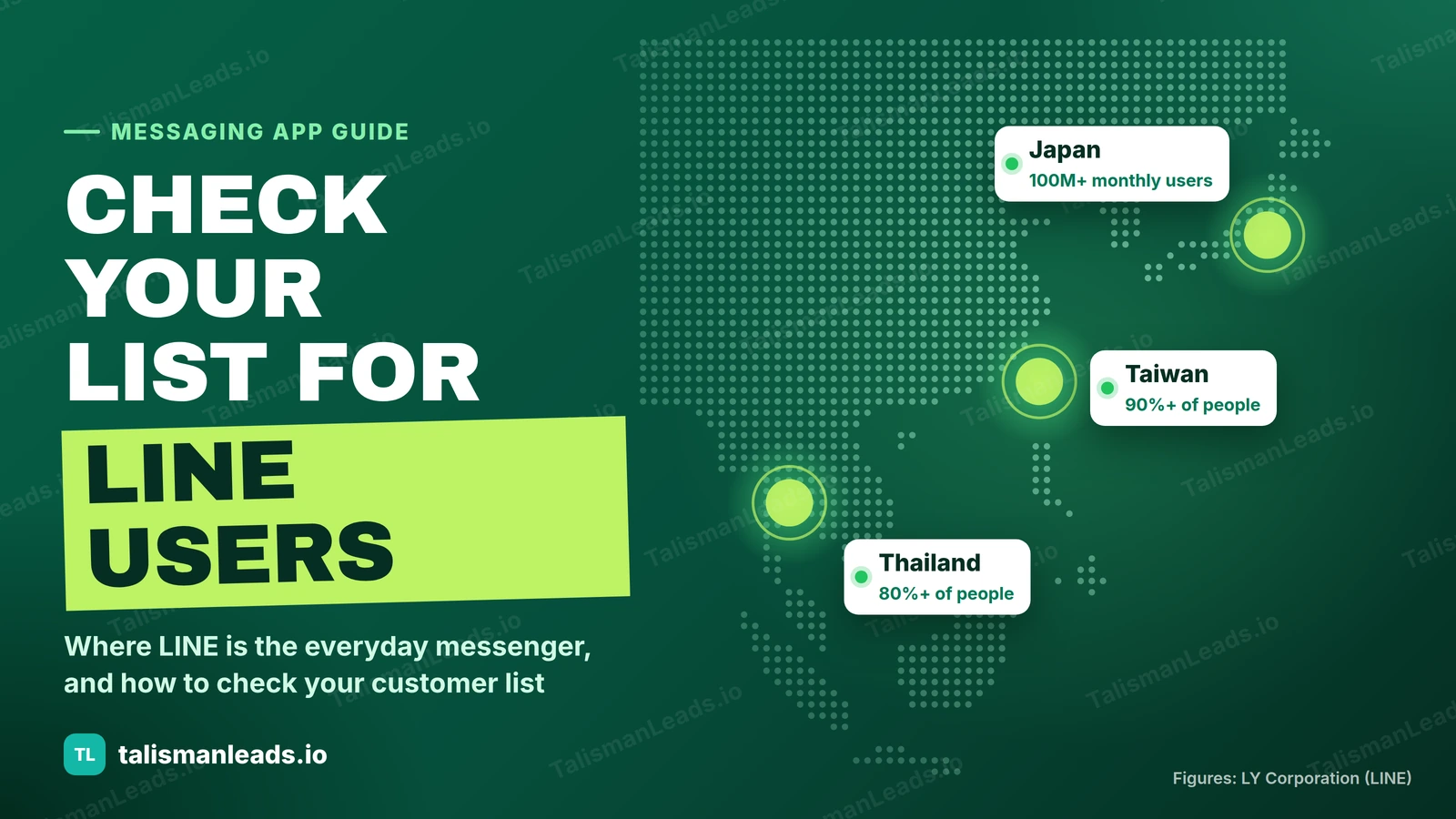
LINE is a messaging app run by LY Corporation, and its users are concentrated in a few markets. By LY Corporation's own figures:
- Japan: LINE passed 100 million monthly users in Japan in December 2025.
- Taiwan: LINE is the number one messaging app, used by over 90 percent of Taiwan's population.
- Thailand: LINE is the number one messaging app, used by over 80% of the country.
Outside these markets LINE is far less common, so a check on a list of US customers will usually come back mostly "not registered". It earns its price when you sell into Japan, Taiwan or Thailand, or serve communities from there.
What a business can do on LINE#
A business takes part in LINE through a LINE Official Account, and connects its own systems to it with the Messaging API. From LINE's developer documentation:
- Reply to a customer who adds your Official Account as a friend or sends it a message.
- Push a one-to-one message to a user, and broadcast to all users who are friends with your account (sending messages).
- Messages to users who have blocked your account are not delivered.
- Reading a user's display name, picture and status takes the user's consent (LINE).
What a business cannot do is type in a customer's phone number and start chatting. Messages go to people who have added your Official Account, identified by the user ID LINE gives you when they do. So the way to reach customers on LINE is to invite them: a QR code at checkout, a link in your emails, a button on your website.
Why check your customer list for LINE#
Knowing which customers are on LINE answers practical questions before you spend money:
- Is a LINE Official Account worth it? If a large share of your customers in Japan, Taiwan or Thailand are on LINE, an account and a "Add us on LINE" invitation will reach people where they already talk.
- Which channel for which market? Customers on LINE can be invited there; the rest keep getting email or SMS.
- Where should support live? A help desk that answers on LINE suits a market where nearly everyone uses it.
How to check numbers on LINE in bulk#
The LINE Profile Checker on TalismanLeads checks a whole file at once:
- Prepare the list. Save your customers' numbers as a plain .txt file, one per line, with the country code (for example +14155550142). Put numbers from one country in each file.
- Upload and see the price. Choose the LINE Profile Checker. The exact price shows before anything is charged: $8.10 per 10,000 numbers, with every file billed as at least 2,000 numbers.
- Download the results. Each number comes back registered or not registered on LINE, in international format, with a count of each result. For registered numbers the checker also returns the public profile details LINE shows, including the picture where one is set.
Nothing is sent to the numbers: nobody gets a message, a friend request or a notification. The same check runs from code through the TalismanLeads API with the checker id line_profile_checker. Businesses can test it on their own list with a $5, 14-day free trial.
What the result does and does not tell you#
- "Registered" means the number has a LINE account, not that the customer wants to hear from you there. Invite them; message only the ones who add you.
- "Not registered" means not found, not proof the person never uses LINE. Numbers change, and an account may be tied to a different number.
- Lists go stale. People change numbers and phones, so check a list again before you reuse it.
- Use only what you need. The profile details are there to confirm a match on your own customer records, not to build files on people. Keep what serves the decision and delete the rest.
Frequently asked questions#
How do I check if a phone number is on LINE?#
For one number, LINE lets you try adding a friend by phone number inside the app. For a list, upload the numbers to a LINE checker such as the LINE Profile Checker on TalismanLeads, which marks each one registered or not registered without contacting anyone.
Can a business message a LINE user by phone number?#
No. Through the Messaging API a business messages users who have added its LINE Official Account as a friend or written to it. Invite customers to add you, with a QR code or a link.
Where is LINE most used?#
In Japan, Taiwan and Thailand. LY Corporation reports more than 100 million monthly users in Japan, and use by over 90 percent of people in Taiwan and over 80 percent in Thailand.
Does the check notify the person?#
No. Nothing is sent: no message, no friend request, no notification.
How much does a LINE check cost?#
$8.10 per 10,000 numbers, with each file billed as at least 2,000 numbers. The exact price shows before you confirm.
If you serve customers in Japan, Taiwan or Thailand, run your list through the LINE Profile Checker and see how many of them you could welcome on LINE.
Was this helpful?