批量电话号码查询 API:Python、Node.js 与 cURL 指南
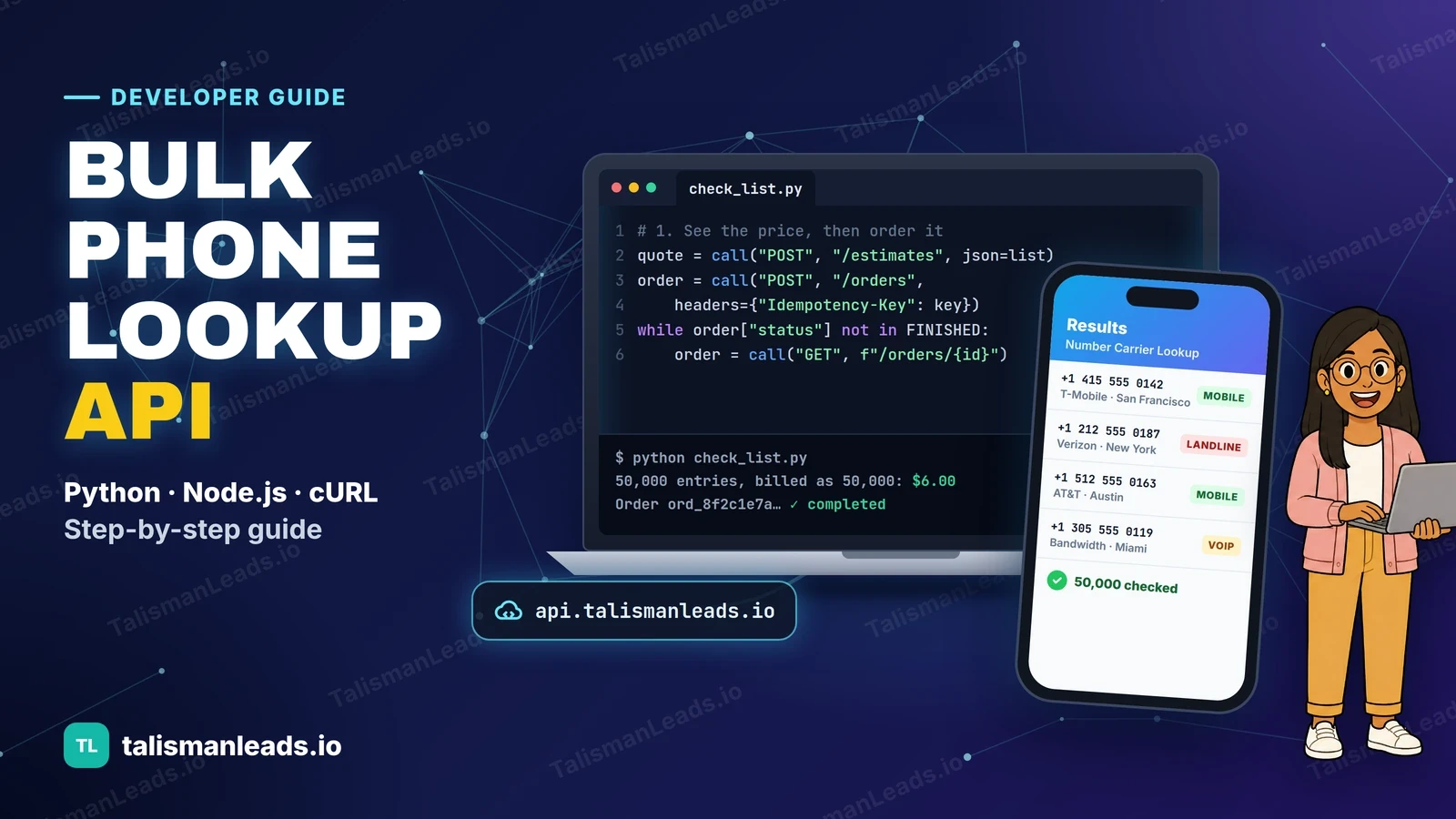
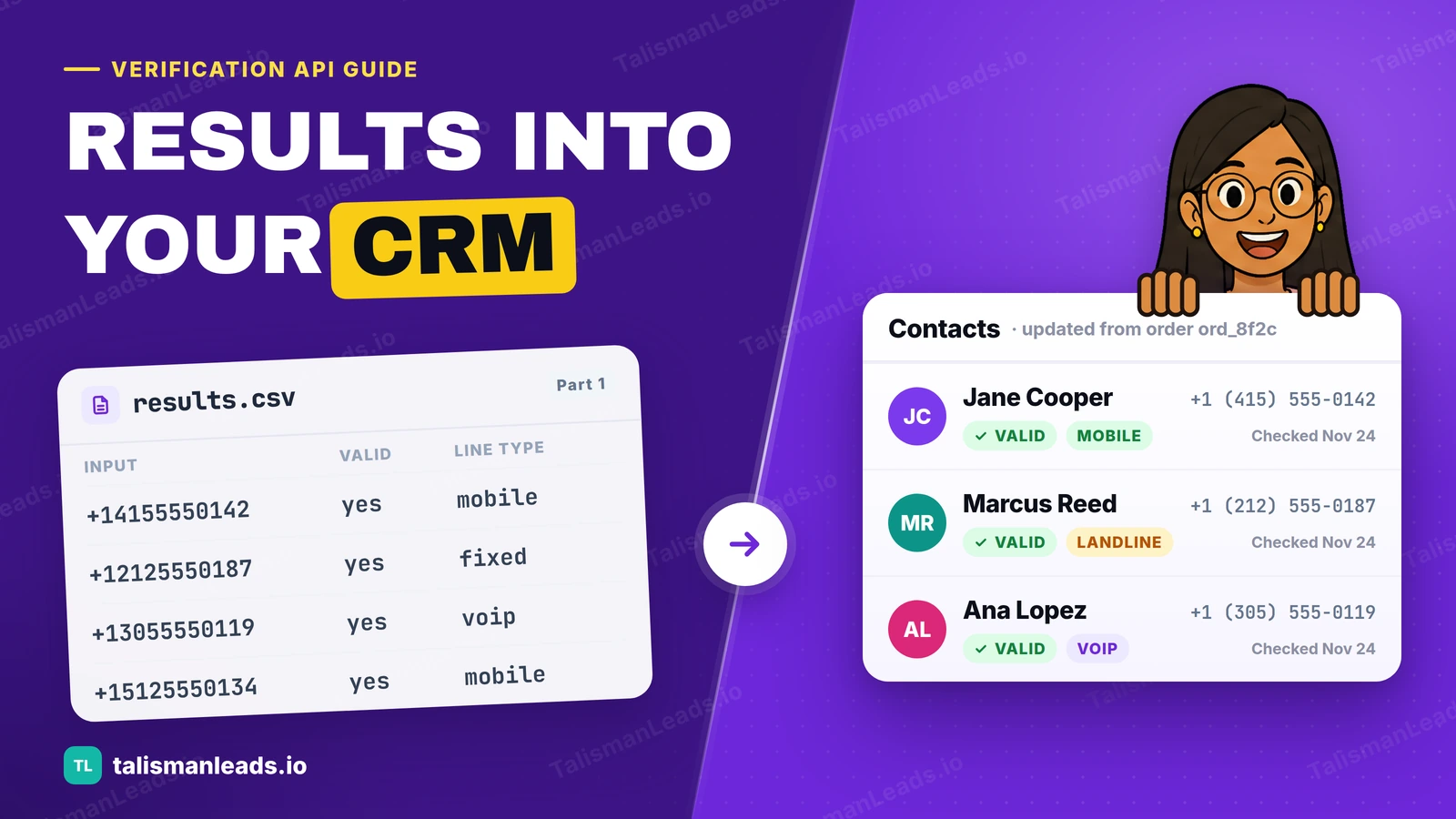
通过 API 批量查询电话号码并不复杂:把整份名单作为一个订单发送,等它处理完,然后下载一个结果文件。在 TalismanLeads 上只需四次调用:查看价格、提交订单、跟踪状态、获取结果。本指南先用 cURL 逐一演示每一步,再给出完整的 Python 和 Node.js 脚本,它们能从容应对速率限制、超时和重启,而且绝不会重复付费。
示例使用 Number Carrier Lookup,它会返回每个号码的线路类型、运营商和所在地区。只需改动一个 id,同一段代码就能运行网站上的任何检测器。
开始之前#
- API 密钥。在您 TalismanLeads 账户的 API 密钥页面(
/api-keys)创建,最多五个。创建密钥需要使用邮箱或 Google 登录的账户;仅通过 Telegram 登录的旧账户无法创建。密钥和密码一样属于机密:请把它保存在服务器的环境变量中,切勿写进代码或代码仓库(API 密钥安全一文介绍了如何存储和轮换密钥)。2026 年 11 月 8 日之前创建的密钥可能是只读的:估价、下单和上传都会以missing_scope拒绝它。 - 余额。每个订单都从您的预付余额中扣费,价格与网站相同。充值 5 美元起,企业还可以通过 5 美元、为期 14 天的免费试用来体验 API。试用额度会优先使用,试用账户在首次充值前的速率限制较低。
- E.164 格式的号码:加号、国家代码和号码本身,不含空格或括号。美国的 (415) 555-0142 应写成 +14155550142。E.164 号码最多 15 位。
- 每份名单只含一个国家。每个订单只放同一国家的号码:一份名单中至少 90% 的号码必须属于同一国家,因此混合名单请先按国家拆分。
每个文件至少按 2,000 条计费,所以即使是很小的测试,也要支付 2,000 条的最低费用。以 Number Carrier Lookup 每 10,000 个号码 $1.20 计算,就是 $0.24。有的检测器最低计费条数更高,有的则要求文件中至少包含一定数量的条目:GET /checkers 会给出每个检测器的 minimum_billed_entries 和 minimum_entries。
批量查询任务如何运作#
有些查询 API 每次请求只接受一个号码,名单一大就意味着成千上万次调用,还得自己处理速率限制。另一些则运行异步任务:您只需发送一次名单,服务商逐条处理,完成后您再取回结果(异步验证任务的工作原理一文解释了这种模式)。TalismanLeads 采用的是第二种方式:
- 估价:
POST /estimates统计条目数并计算订单价格,不会扣费。 - 下单:
POST /orders从您的余额中扣费,并把任务放入队列。 - 状态:
GET /orders/{id}告诉您订单何时完成。 - 结果:
GET /orders/{id}/results为结果的每个部分提供一个下载链接。
最多 100,000 条(4 MB)可以直接放在请求中。更大的名单(最多 10,000,000 条或 200 MB)需要先以文件形式上传;详见下文“超过 100,000 个号码的名单”。
第 1 步:选择检测器并查看价格#
GET /checkers 列出您的账户可以下单的所有检测器,以及它们的 id 和您的价格。本指南使用 global_carrier_checker。下单前先请求估价:
curl -X POST "https://api.talismanleads.io/v1/estimates" \
  -H "Authorization: Bearer $TALISMANLEADS_API_KEY" \
  -H "Content-Type: application/json" \
  -d '{"checker":"global_carrier_checker","entries":["+14155550142","+12125550187"]}'
返回内容包括 entries(您发送的条数)、billed_entries(不低于该检测器的最低计费条数)和 charge,即以字符串表示的美元价格,例如 "0.24"。它还会给出 trial_amount,即试用额度将支付的部分;parts,即订单将分成几个部分运行;以及 country,即名单的主要国家,包含其 code 和在名单中所占的比例 share。
第 2 步:携带 Idempotency-Key 下单#
curl -X POST "https://api.talismanleads.io/v1/orders" \
  -H "Authorization: Bearer $TALISMANLEADS_API_KEY" \
  -H "Idempotency-Key: 3f0c9a52-8e7b-4d1e-9c55-2a6b1f04d7e8" \
  -H "Content-Type: application/json" \
  -d '{"checker":"global_carrier_checker","entries":["+14155550142","+12125550187"],"expected_charge":"0.24"}'
有两个字段保护您的资金:
- Idempotency-Key 为必填项:最多 200 个可见 ASCII 字符,不含空格(UUID 即可)。每个新订单都要生成一个新的密钥,并在发送前把它和您自己的订单记录一起保存。如果请求超时,而您用同一个密钥重新发送,您会拿回同一个订单,绝不会被扣两次费。新密钥就意味着新订单。密钥从首次发送起保留 7 天;超过 7 天后,同一个密钥会创建新订单。这一机制遵循许多支付 API 采用的 IETF 标准草案,幂等键详解一文对此有深入介绍。
- expected_charge 为可选项。填写后,如果订单金额与估价不符,订单会以
price_changed被拒绝。
返回 201 Created,包含订单的 id、status(queued)、charge 和 trial_amount。读取一份大名单最多可能需要五分钟,因此请为这个请求设置较长的超时时间。
第 3 步:跟踪订单状态#
curl "https://api.talismanleads.io/v1/orders/ord_8f2c1e7a-3b4d-4c5e-9f60-1a2b3c4d5e6f" \
  -H "Authorization: Bearer $TALISMANLEADS_API_KEY"
每隔 30 秒或更久查询一次。状态为以下之一:
queued和processing:仍在运行。completed:已完成,所有部分均已处理。partially_completed:已完成,但部分失败;失败的部分会自动退款,refunded显示退回的金额。failed:什么也没能处理;费用将全部退还。
今后可能会新增状态,因此遇到不认识的状态时,请一律当作仍在运行。
第 4 步:下载结果#
curl "https://api.talismanleads.io/v1/orders/ord_8f2c1e7a-3b4d-4c5e-9f60-1a2b3c4d5e6f/results" \
  -H "Authorization: Bearer $TALISMANLEADS_API_KEY"
每个部分都会有一个下载链接,有效期 15 分钟;结果会一直保留,所以您随时可以重新获取新链接。文件通常是一个 zip 压缩包,内含 all.csv、一个电子表格和若干文本列表,也可能是单个 CSV 文件。两条规则:
- 不要把 API 密钥发送到下载链接。链接本身已带有访问权限。
- 按列名读取,而不是按位置读取。以后可能会新增列。
速率限制与安全重试#
限制按账户、按分钟计算,由 TalismanLeads 设定,因此可能会调整。撰写本文时,每分钟的限制为:60 次读取、30 次结果下载、10 次估价、10 次上传和 10 个新订单,同时运行的订单部分最多 20 个;GET /account 会返回适用于您的限制。响应中可能带有 RateLimit-Limit、RateLimit-Remaining 和 RateLimit-Reset 头,但也可能没有(例如重复提交订单时),所以代码绝不能依赖它们。
超出限制时,您会收到 429 rate_limited,并附带 Retry-After 头,表示需要等待的秒数。该请求什么都没做,也没有扣费。等待之后再重新发送;如果是订单,请使用同一个 Idempotency-Key。HTTP 标准也允许 Retry-After 是一个日期(RFC 9110),因此读取它的代码在值不是数字时,应退而采用一个合理的等待时间。API 速率限制与 429 错误一文更详细地介绍了退避策略。
当订单的响应丢失时(超时、连接中断、网关返回 502 或 504 页面,或者出现错误代码 order_status_unknown、internal_error 或 service_unavailable),您无法知道订单是否已提交。用同一个密钥重复同一个请求即可查明:这样绝不会重复扣费。api_disabled 和 quote_expired 也要求同样的处理:等待,然后用同一个密钥重试。绝不要因为请求失败就生成新密钥,那等于下了一个新订单。每次重试之间等待一分钟;如果几分钟后仍无法确定结果,请带上 request_id 联系客服。
所有错误的结构都相同:一个 error 对象,其中包含永不改变的 code、供人阅读的 message、request_id,以及指向该代码说明的 docs_url。每个响应,无论是否出错,还会在 Request-Id 头中带上自己的 id。请依据代码进行处理;验证 API 的错误一文逐一解释了每个代码的含义。
完整的 Python 脚本#
把号码保存到 customers.txt,每行一个,采用 E.164 格式,设置好 TALISMANLEADS_API_KEY,然后运行即可。脚本需要 requests 包。在下单之前,它会把订单的密钥和价格保存到 customers.txt.order-key。如果脚本被中断或连接断开,请在 7 天内重新运行:它会用同一个密钥发送同一个订单,从中断处继续,绝不会重复付费。结果保存完毕后,该文件会被删除。
import os
import time
import uuid

import requests

API = os.environ.get("TALISMANLEADS_API_URL", "https://api.talismanleads.io/v1")
AUTH = {"Authorization": f"Bearer {os.environ['TALISMANLEADS_API_KEY']}"}
FINISHED = {"completed", "partially_completed", "failed"}
# Codes that mean "send the same request again": for an order, with the same key.
REPEAT = {"order_status_unknown", "internal_error", "service_unavailable",
          "api_disabled", "quote_expired"}


def call(method, path, json=None, headers=None):
    """Send one API request, waiting and repeating it when it may not have arrived."""
    for _ in range(10):
        try:
            r = requests.request(method, API + path, json=json,
                                 headers={**AUTH, **(headers or {})}, timeout=330)
        except requests.exceptions.RequestException:
            time.sleep(60)  # a timeout or a dropped connection: the order may be placed
            continue
        try:
            body = r.json()
        except ValueError:
            body = None  # a gateway's 502 or 504 is not JSON
        if r.ok:
            return body
        if r.status_code == 429:
            wait = r.headers.get("Retry-After", "")
            time.sleep(int(wait) if wait.isdigit() else 30)  # seconds; anything else, 30
            continue
        error = (body or {}).get("error", {})
        if body is None or error.get("code") in REPEAT:
            time.sleep(60)  # same request, same Idempotency-Key: never charged twice
            continue
        raise RuntimeError(f"{error.get('code')}: {error.get('message')} "
                           f"(request {error.get('request_id')})")
    raise RuntimeError(f"No answer from {path} after repeated tries")


def check_list(path, checker):
    with open(path) as f:
        numbers = [line.strip() for line in f if line.strip()]

    # 1. See the price and make this order's key, once. Both are saved before
    #    the order is sent, so a run that is stopped and started again sends
    #    the same order with the same key, and is never charged twice.
    saved = path + ".order-key"
    if os.path.exists(saved):
        with open(saved) as f:
            key, charge = f.read().split()
    else:
        quote = call("POST", "/estimates", json={"checker": checker, "entries": numbers})
        print(f"{quote['entries']} entries, billed as {quote['billed_entries']}: "
              f"${quote['charge']}")
        key, charge = str(uuid.uuid4()), quote["charge"]
        with open(saved, "w") as f:
            f.write(f"{key} {charge}\n")

    # 2. Place the order at that price.
    order = call("POST", "/orders",
                 json={"checker": checker, "entries": numbers, "expected_charge": charge},
                 headers={"Idempotency-Key": key})
    print("Order", order["id"], order["status"])

    # 3. Follow it until it finishes. A status you do not know means still running.
    while order["status"] not in FINISHED:
        time.sleep(30)
        order = call("GET", f"/orders/{order['id']}")
    if order["status"] == "failed":
        raise RuntimeError(f"Order failed; ${order['refunded']} refunded")

    # 4. Download each part. The links carry their own permission:
    #    do not send your API key to them.
    results = call("GET", f"/orders/{order['id']}/results")
    for part in results["parts"]:
        if not part.get("url"):
            continue
        name = f"part{part['part']}-{part['file_name']}"
        file = requests.get(part["url"], timeout=300)
        file.raise_for_status()
        with open(name, "wb") as out:
            out.write(file.content)
        print("Saved", name)

    # Done: the next run of this list is a new order, with a new key.
    os.remove(saved)


if __name__ == "__main__":
    check_list("customers.txt", "global_carrier_checker")
完整的 Node.js 脚本#
同样的流程、同样保存的密钥,适用于 Node.js 18 或更高版本,这些版本已内置 fetch。将其保存为 check_list.mjs。
import { randomUUID } from "node:crypto";
import { readFile, rm, writeFile } from "node:fs/promises";

const API = process.env.TALISMANLEADS_API_URL ?? "https://api.talismanleads.io/v1";
const AUTH = { Authorization: `Bearer ${process.env.TALISMANLEADS_API_KEY}` };
const FINISHED = new Set(["completed", "partially_completed", "failed"]);
// Codes that mean "send the same request again": for an order, with the same key.
const REPEAT = new Set(["order_status_unknown", "internal_error", "service_unavailable", "api_disabled", "quote_expired"]);
const sleep = (seconds) => new Promise((done) => setTimeout(done, seconds * 1000));

// Send one API request, waiting and repeating it when it may not have arrived.
async function call(method, path, { json, headers } = {}) {
  for (let tries = 0; tries < 10; tries++) {
    let r;
    try {
      r = await fetch(API + path, {
        method,
        headers: { ...AUTH, ...(json ? { "Content-Type": "application/json" } : {}), ...headers },
        body: json ? JSON.stringify(json) : undefined,
        signal: AbortSignal.timeout(330_000),
      });
    } catch {
      await sleep(60); // a timeout or a dropped connection: the order may be placed
      continue;
    }
    const body = await r.json().catch(() => null); // a gateway's 502 or 504 is not JSON
    if (r.ok) return body;
    if (r.status === 429) {
      await sleep(Number(r.headers.get("Retry-After")) || 30); // seconds; anything else, 30
      continue;
    }
    const error = body?.error ?? {};
    if (!body || REPEAT.has(error.code)) {
      await sleep(60); // same request, same Idempotency-Key: never charged twice
      continue;
    }
    throw new Error(`${error.code}: ${error.message} (request ${error.request_id})`);
  }
  throw new Error(`No answer from ${path} after repeated tries`);
}

async function checkList(path, checker) {
  const numbers = (await readFile(path, "utf8")).split("\n").map((l) => l.trim()).filter(Boolean);

  // 1. See the price and make this order's key, once. Both are saved before
  //    the order is sent, so a run that is stopped and started again sends
  //    the same order with the same key, and is never charged twice.
  const saved = `${path}.order-key`;
  const kept = await readFile(saved, "utf8").catch((e) => (e.code === "ENOENT" ? null : Promise.reject(e)));
  let key, charge;
  if (kept) {
    [key, charge] = kept.trim().split(" ");
  } else {
    const quote = await call("POST", "/estimates", { json: { checker, entries: numbers } });
    console.log(`${quote.entries} entries, billed as ${quote.billed_entries}: $${quote.charge}`);
    [key, charge] = [randomUUID(), quote.charge];
    await writeFile(saved, `${key} ${charge}\n`);
  }

  // 2. Place the order at that price.
  let order = await call("POST", "/orders", {
    json: { checker, entries: numbers, expected_charge: charge },
    headers: { "Idempotency-Key": key },
  });
  console.log("Order", order.id, order.status);

  // 3. Follow it until it finishes. A status you do not know means still running.
  while (!FINISHED.has(order.status)) {
    await sleep(30);
    order = await call("GET", `/orders/${order.id}`);
  }
  if (order.status === "failed") throw new Error(`Order failed; $${order.refunded} refunded`);

  // 4. Download each part. The links carry their own permission:
  //    do not send your API key to them.
  const results = await call("GET", `/orders/${order.id}/results`);
  for (const part of results.parts) {
    if (!part.url) continue;
    const name = `part${part.part}-${part.file_name}`;
    const file = await fetch(part.url, { signal: AbortSignal.timeout(300_000) });
    if (!file.ok) throw new Error(`Download of ${name} failed: ${file.status}`);
    await writeFile(name, Buffer.from(await file.arrayBuffer()));
    console.log("Saved", name);
  }

  // Done: the next run of this list is a new order, with a new key.
  await rm(saved);
}

await checkList("customers.txt", "global_carrier_checker");
我们用一个模拟 API 测试了这两个脚本:它先接受订单,然后断开连接,对重试请求依次返回网关的 502 页面、速率限制和 order_status_unknown,之后才返回订单;第二轮测试则尝试了 internal_error、service_unavailable、api_disabled 和 quote_expired。两个脚本都按要求等待,每次都发送同一个密钥,因此只生成了一个订单。我们还在每个脚本提交订单后立即将其停止并重新启动:它读取了保存的密钥,拿回了同一个订单。两个脚本都没有把 API 密钥发送到下载链接。
超过 100,000 个号码的名单#
名单较大时,请先以文件形式上传:
- 调用
POST /uploads并提供文件名和大小,会返回upload_url和upload_id。该链接有效期为两小时。 - 用
PUT和Content-Type: text/plain把文件发送到该链接,不要附带 API 密钥。 - 用
upload_id代替entries,先发送到POST /estimates获取价格,再发送到POST /orders。
文件为 .txt 格式,每行一条,最多 10,000,000 条或 200 MB。上传的文件会等待其订单 24 小时,之后被删除。您最多可以同时有 20 个文件或 100 MB 处于等待状态,每天最多上传 500 次;超出后,POST /uploads 会返回 too_many_uploads。大订单会在后台拆分为每部分最多 1,000,000 条,但仍只有一个状态和一个总额。
可以运行哪些检测器#
该脚本适用于所有检测器,只需修改最后一行的 id。以下是几个示例及其标准价格:
global_carrier_checker(Number Carrier Lookup):每个号码的线路类型、运营商和所在地区,每 10,000 个号码 $1.20。email_deliverability_checker(Email Deliverability Checker):每个邮箱在 Gmail、Yahoo、Outlook、iCloud、Yandex 和 Mail.ru 上是否存在,每 10,000 个地址 $9.00。whatsapp_status_detection(WhatsApp Number Checker):哪些号码注册了 WhatsApp,每 10,000 个号码 $0.69。
请将这些检测器用于您自己客户的数据。尤其是 WhatsApp,根据 WhatsApp 的商业政策,企业只能向那些主动提供号码并同意接收消息的人发送消息。因此,注册检测针对的是客户提供给您的号码,而不是用来寻找新的发送对象。
查询结果能说明什么,不能说明什么#
- 有效不等于正在使用。基于号码规划数据的查询只能说明某个号码可能存在,以及其号段分配给了哪家运营商。它不能证明该线路已开通,也不能证明号码仍属于您的客户。
- 携号转网的号码可能显示原运营商。人们换运营商时会保留号码;基于号段的数据可能仍显示最初的运营商。
- 结果不代表同意。请将每条结果与检查日期一起保存,在大型营销活动前重新检查,并单独保存您的同意记录。
常见问题#
有批量端点吗,还是每次请求只能发一个号码?#
一个订单就能容纳整份名单:请求中最多 100,000 条,以上传文件方式最多 10,000,000 条。您永远不需要逐个号码循环调用。
如何重试才不会被重复扣费?#
每个订单的 Idempotency-Key 只生成一次,在发送订单前保存好;如果订单失败或超时,在 7 天内用同一个密钥重试。API 会返回原订单,而不会新建订单。
电话号码应该采用什么格式?#
E.164:加号、国家代码和号码,例如 +14155550142。每份名单只放同一个国家的号码。
达到速率限制时会怎样?#
您会收到 429 响应,附带以秒为单位的 Retry-After 头。此时什么都没有执行,也没有扣费;等待相应时间后,再发送同一个请求即可。
可以从网页中调用 API 吗?#
不可以。API 不允许从网页调用:它不发送 CORS 头,因此浏览器不会让网页读取它的响应。而且放在网页中的密钥任何人都能看到。请从您的服务器调用 API。
这篇内容有帮助吗?