How to Check If a Number Is on Telegram, in Bulk
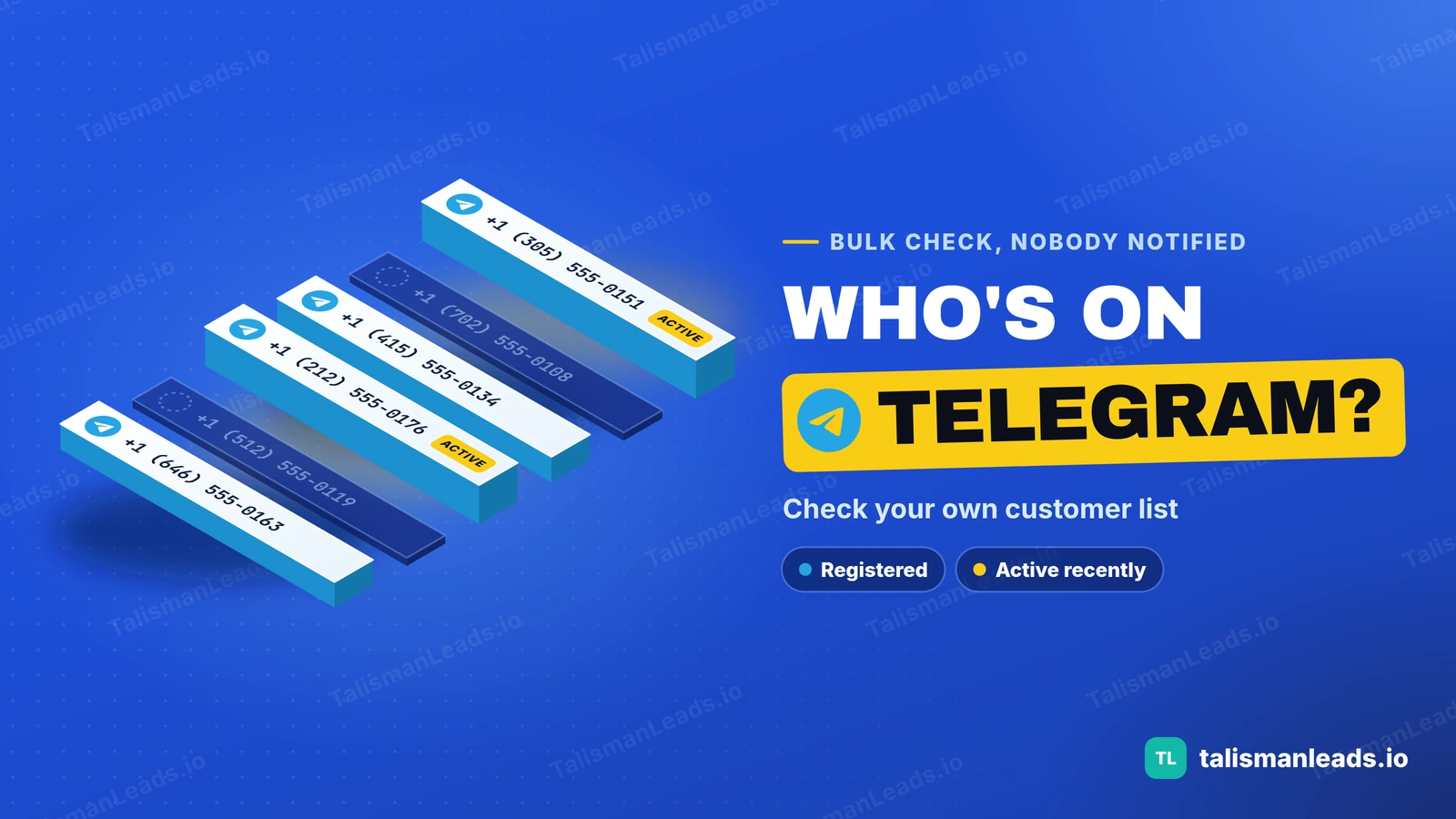
To check whether a phone number is on Telegram without messaging anyone, run your list through a Telegram number checker: each number comes back registered or not registered, and an activity check adds how recently each account was seen. For one number, saving it in your phone's contacts and opening Telegram works, as long as the person's privacy settings let you find them. For a customer list of thousands, a bulk check is the practical way, and it tells you how many of your customers a Telegram channel or bot could actually reach.
This guide is for businesses deciding whether Telegram is worth setting up for their own customers.
One number, or a whole customer list#
For a single contact, Telegram does the work itself: save the number in your phone's address book, open Telegram, and the contact shows up if they have an account and their settings allow it. Telegram lets people decide who can find them by their number, so a contact who does not show up may still use the app.
That stops working at the size of a real customer list. Saving 8,000 numbers as contacts would take days and fill your phone with strangers' names. A bulk check takes a file and returns a file, with nothing added to any phone.
The question a business is really asking is not "is this one person on Telegram?" but "how many of my customers would see us there?". That is what decides whether a channel, a bot or a support desk on Telegram is worth the effort.
Two checks: registered, and recently active#
The Telegram Number Checker marks each number registered or not registered on Telegram. It is the quick way to size your Telegram audience, at $3.20 per 10,000 numbers.
The Telegram Activity Checker goes a step further and marks each account active recently or inactive, so you can tell people who open Telegram every day from someone who installed it once and moved on. It costs $5.00 per 10,000 numbers.
The activity check works with what Telegram itself shows about an account's last visit, which is never an exact time for most people. Telegram replaces it with broad bands: "last seen recently" covers anything up to two or three days, then "within a week", "within a month" and "a long time ago" (Telegram FAQ). The Activity Checker places each account in a band like these, as far as Telegram exposes it. It does not return timestamps, and people who hide their last seen show less.
Which one you need depends on the decision. Registration answers "could this customer join our channel?". Activity answers "would they notice it this week?". If you are only sizing the channel, the number check is enough. If you are about to spend time or money on Telegram, the activity figure is the one to plan on.
How to run the check#
- Prepare the list. Save your customers' numbers as a plain .txt file, one per line, each with its country code in E.164 format, such as +12145550134.
- One country per file. At least 90% of the numbers in a file must share a country, so split a mixed list by country code first.
- Upload and confirm. On the website, choose the Telegram Number Checker and see the exact price before anything is charged. Every file is billed as at least 2,000 numbers. You can also send the file to the TalismanLeads Telegram bot.
- Add the activity check as a follow-up. On the website, pick the Telegram Activity Checker as the Follow-up Check. When the number check finishes, the activity check runs by itself on the numbers that came back registered. It is charged when it starts, priced as an upload of those numbers would be (the 2,000-number minimum included), and is not part of the first quote.
- Download the results a few minutes later, with each number marked and a count for each outcome.
The check runs on TalismanLeads's side. Nobody on your list is messaged, added to a group or notified, and you need no Telegram account or SIM of your own. If a check cannot be completed, the charge goes back to your balance automatically.
Reading the results honestly#
A Telegram check is a planning tool. Read each result for what it is:
- Registered is not reachable. A registered number has a Telegram account. It does not mean the customer has agreed to hear from you there, or that a business can write to them first (more on that below).
- Not registered is strong evidence, not proof. Telegram lets people limit who can find them by their number. Treat a "registered" as reliable for planning, and expect a few real Telegram users among the rest.
- Inactive is a signal, not a verdict. Activity comes from Telegram's own broad bands, and people who hide their last seen show less. Do not drop a customer from your list because of it; just do not rely on Telegram alone to reach them.
- It does not prove who has the number today. Disconnected numbers are given to new people, so a registered number can belong to someone other than your customer. Trust results most for customers you have heard from recently.
- It is a snapshot. People install and remove apps and switch phones. Check again before you reuse the list for a new campaign.
The easy mistake is to treat the registered count as a send list. It is the size of an opportunity, not a list of people who asked for messages.
What Telegram lets a business do next#
On Telegram the customer takes the first step. These are the tools a business has once they do:
- A channel. Channels broadcast to an unlimited number of subscribers, and a public channel has a link (t.me/yourname) that anyone can open and join (Telegram channels FAQ). Good for news, launches and offers to customers who chose to follow you.
- A bot. A bot can answer questions, take orders or send updates a customer signed up for. Telegram is plain that bots cannot start conversations: a user has to message the bot or add it to a group first (Telegram bots).
- A business account. Telegram Business adds opening hours, a location, greeting and away messages, quick replies, chat links and a connected bot that answers for you (Telegram Business).
What Telegram does not offer is a way to write to customers because you hold their numbers. Its channels FAQ asks owners not to send channel links "or other unsolicited messages" to strangers, and its terms of service forbid using the service to send spam. Telegram changes its features often, so check the current rules on telegram.org before you build on them.
So the useful next step after a check is an invitation, placed where your customers already deal with you: a "Join us on Telegram" link in order emails, a button on your website, a QR code on receipts or at the counter. If most of your customers came back active recently, that invitation is worth making prominent. If few did, keep Telegram as an extra and put your effort into email or SMS. If you text the rest, check their line types first so you are not sending to landlines (see how to check whether a number is a landline or mobile).
Your own customers only#
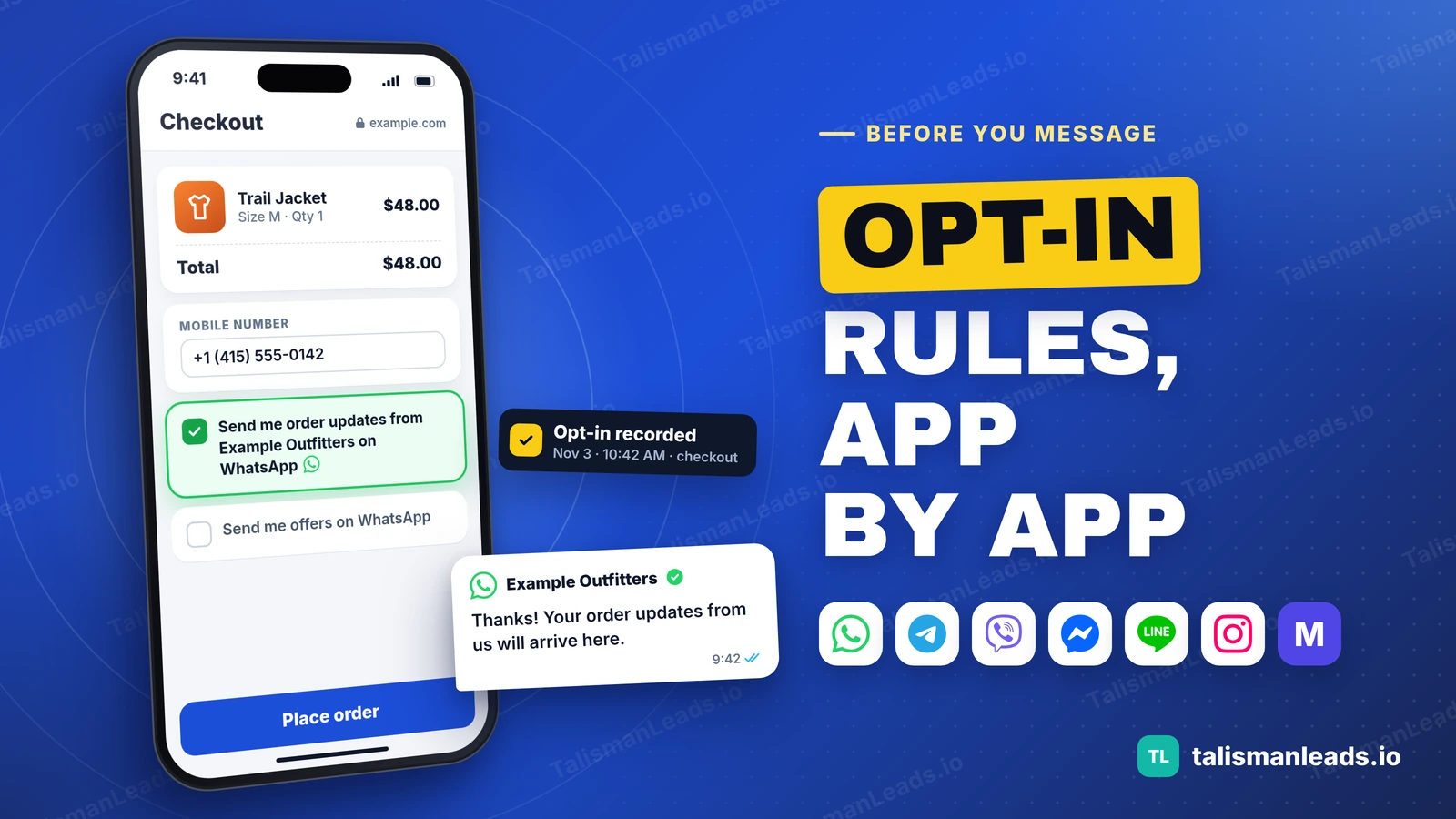
Check numbers your customers gave you, with a reason to stay in touch: buyers, members, people who signed up. Do not use a Telegram check to work through bought or scraped lists, or to find out about a private person.
Keep what serves the decision (counts, and which customers to invite) and leave the rest. Matching a number to the public profile behind it is a separate check, the Telegram Profile Checker, described in our post on it; for deciding whether Telegram is worth it, registration and activity are all you need.
To weigh Telegram against WhatsApp, Signal and Viber for business use, see WhatsApp vs Telegram vs Signal vs Viber for business.
Frequently asked questions#
Can I check if someone has Telegram without messaging them?#
Yes. For one number, save it in your contacts and see whether it appears in Telegram, privacy settings permitting. For a customer list, a bulk checker marks each number registered or not registered without sending anything.
Does the person know their number was checked?#
No. The check is passive: nobody is messaged, added to a group or notified.
What is the difference between the number check and the activity check?#
The number check tells you whether a number has a Telegram account. The activity check marks each account active recently or inactive, from the broad last-seen bands Telegram shows, so you can tell regular users from old installs.
Why does a customer I know uses Telegram show as not registered?#
Telegram lets people limit who can find them by their phone number, and some accounts are tied to a different number from the one in your records. A "not registered" is strong evidence, not proof.
Can a business message customers on Telegram by phone number?#
Not as a way to start a conversation. Telegram bots cannot message someone who has not started them, and Telegram asks businesses not to send unsolicited messages. Invite customers to your channel or bot, and write to those who join.
How much does a Telegram check cost?#
The Telegram Number Checker costs $3.20 per 10,000 numbers and the Telegram Activity Checker $5.00 per 10,000, with every file billed as at least 2,000 numbers. The exact price shows before you confirm, and topped-up credit never expires. Businesses can apply for a $5, 14-day free trial to test both on their own list.
Run a sample of your own customers through the Telegram Number Checker and see how many of them a Telegram channel would actually reach.
Was this helpful?