How to Check Which of Your Customers Use WhatsApp
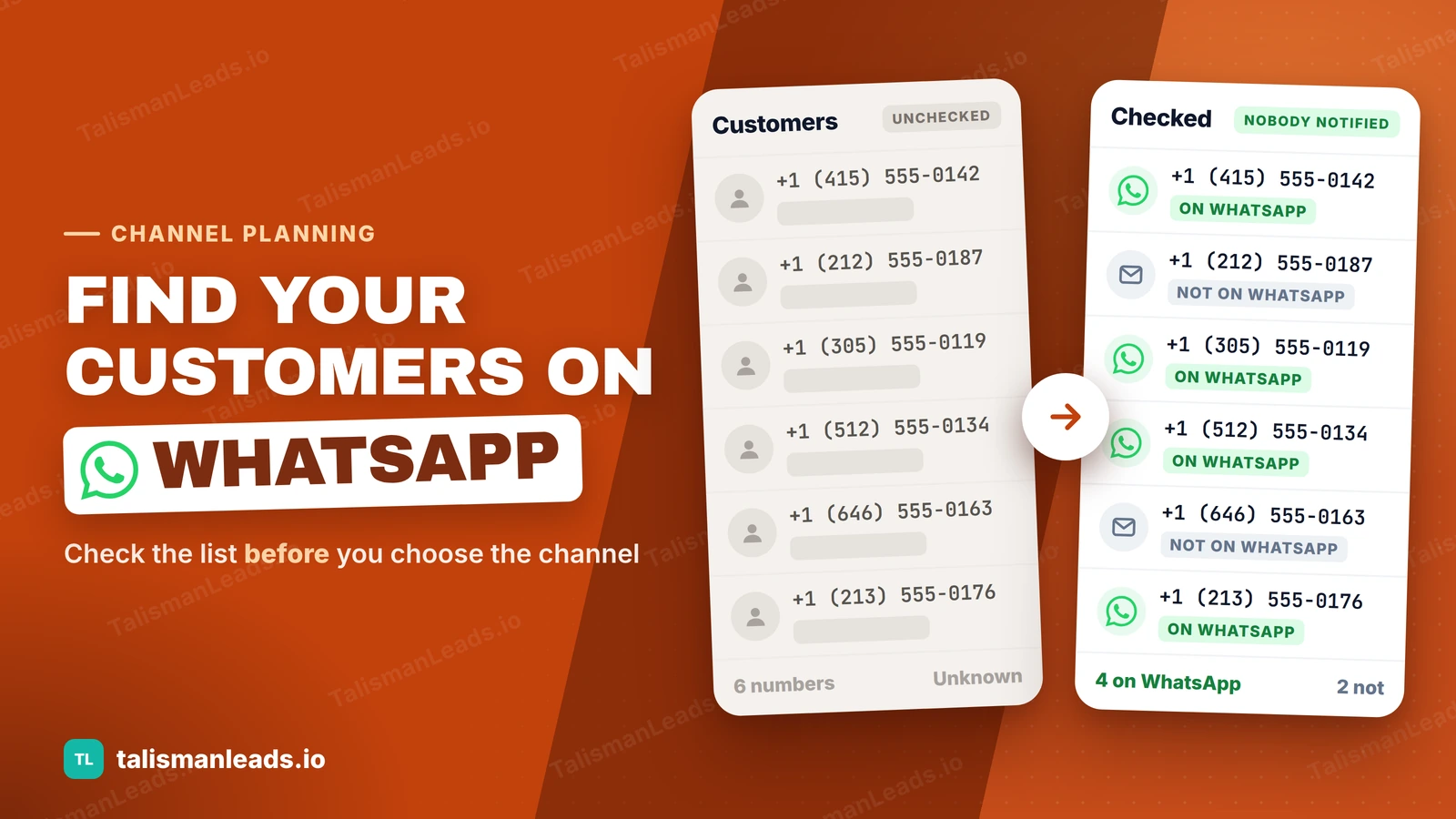
To check which of your customers use WhatsApp, export their phone numbers, put them in international format and run the list through a bulk WhatsApp check. Each number comes back registered or not registered, and nobody on the list is messaged or notified. The share that comes back registered tells you whether WhatsApp is worth setting up as a channel, and which customers to invite there and which to keep on email or SMS.
This guide is for a business planning a channel for its own customers. It covers what the check returns, how to read the result without fooling yourself, what WhatsApp lets a business do next, and how to run the check on a whole list.
What a WhatsApp check tells you, and what it does not#
A WhatsApp registration check answers one question per number: is there a WhatsApp account on it? On TalismanLeads the result file gives:
- Registered or not registered for every number.
- The number in international format, exactly as it was checked.
- Separate files for the registered and the unregistered numbers, so each can go straight into its own segment.
- A count of each result, which is your registered share.
The check is passive. No message, contact request or call goes to anyone, so a customer never learns their number was checked.
It does not tell you that the customer agreed to hear from you on WhatsApp, that they read their messages there, or that the person holding the number today is the customer who gave it to you. Those gaps matter more on WhatsApp than on most channels, because WhatsApp's rules are built around consent (see "What WhatsApp lets a business do next" below).
Why check before you choose WhatsApp#
WhatsApp is the world's largest messaging app: more than 3 billion people in over 180 countries use it. In the US the picture is patchier. Meta reported more than 100 million monthly users in the US in April 2025, and the Pew Research Center found that about a third of US adults use WhatsApp, with use much higher among Hispanic and Asian American adults than among other groups.
So a national figure will not tell you about your customers. A store whose customers have family in Latin America or India may find most of its list on WhatsApp; a local service business in the Midwest may find far fewer. Setting up WhatsApp properly takes work (a business number, an opt-in step, message templates, someone to answer), so measure your own list before you commit:
- Is the channel worth opening? A high registered share means many customers could say yes to WhatsApp updates. A low one means your effort is better spent on email or SMS.
- Where should you ask for opt-in? If most of one segment is registered, that is where a "Get updates on WhatsApp" box at checkout earns its place.
- What should the rest receive? Unregistered customers stay on the channels they can actually receive.
If you are still choosing between apps, our comparison of WhatsApp, Telegram, Signal and Viber for business sets out what each allows.
How to check your customer numbers in bulk#
- Export the numbers. Take the phone column from your CRM, store or booking system: customers who gave you their number.
- Put them in international format. The check needs the country code on every number (+14155550142, not (415) 555-0142). The most common mistake we see is a US list saved as ten-digit numbers. The free Number Cleaner (in Free Tools, with a free account) takes a pasted or loaded list, adds the country code you pick for numbers that lack one, removes duplicates and invalid entries, and gives you a clean .txt file.
- One country per file. A WhatsApp file is refused unless at least 90% of its numbers share a country, and nothing is charged for a refused file. Split a mixed list by country code first.
- Upload and see the price. Choose the WhatsApp check on the website, or send the file to the Telegram bot. The exact price shows before anything is charged: $0.69 per 10,000 numbers, with each file billed as at least 2,000 numbers. A file of 1,000 numbers costs $0.14, and a list of 25,000 costs $1.73.
- Download the results. The check usually finishes within minutes. You get the result file with each number marked, the two separate files and the counts.
The same check runs from your own systems through the TalismanLeads API with the checker id whatsapp_status_detection. You pay from a prepaid balance whose credits never expire, and a check that cannot be completed is refunded to your balance. Businesses can try it on their own list with a $5, 14-day free trial.
How to read the registered share honestly#
Say a US retailer cleans an export of 8,400 numbers down to 7,900 (dropping duplicates and invalid entries) and 3,160 come back registered. That is 40% of the numbers checked. Here is how to read it without over- or under-selling it to yourself:
- It is a share of numbers, not of customers. Clean the list first. Duplicates inflate both sides, and an office landline or a store's main line will never be a customer's personal WhatsApp. A landline or mobile check separates those out.
- It is a ceiling for opt-in, not a forecast. Registered means the number has an account. Only the customers who agree to hear from you there can be messaged, so plan on fewer than 3,160.
- "Not registered" means not found on that number. The customer may use WhatsApp on a different number, or have changed numbers since they gave you this one. Keep them on email or SMS rather than writing them off.
- Compare segments, not just the total. Check repeat buyers, recent sign-ups and each country as separate files. A 40% total can hide 70% among one group and 15% in another, and the decision is usually made segment by segment.
- It is a snapshot. Numbers are reassigned and people switch apps, which is why phone lists go stale. Check again before you reuse a list months later.
What WhatsApp lets a business do next#
A registered number is a customer you could invite, not one you can message. WhatsApp offers businesses two products: the free WhatsApp Business app, built for small businesses answering from a phone, and the WhatsApp Business Platform, its API for messaging at scale through Meta or a provider. The rules below are Meta's, from its own pages; read them there before you launch, as they change.
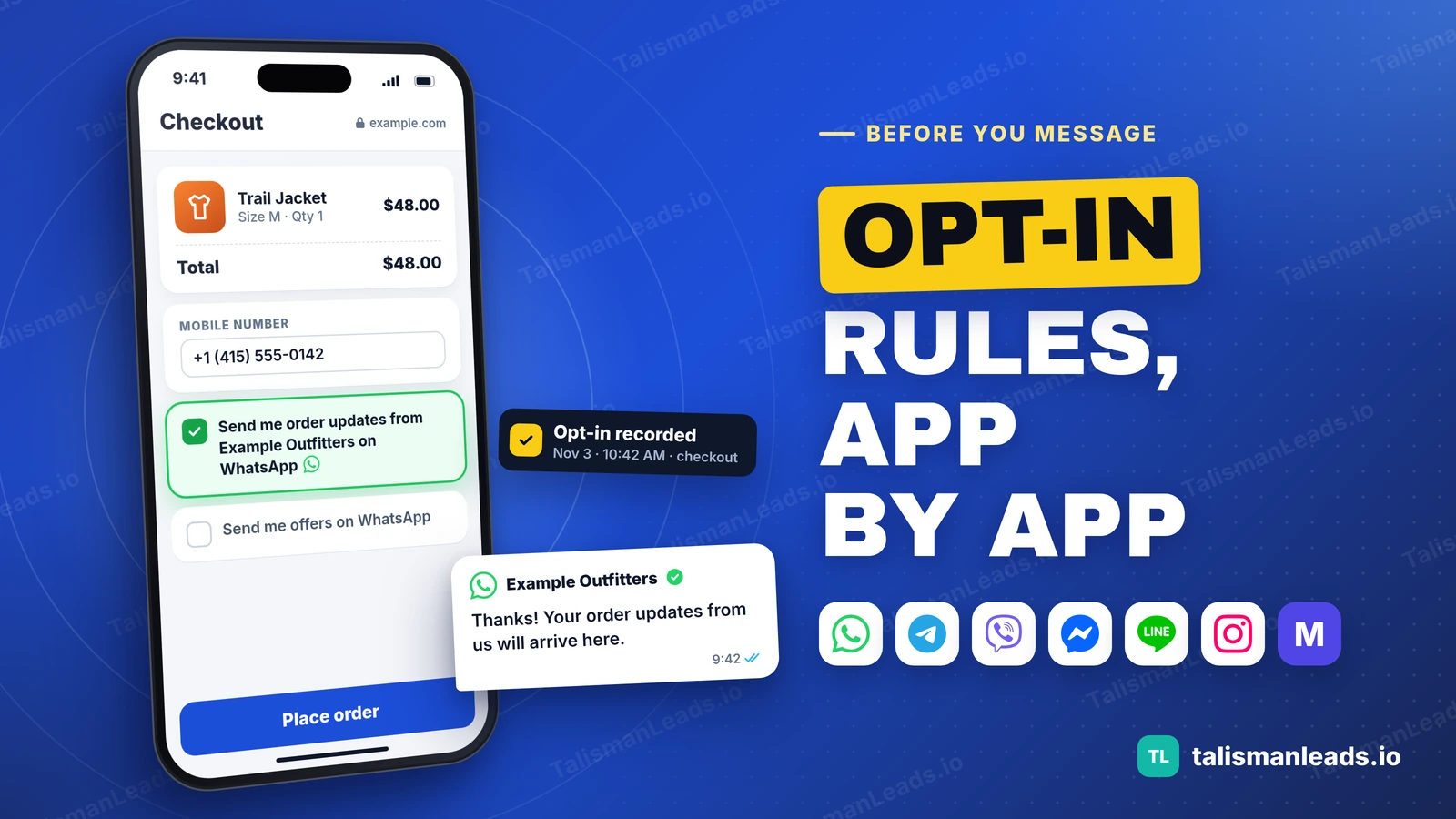
- Opt-in first. WhatsApp's Business Messaging Policy lets a business contact people only if they gave their number and opted in. Meta's opt-in guide says the opt-in must state the business's name and that the person is agreeing to hear from it. It can be collected on your website, at checkout, by SMS, by phone or in person.
- The 24-hour customer service window. When a customer messages or calls you, a 24-hour window opens in which you can reply freely. When it closes, you can send only pre-approved template messages.
- Approved templates. Every template is reviewed by Meta and must be approved before it is sent, and each is put in one of three categories: marketing, utility or authentication.
- Per-message pricing. Meta charges per template message, by category and country. Since October 1, 2026, replies inside the service window are free only for the first 1,000 per business number each month.
- Quality decides your reach. Customers can block or report a business, and Meta rates a business's quality from blocks, reports and similar feedback. A new account can start conversations with only a limited number of people a day, and a low quality rating can hold a business back. Messaging people who never opted in is the quickest way to get there.
- On the Business app, broadcast lists reach only saved contacts. A broadcast from the app arrives only for customers who saved your number in their contacts, which is one more reason the opt-in step comes first.
In practice the result file feeds the opt-in campaign, not the message queue: offer WhatsApp updates to the registered segment through the channels they already use with you (an email, a receipt, a box at checkout), and message on WhatsApp only those who say yes.
Check your own customers only#
This check is for numbers your customers gave you, to decide how best to serve them. It is not for bought or scraped lists, and not for finding out whether some private person uses WhatsApp. WhatsApp's own policy forbids messaging people who did not opt in, so a list of strangers would be useless as well as wrong. Keep the result for the decision it was run for, and delete what you do not need.
Frequently asked questions#
How do I check if a number is on WhatsApp in bulk?#
Save the numbers from one country as a .txt file, one per line with the country code (for example +14155550142), and upload it to a bulk WhatsApp check such as the one on TalismanLeads. Each number comes back registered or not registered, with separate files for each and a count of both.
Does the customer find out their number was checked?#
No. Nothing is sent to the number: no message, contact request or notification.
Can I message every customer who comes back registered?#
No. WhatsApp's policy requires the customer's opt-in to hear from your business. Use the registered list to decide where to ask for that opt-in, and message only those who agree.
What share of US customers is likely to be on WhatsApp?#
It depends heavily on who your customers are. Pew found about a third of US adults use WhatsApp, with much higher use among Hispanic and Asian American adults, so one business's list can come back far above or far below that. Checking your own list replaces the guess with your own figure.
How much does a bulk WhatsApp check cost?#
$0.69 per 10,000 numbers, with each file billed as at least 2,000 numbers. The exact price shows before you confirm, and a file that cannot be checked is refunded.
Can I check numbers from several countries in one file?#
Not in one file. Split the list by country code: a file is refused, without charge, unless at least 90% of its numbers share a country.
Run your own customer list through the WhatsApp check and see how many of your customers you could invite to WhatsApp before you build the channel.
Was this helpful?